Black plate (242,1)
北米Model "A1120BE-B" EDITED: 2011/ 10/ 28
5-16 Audio
received in an area where the analog
signal can be properly received, or the
system frequently switches the chan-
nels between the digital and analog
signals. However, this does not indi-
cateamalfunction.Ifthisfrequent
switching between digital and analog
causes annoyance, set the radio to the
analog mode (HD Radio off mode) that
provides the same radio broadcasting
quality as a conventional radio.
& Displaying radio PS (Pro-
gram Service Name) and RT
(Radio Text)
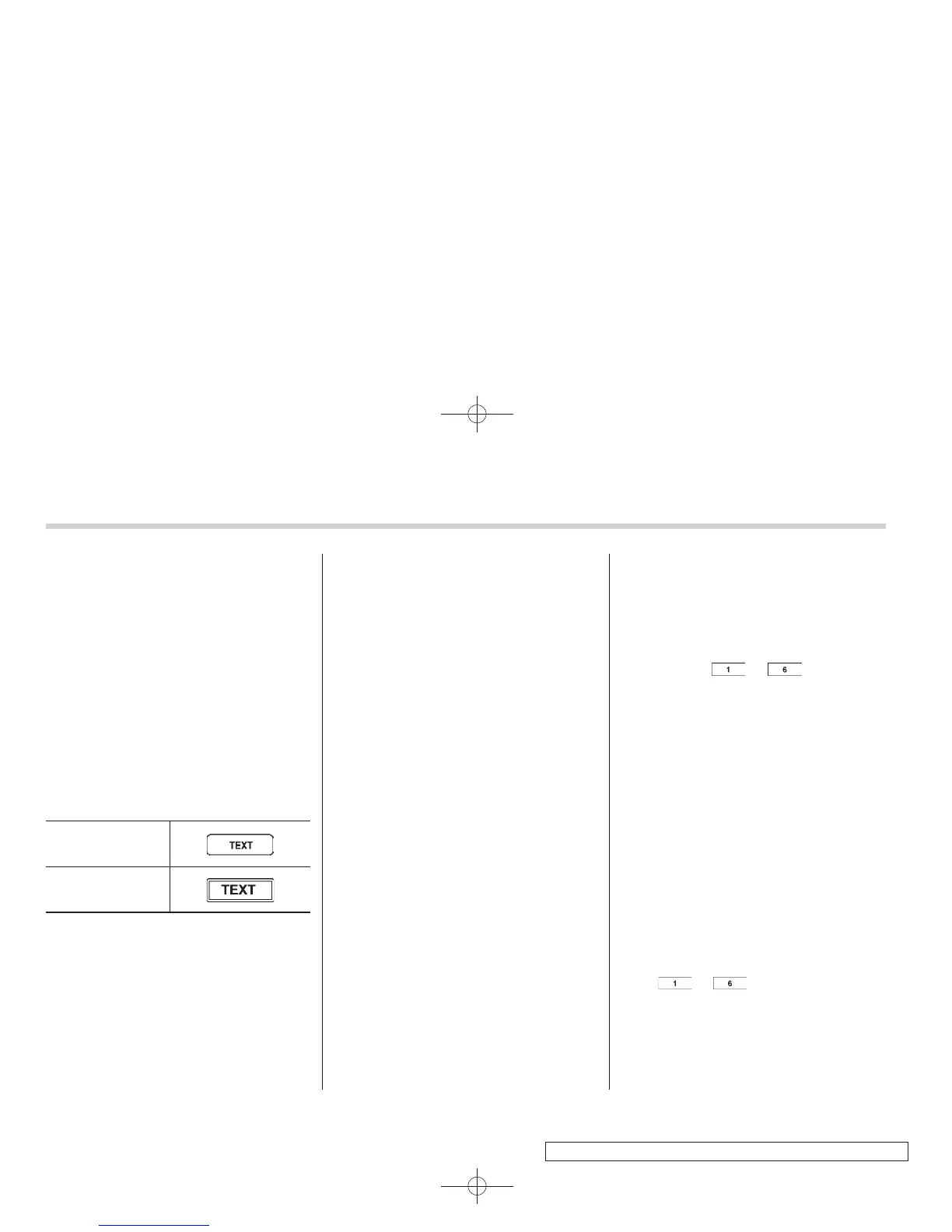
Type A audio
Type B and C audio
! Type A and B audio
If the PS (Program Service Name) and/or
RT (Radio Text) are available, pressing
the “TEXT” button changes the display
among PS, RT and frequency. The default
setting is “PS”.
NOTE
. The maximum number of characters
that can be displayed for PS is 8.
. The maximum number of characters
that can be displayed for RT is 64.
. If RT is 13 characters or longer,
press and hold the “TEXT” button in
order to change the page.
! Type C audio
Press the “TEXT” button to show the next
page when the text is not fully displayed
while the PSD (Program Service Data) or
RT (Radio Text) service is received.
NOTE
. When the H D Radio function is
turned on, PSD provides additional
information about the broadcast. Text
data such as “Title” and “Artist” is
displayed on the screen.
. When the H D Radio function is
turned off (HD Radio off mode), the
radio text is displayed on the screen
while receiving the broadcasting sta-
tion with RBDS (Radio Broadcast Data
System).
& Station preset
! How to preset stations
1. Select the preferred reception mode.
2. Select the preferred station.
3. Press and hold one of the preset
buttons (from
to ) to store the
frequency. If the button is pressed briefly,
the preceding selection will remain in the
memory.
NOTE
. Up to six stations for each reception
mode may be preset.
. If the connection between the radio
and battery is broken for any reason
such as vehicle maintenance or radio
removal, all stations stored in the
preset buttons are cl eared. If thi s
occurs, it is necessary to reset the
preset buttons.
! Selecting preset stations
1. Select the preferred reception mode.
2. Press the preferred preset button
(from
to ) briefly.
! Auto-store (type C audio)
Using the Auto-store function, you can
automatically store 6 stations on the
current waveband (FM-AS or AM-AS) by















 To Next Page