Black plate (248,1)
北米Model "A1120BE-B" EDITED: 2011/ 10/ 28
5-22 Audio
! Page (track/folder title) scroll
If you press the “TEXT” button again and
hold it, the title will be scrolled so you can
see all of it.
NOTE
. For type A audio, the display is
designed to show titles for up to 24
characters.
. For type B audio, the display is
designed to show titles as shown in
the following items.
– When playing a CD-DA: 256 char-
acters
– When playing an MP3/WMA/AAC:
64 characters
– WhenplayinganiPod
®
: 255
characters
. If no operations are performed for 10
seconds, the screen that was displayed
before pressing and holding the
“TEXT” button will be shown.
& Folder selection
NOTE
. Sel ecting folders in this way is
possible only within a single disc.
. Only MP3/WMA/AAC folders are re-
cognized when an attempt to select the
next or previous folder is made. If no
appropriate folder exists on the disc,
pressing the “
” or “ ” side of the
“FOLDER/PTY/CAT” button starts play-
back beginning with the first track.
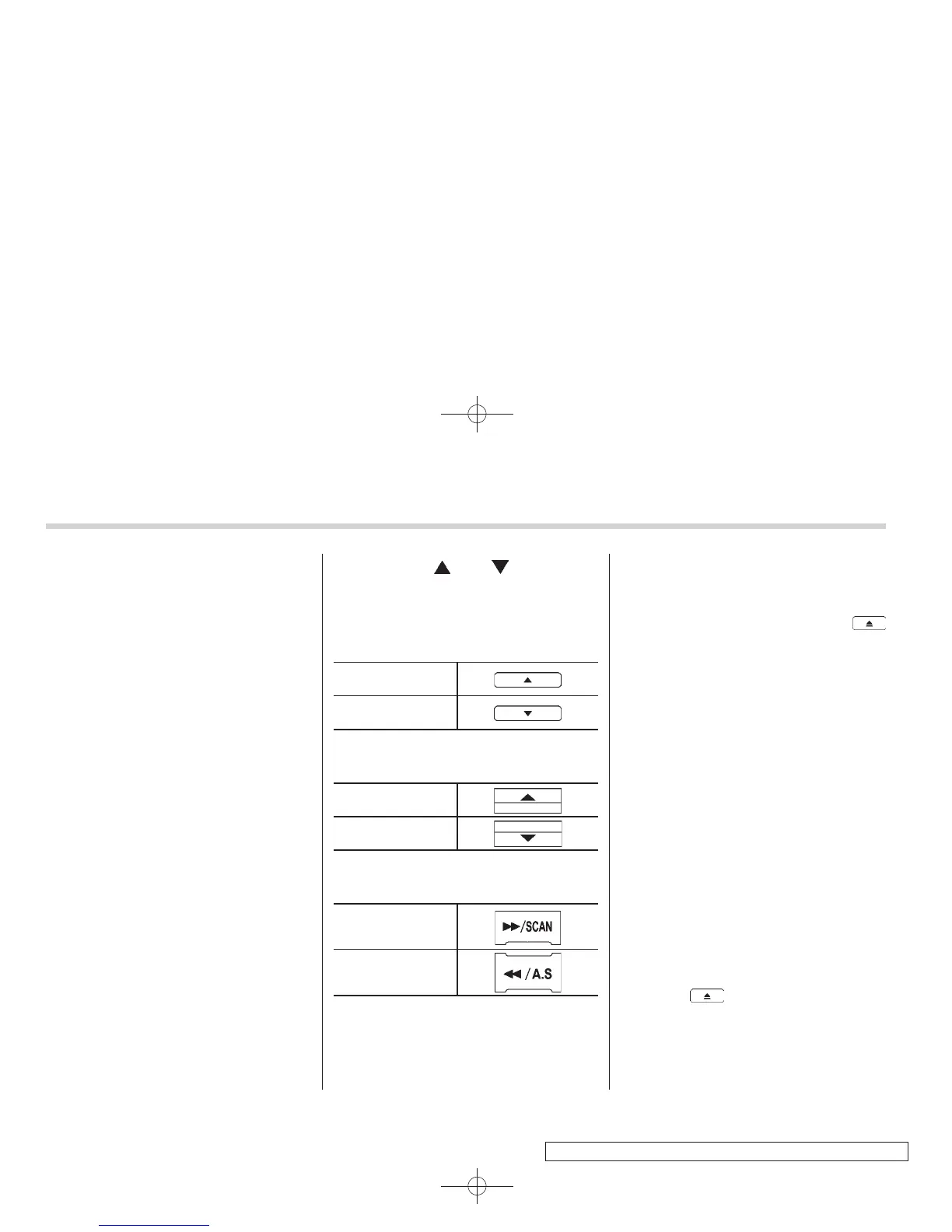
Press the following buttons briefly.
Type A audio:
To select the next
folder
To go back to the
previous folder
Type B audio:
To select the next
folder
To go back to the
previous folder
Type C audio:
To select the next
folder
To go back to the
previous folder
& How to eject a CD from the
player
When a disc is being played back or when
a disc is in the player, press the
button. The disc will be ejected.
NOTE
. Avoid driving the vehicle with a CD
sticking out. The CD may fall out due to
vibration.
. If you do not remove the ejected
disc within approximately 15 seconds,
a disc protection function will operate,
automatically reloading the disc. In this
case, the disc is not played.
& When the following mes-
sages are displayed
If one of the following messages is
displayed while operating the CD player,
determine the cause based on the follow-
ing information. If you cannot clear those
messages, please contact your SUBARU
dealer.
! When “PUSH EJECT” is displayed
Press the
button to eject the disc.
Check the disc for damage or deforma-
tion, and also check that the correct disc is
inserted. Do not try to eject the disc
forcibly. Mini CDs (i.e., 8 cm/3 inch CDs)















 To Next Page