Black plate (235,1)
北米Model "A1120BE-B" EDITED: 2011/ 10/ 28
! Other settings (type A and B audio)
Type A audio
Type B audio
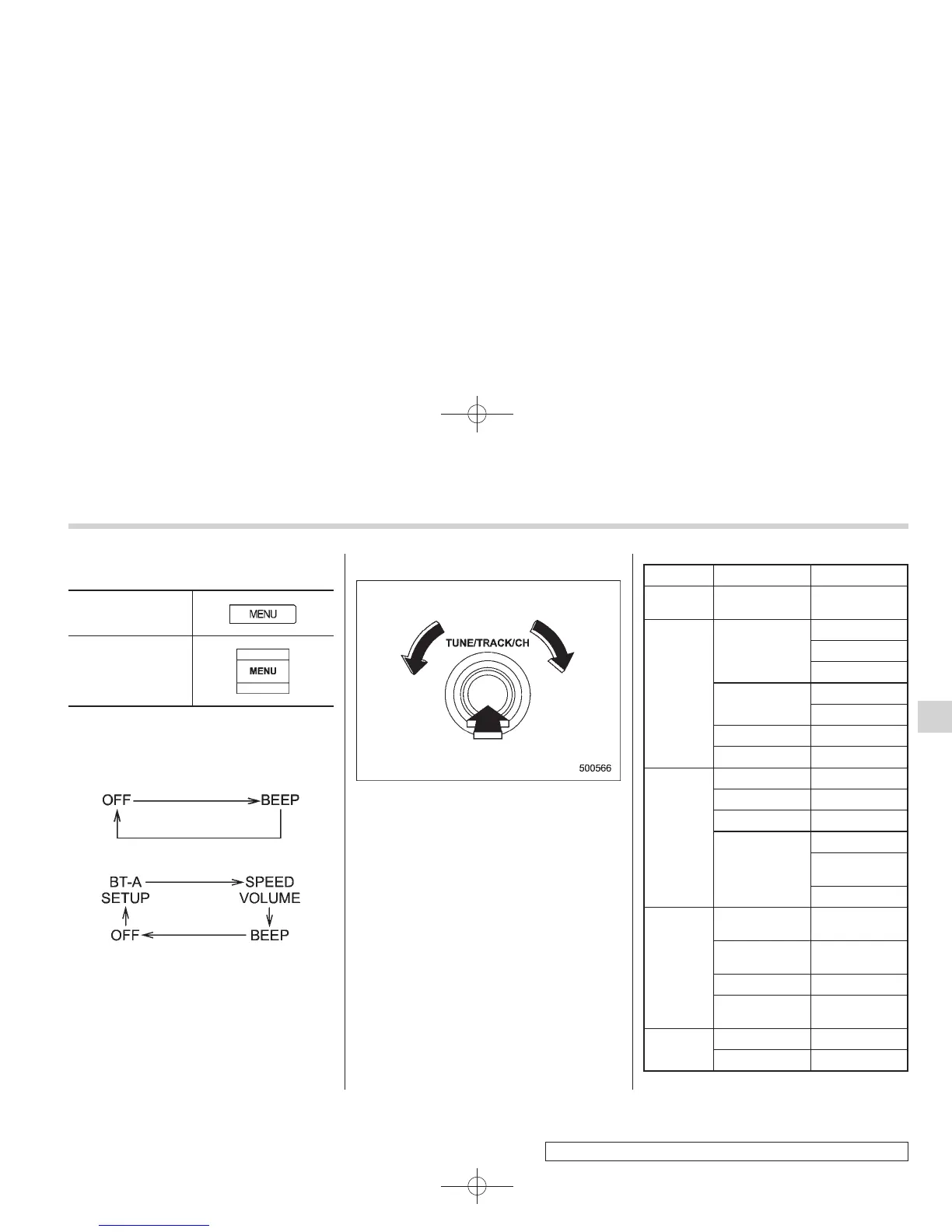
Each brief press of the “MENU” button
changes the control modes in the follow-
ing sequence.
Type A audio:
Type B audio:
Choose the preferred settings for each
mode by turning the “TUNE/TRACK/CH”
dial.
The control function returns to the tune/
track/channel control mode after approxi-
mately 5 seconds.
! Audio settings (type C audio)
1. Press the “TUNE/TRACK/CH” dial to
display “SETTING Menu”.
2. Operate the “TUNE/TRACK/CH” dial
to select the preferred menu. You can
select the menu as shown in the following
chart.
First menu Second menu Third menu
Screen
OFF
——
Sound Tone
Bass
Mid
Treble
Balance
Balance
Fader
SVC —
SRS Sound —
Screen
Brightness —
Contrast —
Screen Size —
Screen Saver
Picture Select
Picture Down-
load
Picture Erase
BT Audio
Setup
Pair Audio
Player
—
Select Audio
Player
—
Set Passkey —
Delete Audio
Player
—
Others
HD ON/OFF —
Initialize
—
Audio
5-9
– CONTINUED –
5















 To Next Page