No. Function
&
1
Select “Day/Night Mode”.
“Auto”, “Day”,or“Night” can be se-
lected on the pop-up screen.
When “Auto” is selected, the screen
changes to day or night mode de-
pending on the position of the head-
light switch.
&
2
Select “Brightness”.
Press “+” or “-” to adjust the bright-
ness.
NOTE
. When the screen is viewed through
polarized sunglasses, a rainbow pat-
tern may appear on the screen due to
optical characteristics of the screen. If
this is disruptive, please operate the
screen without polarized sunglasses.
. If the screen is set to “Day” mode
with the headlight switch turned on,
this condition is memorized even with
the engine turned off.
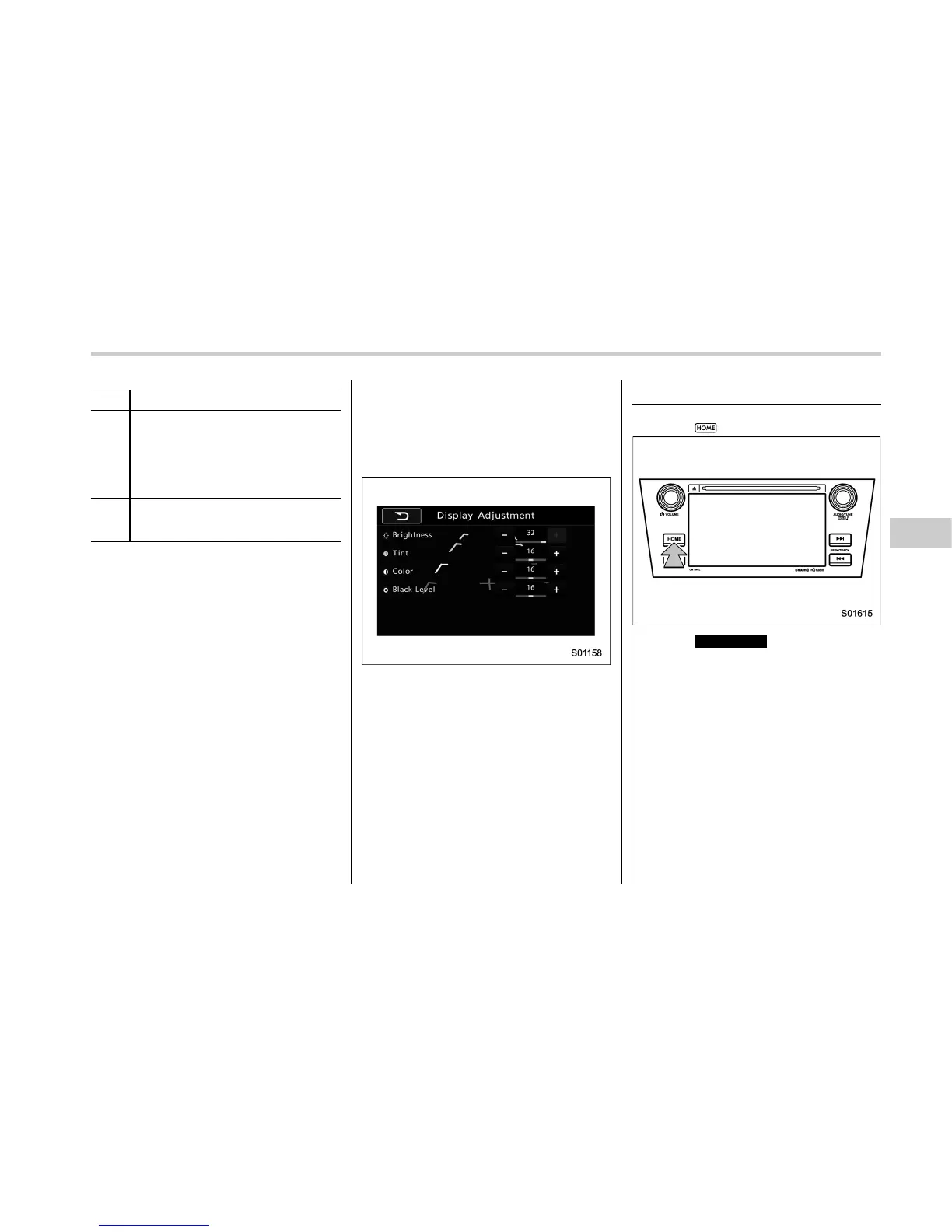
In Camera display, the brightness, tint,
color, and black level of the screen can be
adjusted.
1. Set the shift lever or select lever to the
position “R”.
2. Touch the items to be set after the rear
camera monitor is displayed.
NOTE
The Camera display can be accessed
when the rear camera monitor is dis-
played.
Camera display
Other settings
1. Select .
2. Select
SETTINGS
(SETTINGS).
3. Select the items to be set.
Audio/Other settings
– CONTINUED –
5-9















 To Next Page