Audio/Phone operation (Hands–free system for cellular phones)
! When selling or disposing of the
vehicle
A lot of personal data is registered when
the hands-free system is used. When
selling or disposing of the vehicle, initialize
the data. Refer to “Other settings” F5-9.
. The following data in the system can
be initialized:
– Contact data
NOTE
Once initialized, the data and settings
will be erased. Pay much attention
when initializing the data.
& Calling on the Bluetooth
phone
After a Bluetooth phone has been regis-
tered, a call can be made using the hands-
free system. There are several methods
by which a call can be made, as described
below.
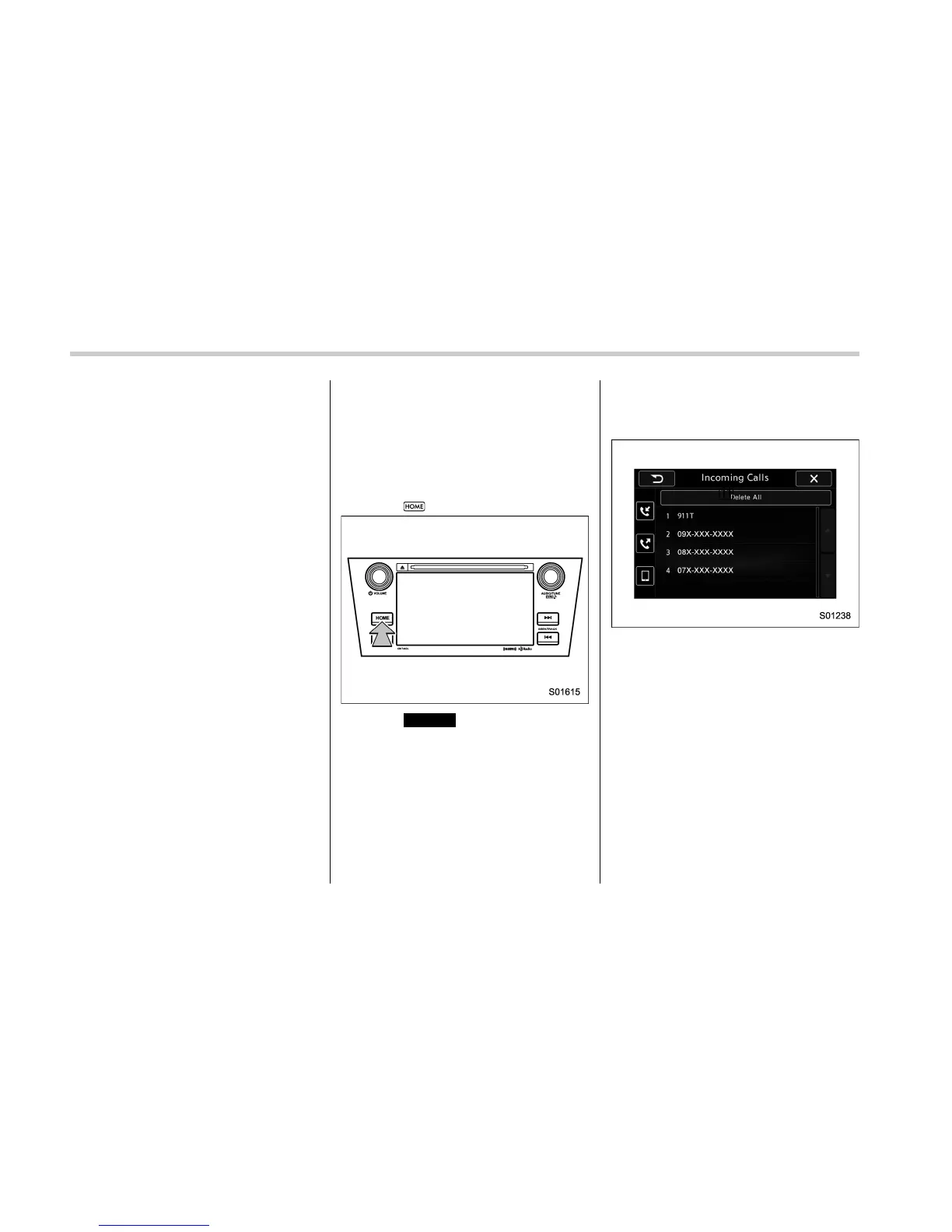
1. Select
.
2. Select
PHONE
(PHONE).
3. Select the desired tab to call from.
. On the PHONE screen, select “Incom-
ing Calls” to open the Incoming Calls
screen. Refer to “Quick reference” F5-86.
Incoming Calls screen
5-90















 To Next Page