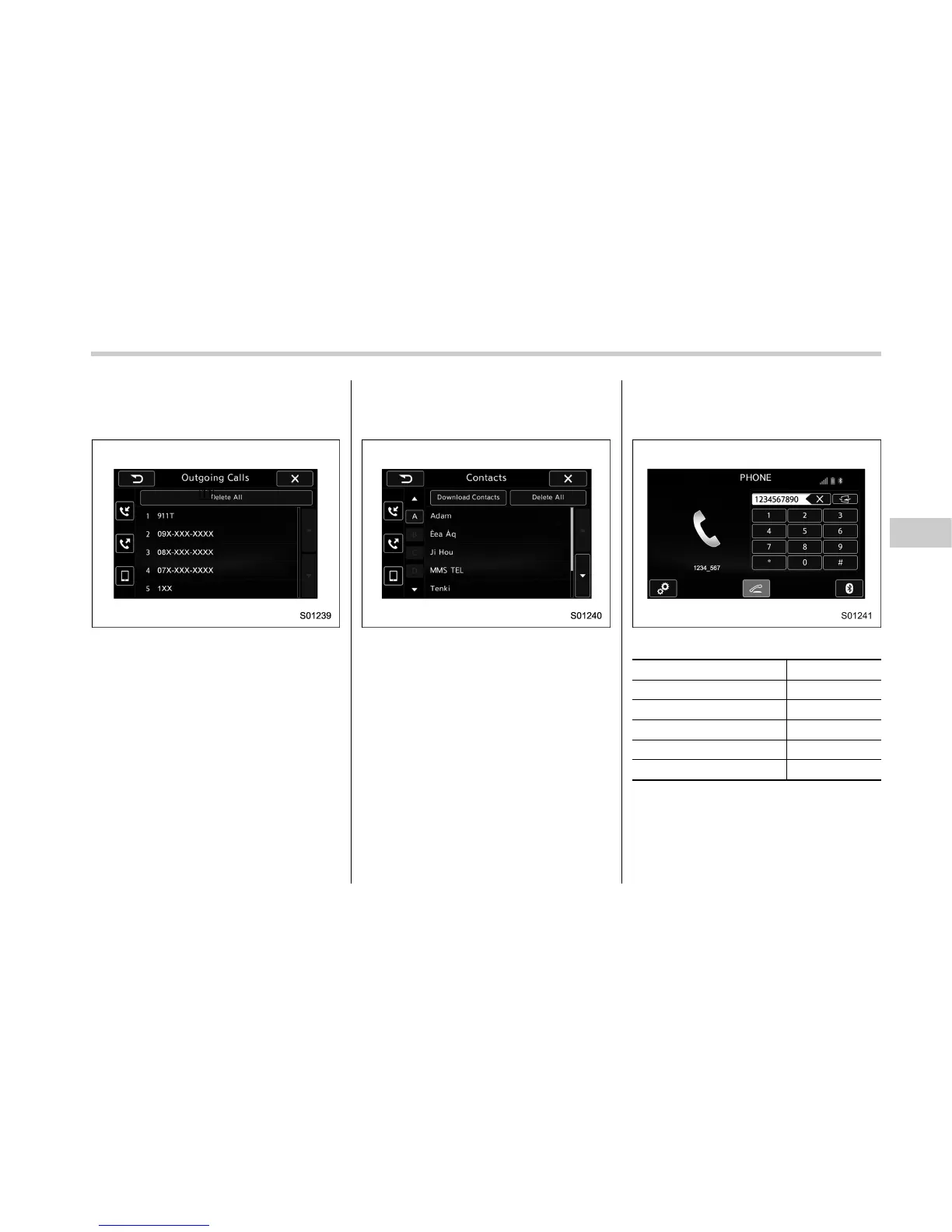
. On the PHONE screen, select “Out-
going Calls” to open the Outgoing Calls
screen. Refer to “Quick reference” F5-86.
Outgoing Calls screen
. On the PHONE screen, select “Con-
tacts” to open the Contacts screen. Refer
to “Quick reference” F5-86.
Contacts screen
. On the PHONE screen, select “Dia-
lpad” to open the Dialpad screen. Refer to
“Quick reference” F5-86.
PHONE (Dialpad) screen
How to make a call list Page
By call history 5-92
By contacts list 5-94
By dialpad
*1
5-96
By off hook switch 5-97
By voice command system
5-107
*1
: The operation cannot be performed while
driving.
Audio/Phone operation (Hands–free system for cellular phones)
– CONTINUED –
5-91















 To Next Page