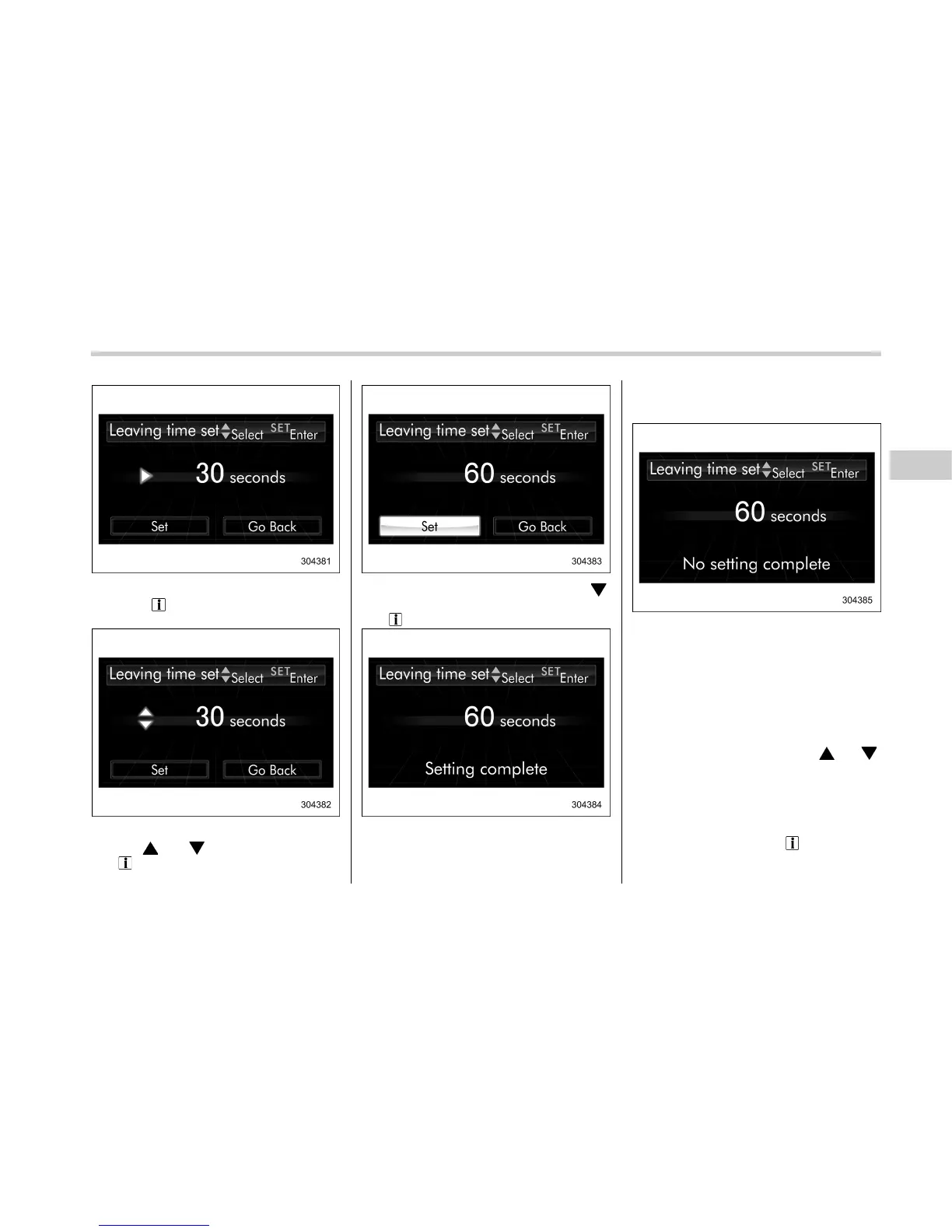
4. The current setting will be displayed.
Pull the “
/SET” switch toward you to
enter the selection mode.
5. Select the preferred setting by operat-
ing the “
” or “ ” switch, and then pull
the “
/SET” switch toward you.
6. Select “ Set” by operating the “ ”
switch, and confirm the setting by pulling
the “
/SET” switch toward you.
7. The system will notify you that the
setting is complete.
If the setting is not available, the following
notification will be displayed. In this case,
perform the setting procedure again.
! Approaching time setting
The setting procedure is the same as
“Leaving time setting” F3-80, but select
the “Approaching time set” item in step 3.
& Initialize
Items that have been set to your pre-
ference can be initialized. To select an
initialization menu, operate the “
” or “ ”
switch as follows.
! Preparation for initialization
1. Turn the ignition switch to the “ON”
position.
2.Pullandholdthe“
/SET” switch
toward you to show the selection screen.
Instruments and controls/Multi function display
– CONTINUED –
3-81















 To Next Page