Audio/Bluetooth
®
settings
Bluetooth
®
settings
& Registering/connecting
Bluetooth
®
device
The Bluetooth
®
word mark and logos are
registered trademarks owned by Bluetooth
SIG, Inc.
! Registering a Bluetooth phone for
the first time
To use the hands-free system, it is
necessary to register a Bluetooth phone
with the system.
Once the phone has been registered, it is
possible to use the hands-free system.
This operation cannot be performed while
driving.
For details about registering a Bluetooth
device: Refer to “Registering a Bluetooth
device” F5-83.
1. Turn the Bluetooth connection setting
of your cellular phone on.
. This function is not available when
Bluetooth connection setting of your
cellular phone is set to off.
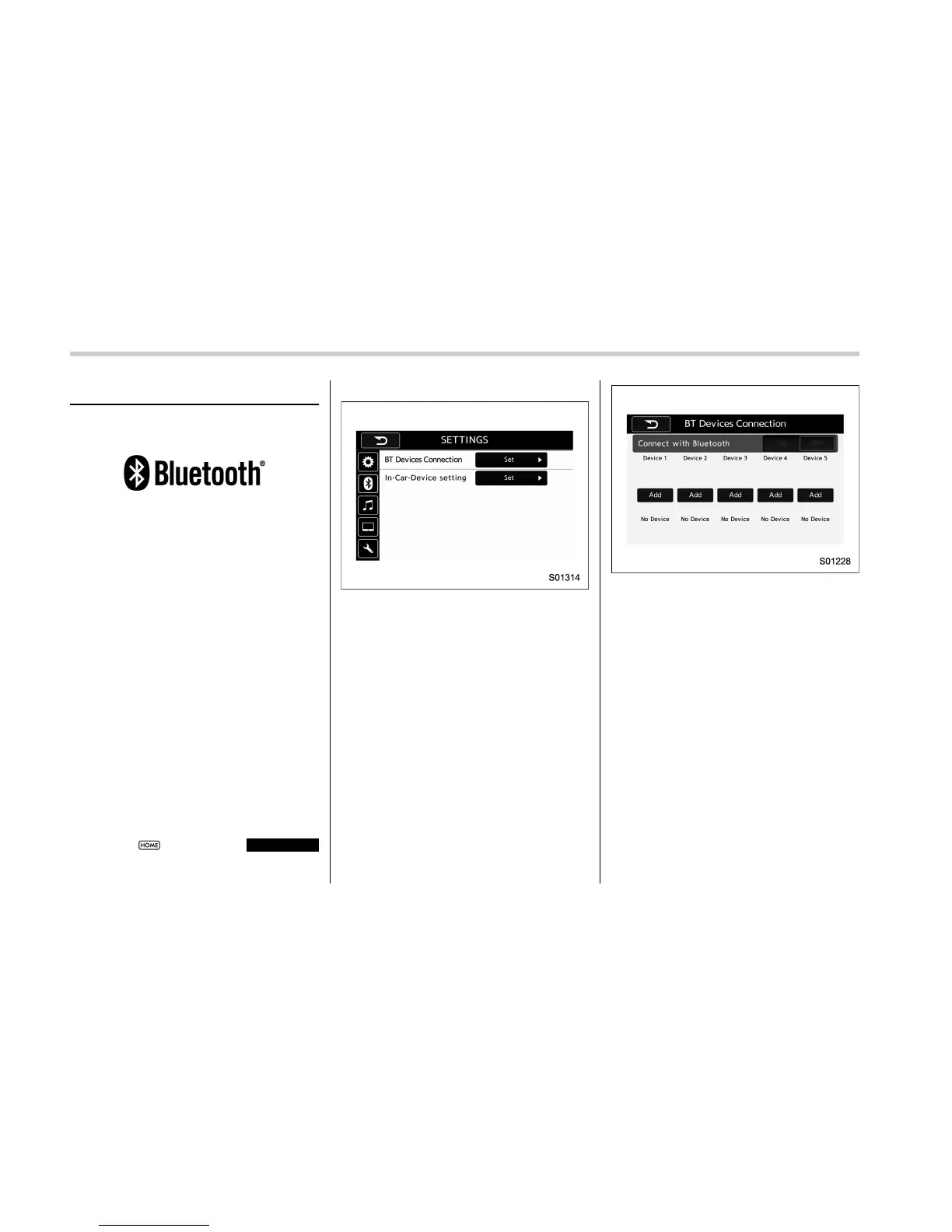
2. Select
and select
SETTINGS
(SETTINGS) to display the SETTINGS
screen.
Settings (When selecting the “BT” tab)
3. To register a device, select “Add” on
“BT Devices Connection”.
“BT Devices Connection” screen (At the
initial startup and when no device is
registered.)
4. When this screen is displayed, search
for the device name displayed on this
screen on the screen of your Bluetooth
device.
5-80















 To Next Page