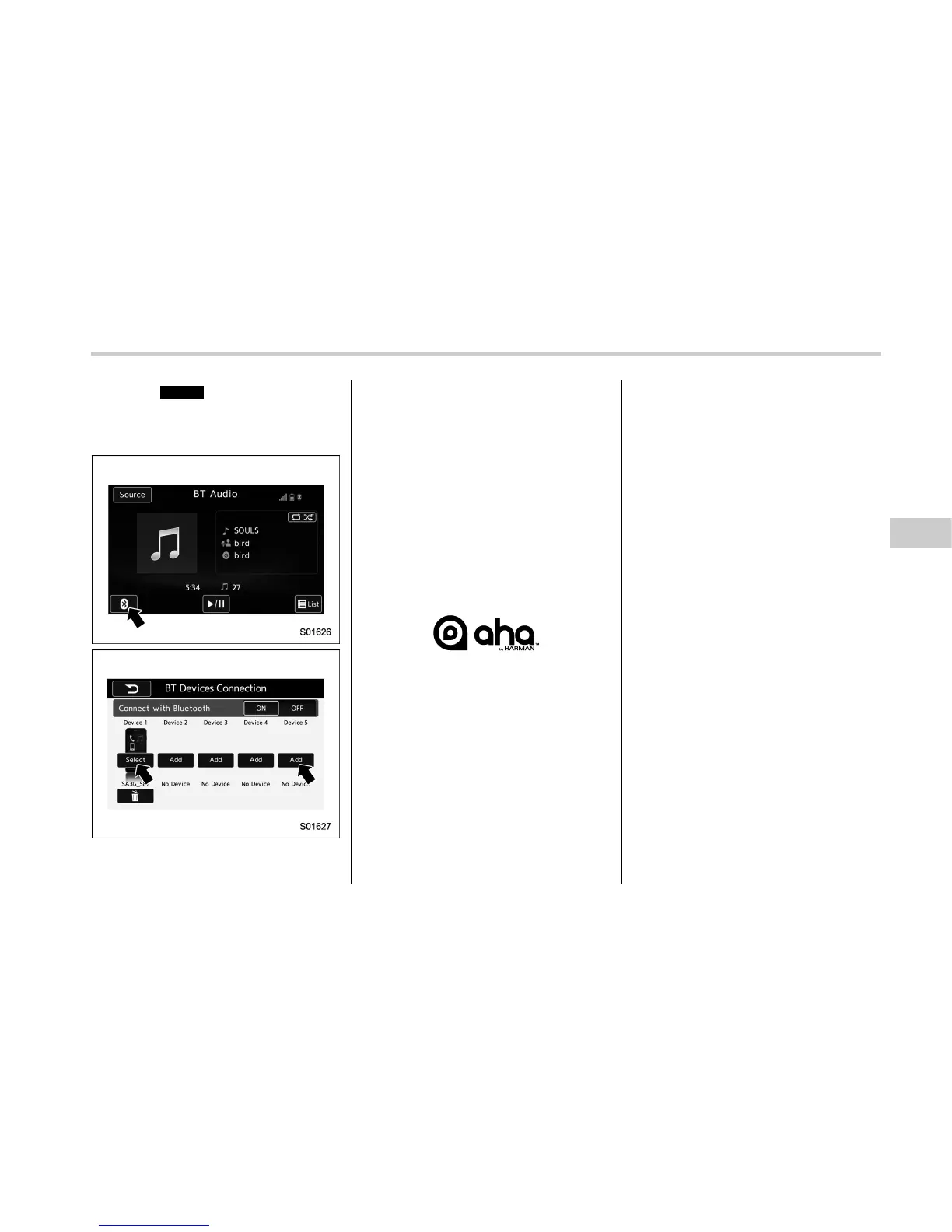
2. Select
Select
(Select) on the BT
Devices Connection screen.
3. For more information: Refer to “Con-
necting a Bluetooth device” F5-84.
& aha
TM
by HARMAN
aha is a cloud-based application that
connects to the system and gives you
access to your favorite web content safely
and easily. There are over 30,000 stations
spanning internet radio, personalized mu-
sic, audiobooks, Facebook, Twitter, res-
taurant and hotel searches, weather and
more. For more information about aha, go
to the aha site (http://www.aharadio.com).
aha
TM
and the aha logo are the trade-
marks of HARMAN International Indus-
tries, Incorporated
When connecting iPhone and iPod touch
or Android devices with the aha applica-
tion installed, you can control, view, and
hear aha content through the system.
In order to connect to this system, use a
USB port for an iPhone or iPod touch and
Bluetooth for Android devices.
In this chapter, iPhone and iPod touch or
Android devices will be referred to as a
smartphone.
Audio/Media operation
– CONTINUED –
5-63















 To Next Page