Audio/Media operation
. For the aha function, the following
touch screen gestures are not avail-
able.
– Multi-touch operation
– Double-tap
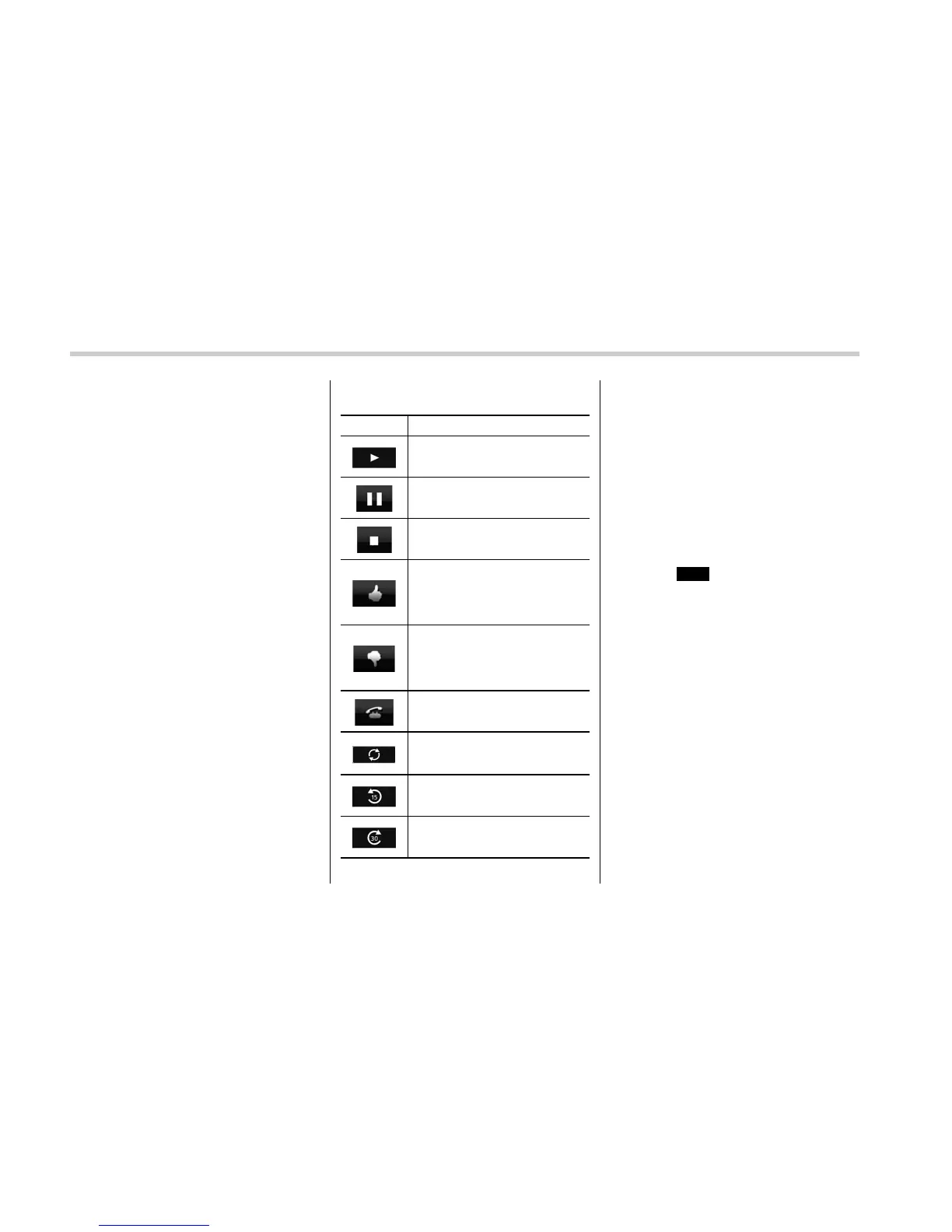
! Station operation screen buttons
Button Function
Select to start playback.
Select to pause playback.
Select to stop playback.
Select to upload “Like” informa-
tion to the application server. To
cancel “Like” information that is
being uploaded to the server,
select this button again.
Select to upload “Dislike” infor-
mation to the application server.
To cancel “Dislike” information
that is being uploaded to the
server, select this button again.
Select to make a phone call to
the current content item.
Select to start the playback from
the beginning of the content in
the target station.
Select to rewind the current
content item by 15 seconds.
Select to fast forward the current
content item by 30 seconds.
NOTE
The button display will vary depending
on each station or content item.
& AUX
! Overview
The AUX operation screen can be
reached by the following methods:
. Connect a portable audio device. Refer
to “Connecting and disconnecting a USB
memory/portable device” F5-5.
. Select
AUX
(AUX) on the “Select
Audio Source (Select Audio Source)”
screen. Refer to “Selecting an audio
source” F5-12.
5-72















 To Next Page