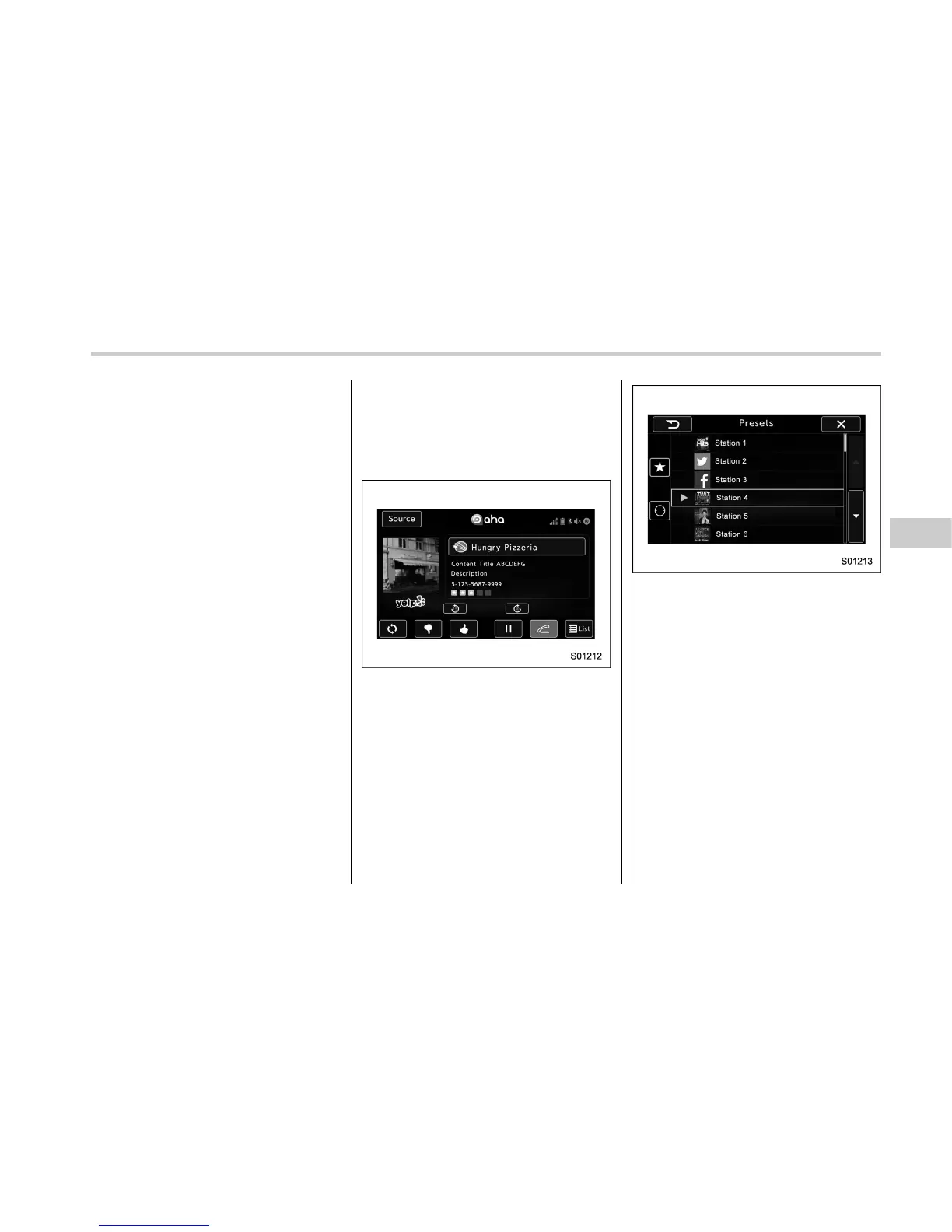
! Using aha application
Ifyouconnectasmartphonetothis
system after starting a supported aha
application on the smartphone, you can
display and operate the aha application
displayed on the smartphone on the
system screen.
NOTE
. Connect a smartphone to the USB
port before turning the ignition switch
to the “ACC” or “ON” position.
. When it is not played back normally,
press the POWER/VOLUME knob twice
while a USB cable is connected.
1. Run the aha application on your
smartphone.
2. Connect the iPhone/iPod touch to the
USB port or connect the Android device
by utilizing the Bluetooth connection (SPP
and A2DP profile).
. For details about connecting an
iPhone/iPod touch: Refer to “Connect-
ing and disconnecting a USB memory/
portable device” F5-5.
. For details about registering or con-
necting an Android device: Refer to
“Registering/connecting Bluetooth
®
device” F5-80.
Press AUDIO/TUNE knob twice to switch
between iPhone and Android.
3. Select “aha” on the “Select Aud io
Source (Select Audio Source)” screen.
Refer to “Basic operation” F5-11.
Select “aha” on the “Apps (APPS)” screen.
Refer to “STARLINK” F5-29.
4. Check that the top screen is displayed.
5. Select the desired station.
6. Check that the station operation
screen is displayed.
. Main functions of the station opera-
tion screen button: Refer to “Station
operation screen buttons” F5-72.
. For details on the services or the
operations, check the aha site
(http://www.aharadio.com) on the in-
ternet.
NOTE
. When iPhone/iPod touch and An-
droid devices are connected at the
same time, iPhone/iPod touch is prior-
itized.
. The following operations are not
available on this system. Perform these
operations on the smartphone.
– Add/Reorder/Delete stations
– Login to Facebook/Twitter
Audio/Media operation
– CONTINUED –
5-71















 To Next Page