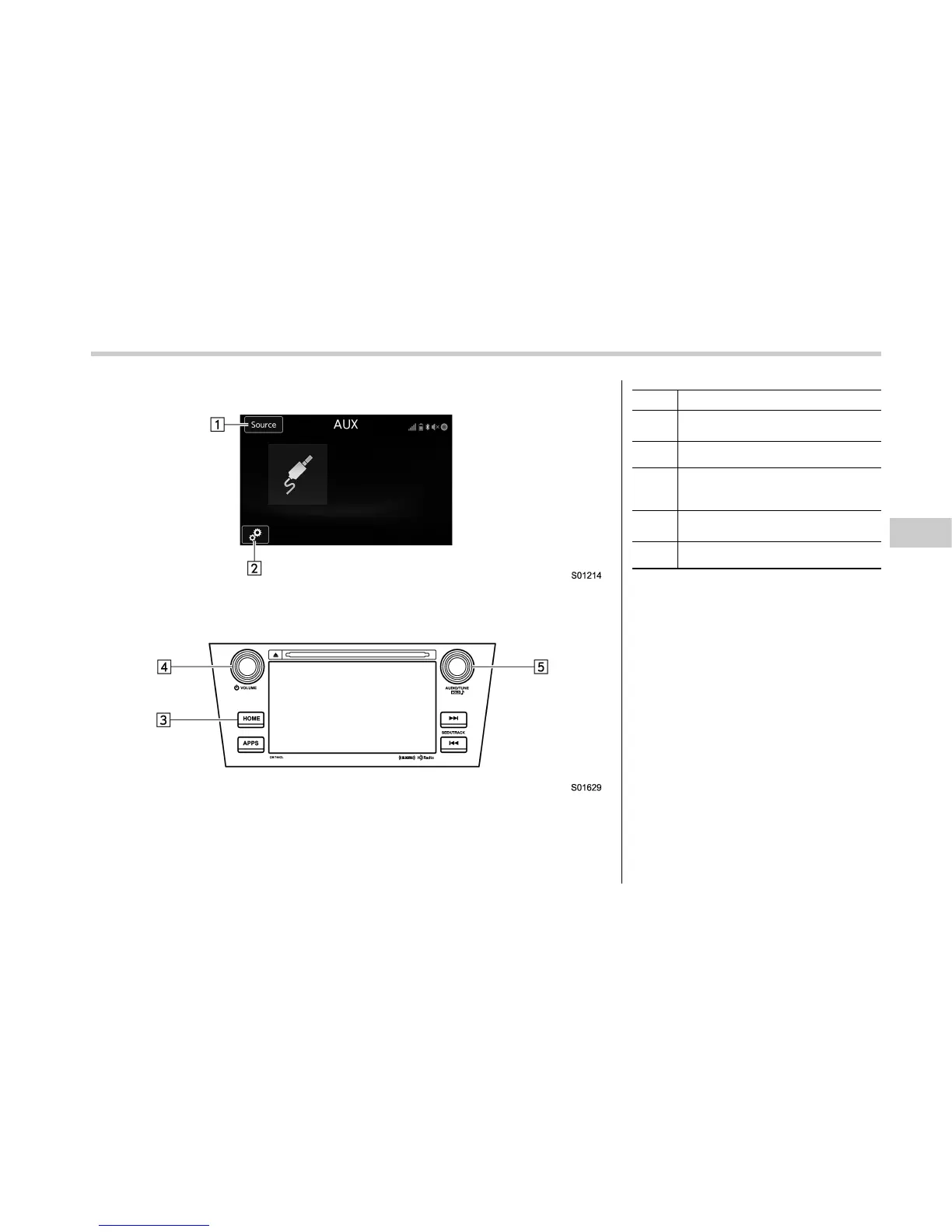
Control screen
Control panel
No. Function
&
1
Select to display the audio source
selection screen.
&
2
Select to open the Options screen.
&
3
Select to display the sound setting
screen. Refer to “Basic operation”
F5-11.
&
4
Turn to adjust volume.
Press to turn the audio system on/off.
&
5
Press to select an audio mode.
Audio/Media operation
– CONTINUED –
5-73















 To Next Page