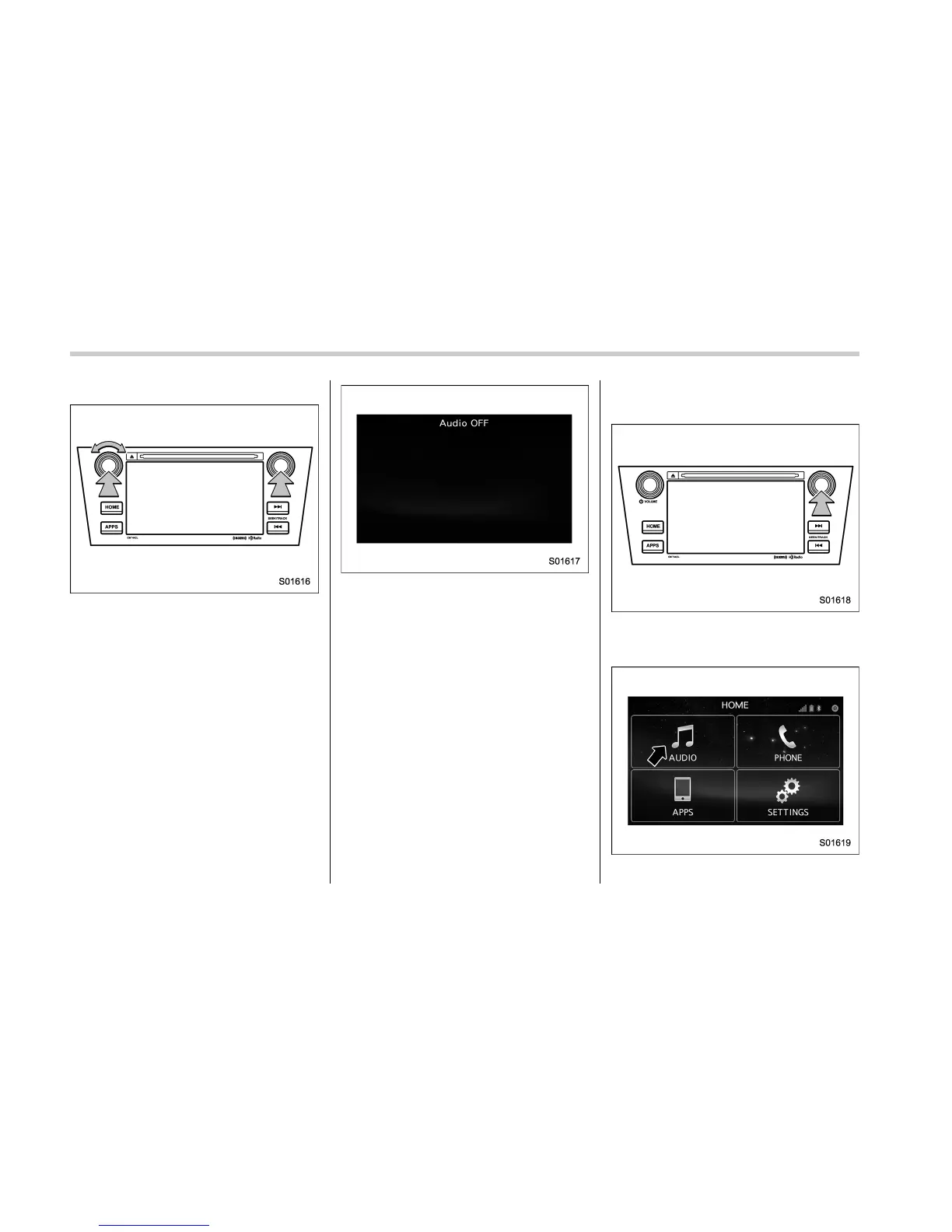
Audio/Basic operation
! Turning the system on and off
“POWER/VOLUME” knob: Press to turn
the audio/visual system on and off. When
the system turns on, the last mode is
displayed. Pres s and hold the knob
approx. 1.5 seconds or more, turn the
display to off.
Turn this knob to adjust the volume.
“AUDIO/TUNE” knob: Press to display
screen buttons for the audio/visual sys-
tem.
! Selecting an audio source
1. Press the “AUDIO/TUNE” knob.
. The audio control screen can also
be displayed by pressing HOME fol-
lowed by “AUDIO”.
5-12















 To Next Page