Audio/Useful information
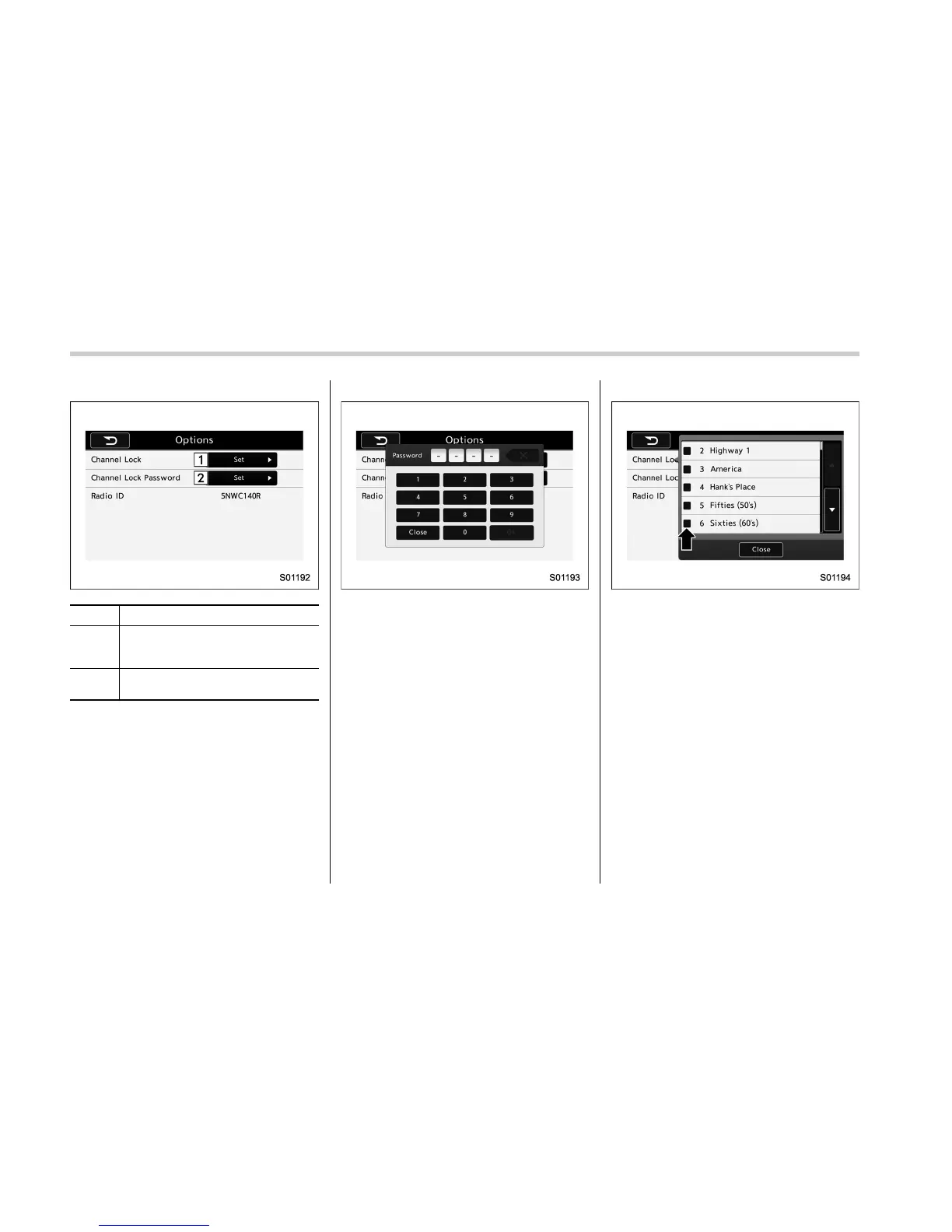
Option menu screen
No. Function
&
1
Channel Lock: Set the lock function
of each channel. Input the password
is necessary for operation.
&
2
Channel Lock Password: Set the
password of the lock function.
2. A password input screen is displayed
when touch the “Set” button of the
Channel Lock function.
Password input screen
3. When the input password is approved,
change to the lock channel selection
screen.
Lock channel selection screen
4. In the channel list, touch the channel
that should be locked.
5-28















 To Next Page