Audio/Radio operation
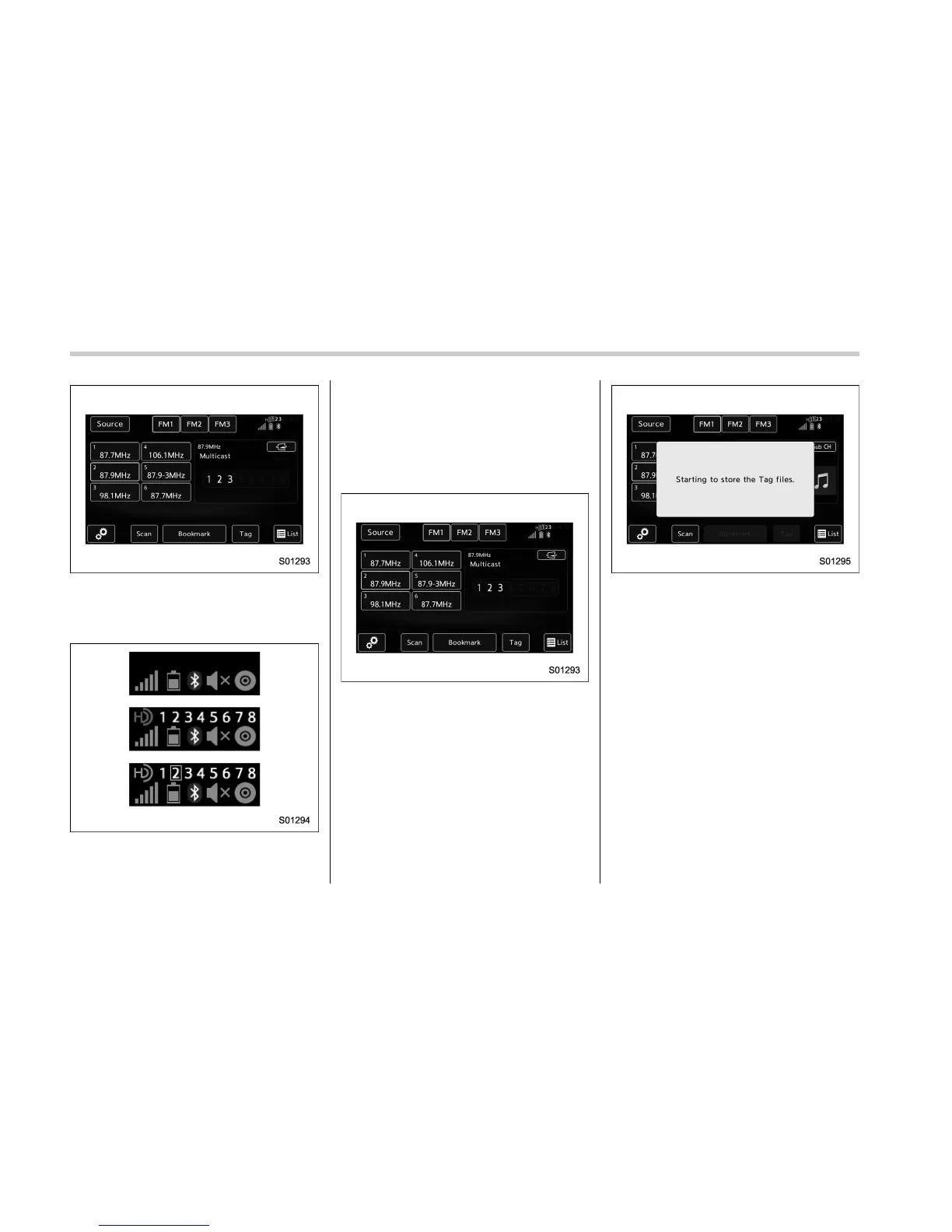
2. The indication that shows whether the
current broadcast is digital or analog is
displayed on the top right of the control
screen.
3. Select the desired channel.
. Turning the “AUDIO/TUNE” knob
can also select the desired multicast
channel.
! Preserving a music information
Tag information in the music broadcasting
is preserved in the system and transmits
to an iPod.
1. If you select a tag in the control screen
while receiving HD Radio, the tag setting
screen will be displayed.
2. Connect an iPod. Refer to “Connecting
and disconnecting a USB memory/porta-
ble device” F5-5.
. Turn on the power of the iPod if it is
not turned on.
. Once an iPod is connected, the
music tag moves from the radio into
the iPod.
. When the iPod is connected to
iTunes, the “tagged” information of
the songs which were tagged while
listening to the radio can be viewed.
Then a user may decide to purchase
the song or CD/Album which had been
listened to on their radio.
5-40















 To Next Page