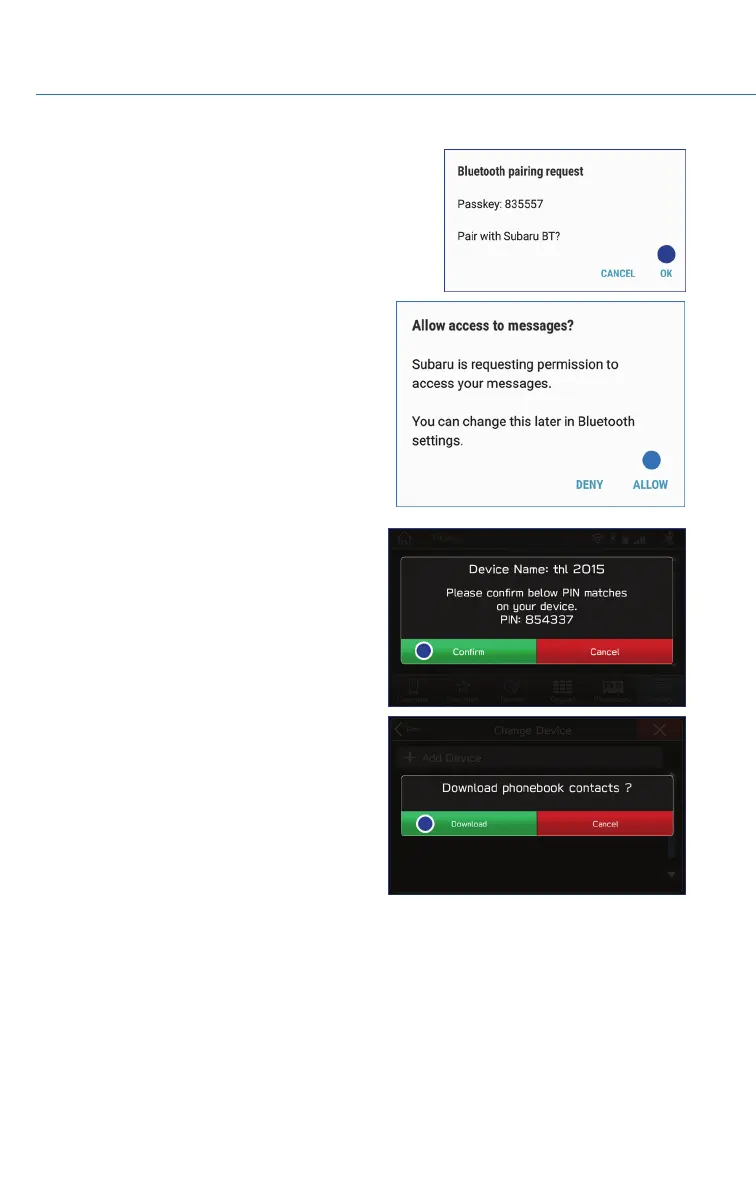
6. Now select “Pair”. Make sure to select “Yes” to the
“Message Access Request” pop-up box to allow
access to your contacts and call history.
7. Next, on the Touchscreen, select “Confirm”
if the PIN matches the phone. Then select
“Download” to download the phonebook
contacts.
HOW TO APPENDIX
100















 To Next Page