Black plate (246,1)
一般Model "A2510GE-B" EDITED: 2015/ 6/ 25
5-14
Audio/Other settings
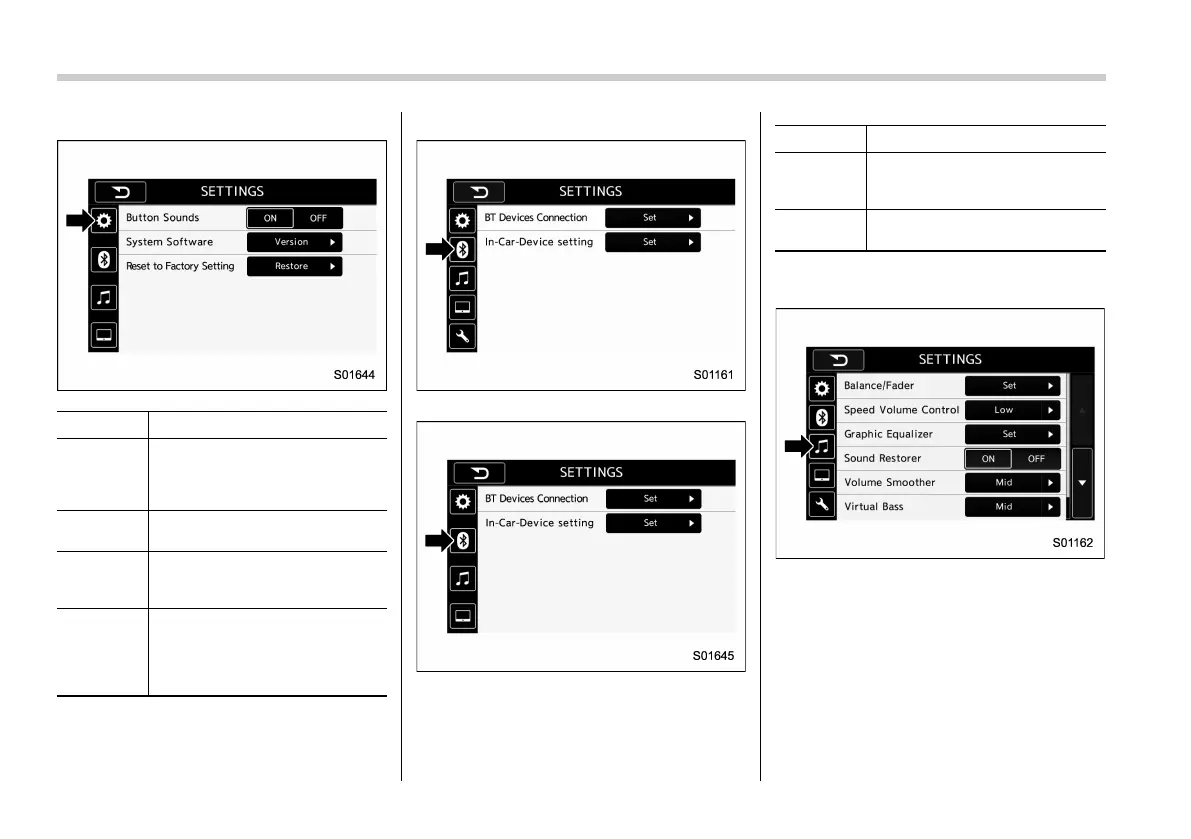
Gear wheel symbol tab (for Australia)
Item Function
System
Language
(except for
Australia)
Select to change the language.
Button
Beeps
Select to set the sound beeps
on/off.
System
Software
Select to update software ver-
sions. This menu is not used in
usual operation.
Reset to
Factory
Setting
Select to reset the device to
factory settings. This menu is not
used in usual operation.
When reset to factory setting,
turn ignition off and on again.
Bluetooth symbol tab (for Europe)
Bluetooth symbol tab (except for Europe)
Item Function
BT De-
vices Con-
nection
Select to pair/connect the Blue-
tooth devices.
In-Car-De-
vice setting
Select to enter the Bluetooth
device name or PIN-code.
Note symbol tab (for Europe)















 To Next Page