Black plate (249,1)
一般Model "A2510GE-B" EDITED: 2015/ 6/ 25
displayed. Press and hold the knob
approx. 1.5 seconds or more, turn the
display to off.
Turn this knob to adjust the volume.
“AUDIO/TUNE” knob: Press to display
screen buttons for the audio/visual sys-
tem.
! Selecting an audio source
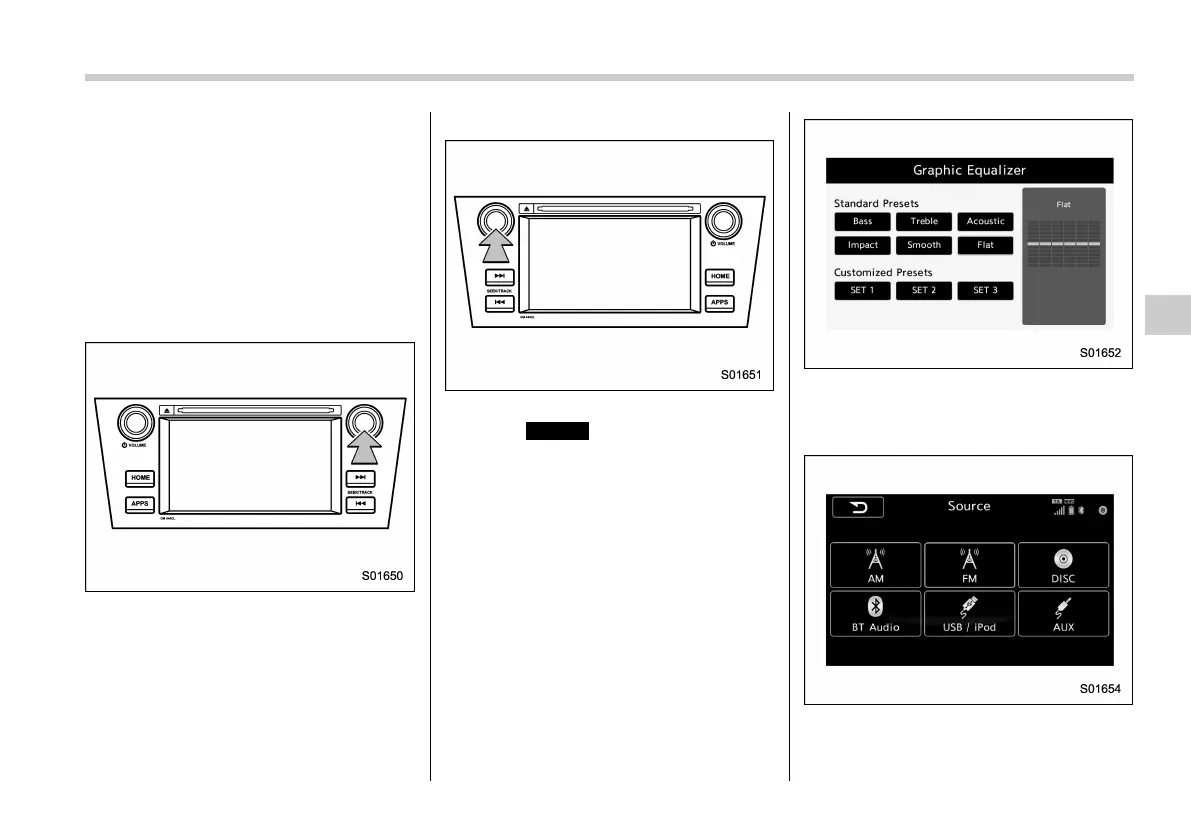
1. Press the “AUDIO/TUNE” knob.
For LHD models:
For RHD models:
. If the audio control screen appears,
select
Source
(Source) on the audio
screen or press the “AUDIO/TUNE”
knob again.
. Press the “AUDIO/TUNE” knob dur-
ing lists are displayed, the audio play
back screen appears. Press and hold
the “AUDIO/TUNE” knob approx. 1.5
seconds or more, the graphic equal-
izer screen is displayed.
2. Select the desired source.
Source select display (for Europe, Aus-
tralia)
Audio/Basic operation
5-17
– CONTINUED –
5















 To Next Page