Black plate (250,1)
一般Model "A2510GE-B" EDITED: 2015/ 6/ 25
5-18
Audio/Basic operation
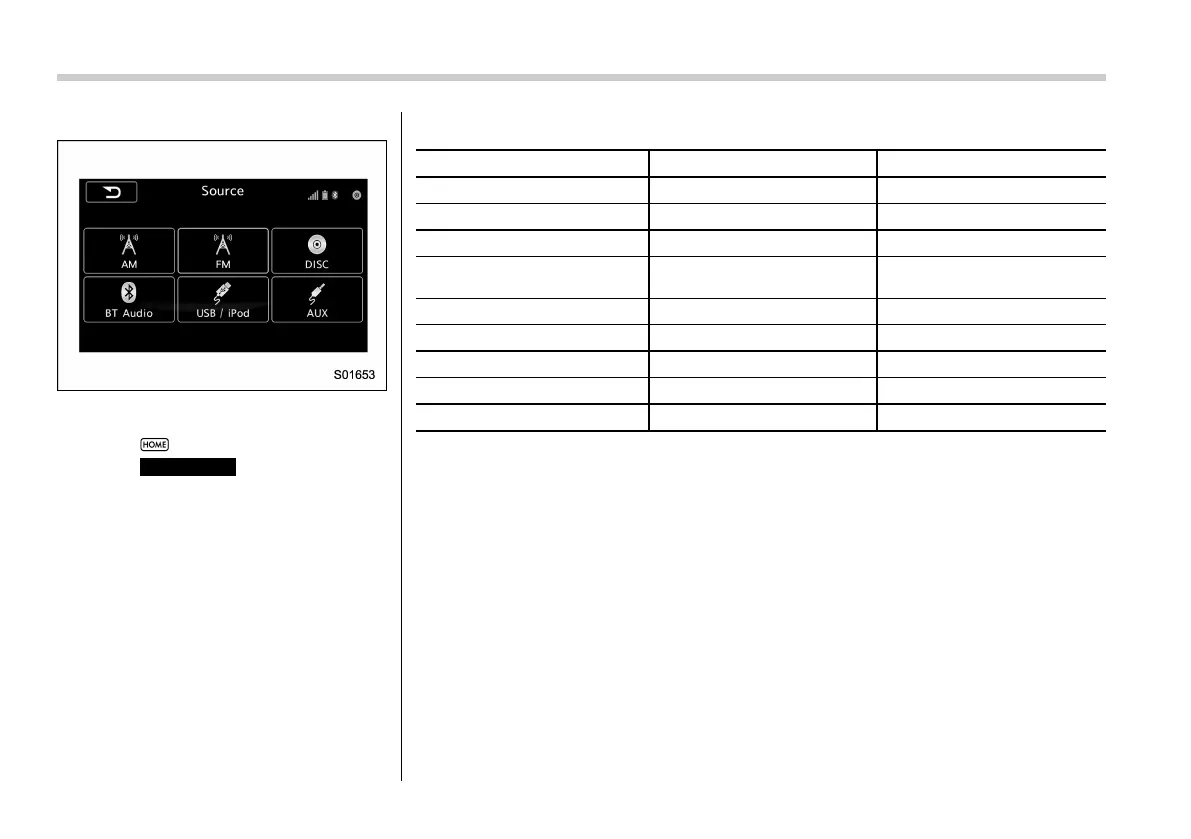
Source select display (except for Europe)
! Audio settings
1. Select
.
2. Select
SETTINGS
(SETTINGS).
3. Select the note symbol tab.
4. Select the desired item to be adjusted.
Setting ranges
Item Step Default
Audio volume 0-40 15
Balance L9-R9 0 (Center)
Fader F9-R9 0 (Center)
Vocal Image Control
Left/Right: R9-L9
Front/Rear: R9-F9
LHD: Left/Right: R3
RHD: Left/Right: L3
Speed Volume Control OFF, Low, High Low
Graphic Equalizer, SET1-3 −6-+6 0 (Flat)
Sound Restorer ON, OFF ON
Volume Smoother OFF, Low, Mid, High Mid
Virtual Bass OFF, Low, Mid, High
Mid















 To Next Page