Preparing your Sunbeam Caffe Bellissimo continued
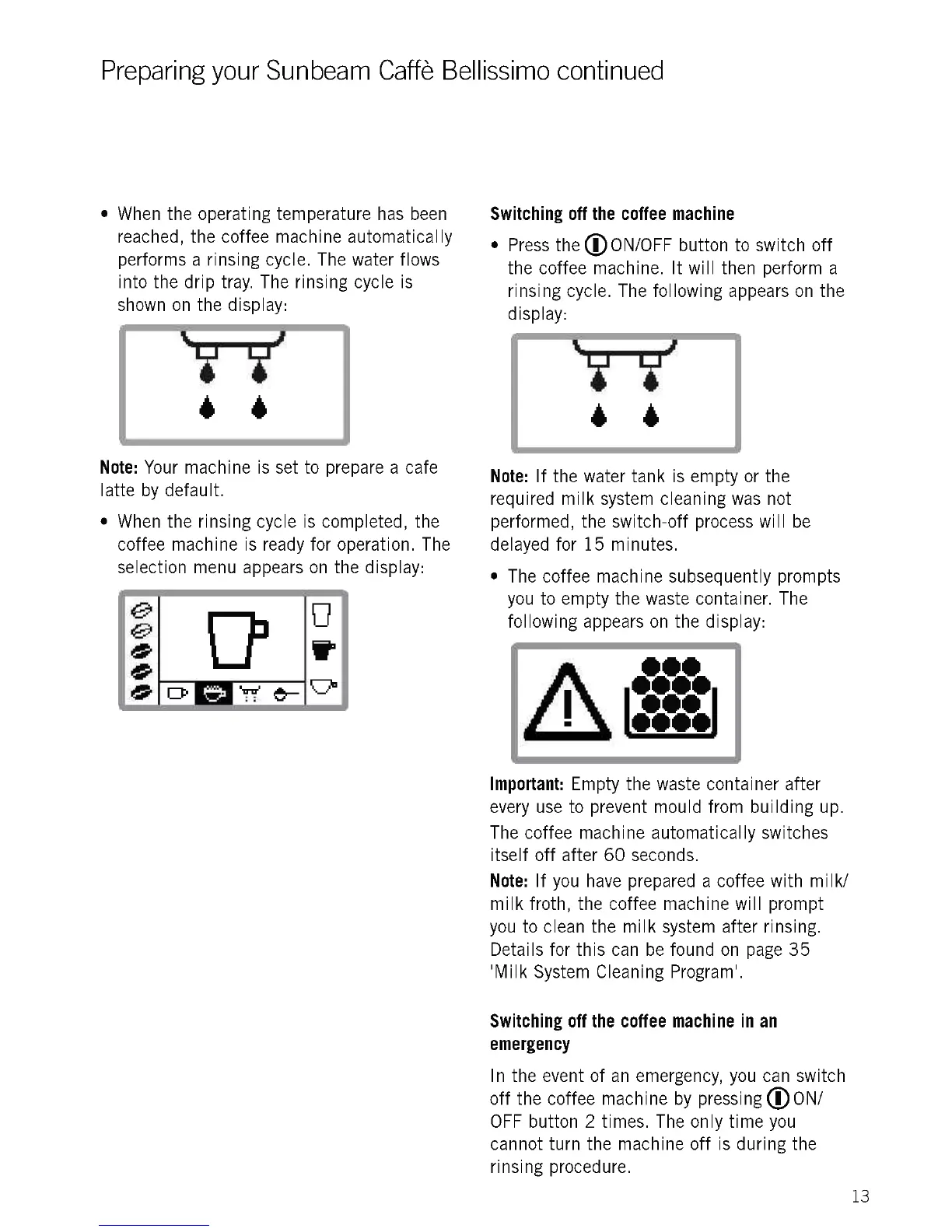
When the operating temperature has been
reached, the coffee machine automatically
performs a rinsing cycle. The water flows
into the drip tray. The rinsing cycle is
shown on the display:
I
Note: Your machine is set to prepare a cafe
latte by default.
When the rinsing cycle is completed, the
coffee machine is ready for operation. The
selection menu appears on the display:
Switching off the coffee machine
Press the ®l ON/OFF button to switch off
the coffee machine. It will then perform a
rinsing cycle. The following appears on the
display:
Note: If the water tank is empty or the
required milk system cleaning was not
performed, the switch-off process will be
delayed for 15 minutes.
The coffee machine subsequently prompts
you to empty the waste container. The
following appears on the display:
Important: Empty the waste container after
every use to prevent mould from building up.
The coffee machine automatically switches
itself off after 60 seconds.
Note: If you have prepared a coffee with milk/
milk froth, the coffee machine will prompt
you to clean the milk system after rinsing.
Details for this can be found on page 35
'Milk System Cleaning Program'.
Switching off the coffee machine in an
emergency
In the event of an emergency, you can switch
off the coffee machine by pressing ® ON/
OFF button 2 times. The only time you
cannot turn the machine off is during the
rinsing procedure.
13











 To Next Page