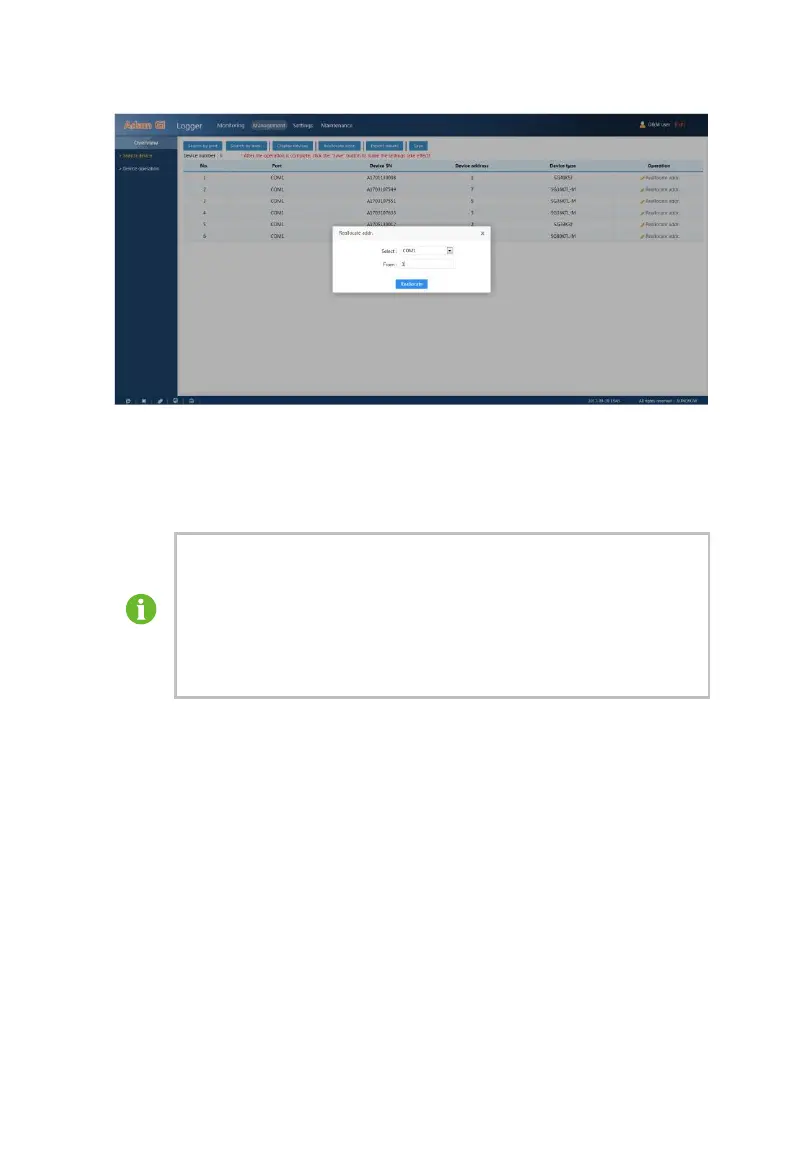
After modifying the actual device address, change the address of
other devices in the WEB. For devices that support the search
function, reallocate the address by the automatic searching and
automatic allocating function.
It is not recommended for you to modify the device address. Make
sure the address is not the repeated and the same with the actual
device address when modifying the address.



 To Next Page