38
5.9 COM1 Cable Connection
step 1 For the assembly of the COM1 connector, refer to the section"4.8 Assembling the Communi-
cation Connector(Optional)".
If the COM1 connector received is G2, please skip this step.
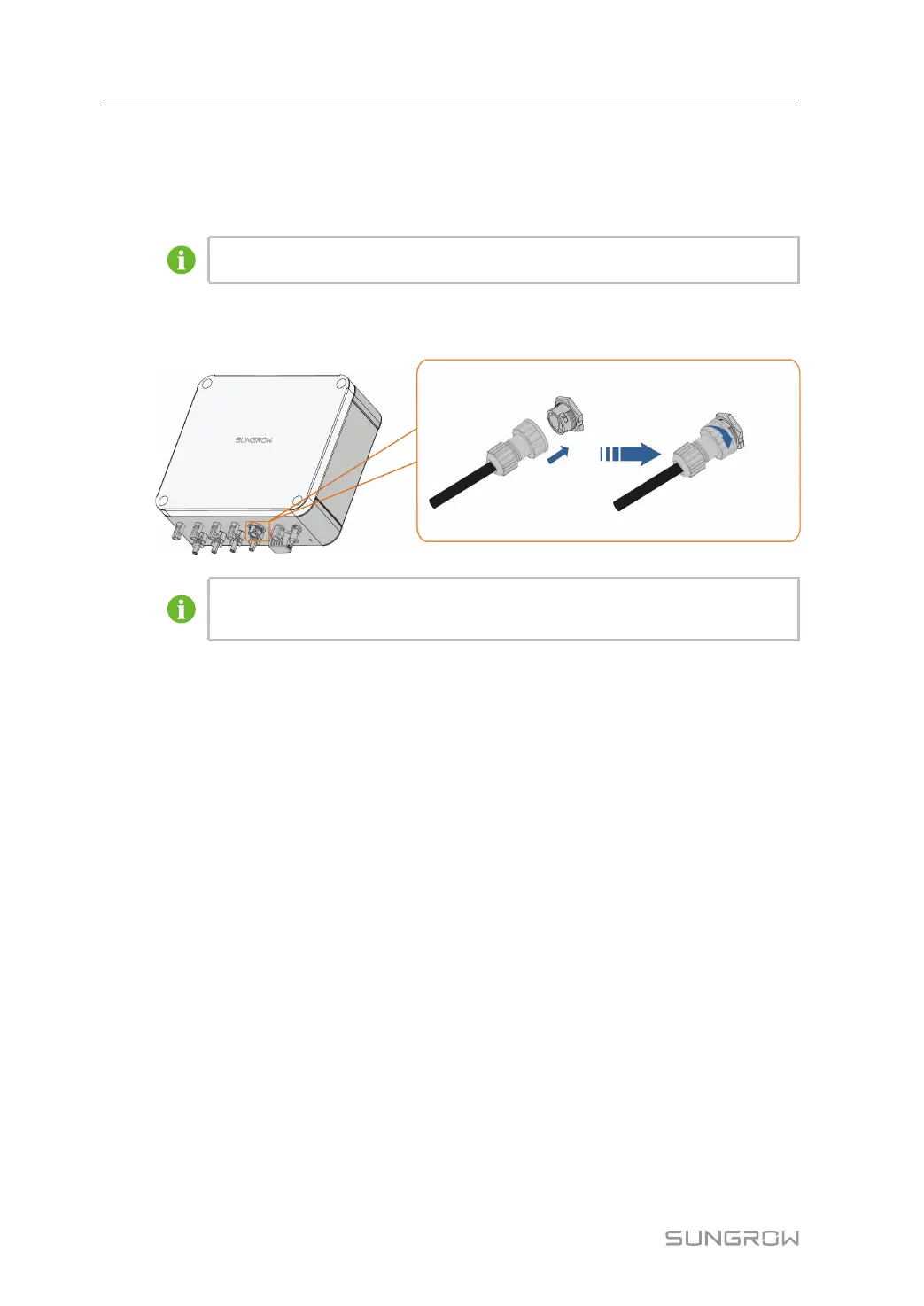
step 2 Insert the COM1 connector into COM1 terminal on the bottom of the combiner box. Tighten
the swivel nut.
The installation method of COM1 connector G1 and COM1 connector G2 is the
same, and here takes G1 as an example.
- - End
5 Parallel System(Optional) User Manual


 To Next Page