User Manual 5 Electrical Connection
37
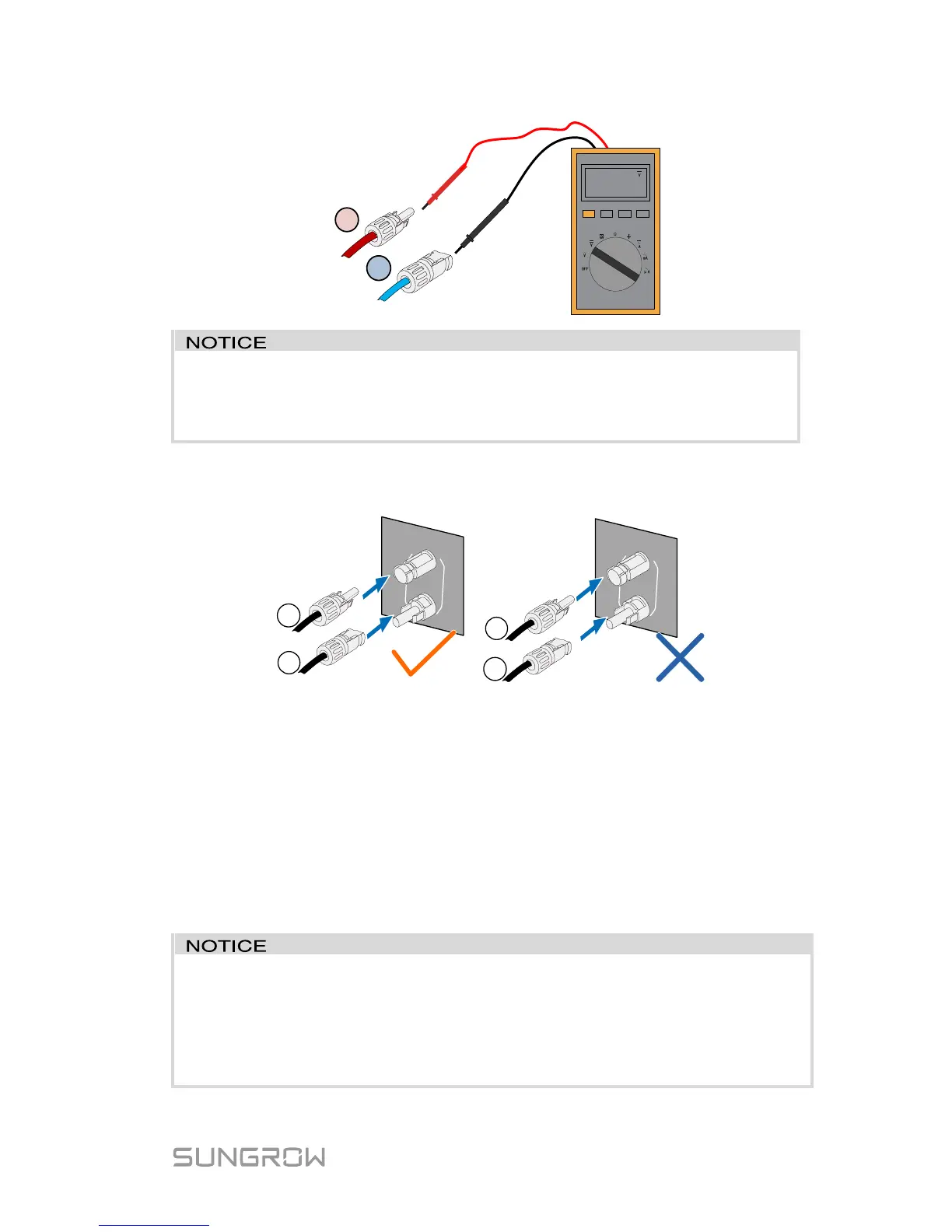
The inverter will not function properly if any PV polarity is reversed.
Check the positive and negative polarity of the PV strings before
installation.
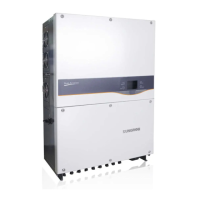
3. Plug the positive and the negative PV connectors into corresponding
terminal until there is an audible click.
* The image shown here is for reference only. The actual product you receive
may differ.
4. (-D series) Seal the unused PV terminals with the terminal caps.
5.5 RS485 Communication Connection
For the Wi-Fi installation, see the last step in section “4.4 Installing the
Inverter”. More detailed information for the Wi-Fi module can be found in the
respective manual.
The RS485 terminal can also be used to connect an external RS485
device. For the pin definition and waterproof procedure, please contact
SUNGROW.
Failure to comply with the requirements of wiring or waterproofing will
void the warranty.



 To Next Page