5 Electrical Connection User Manual
38
5.6 (Optional) Meter Communication Connection
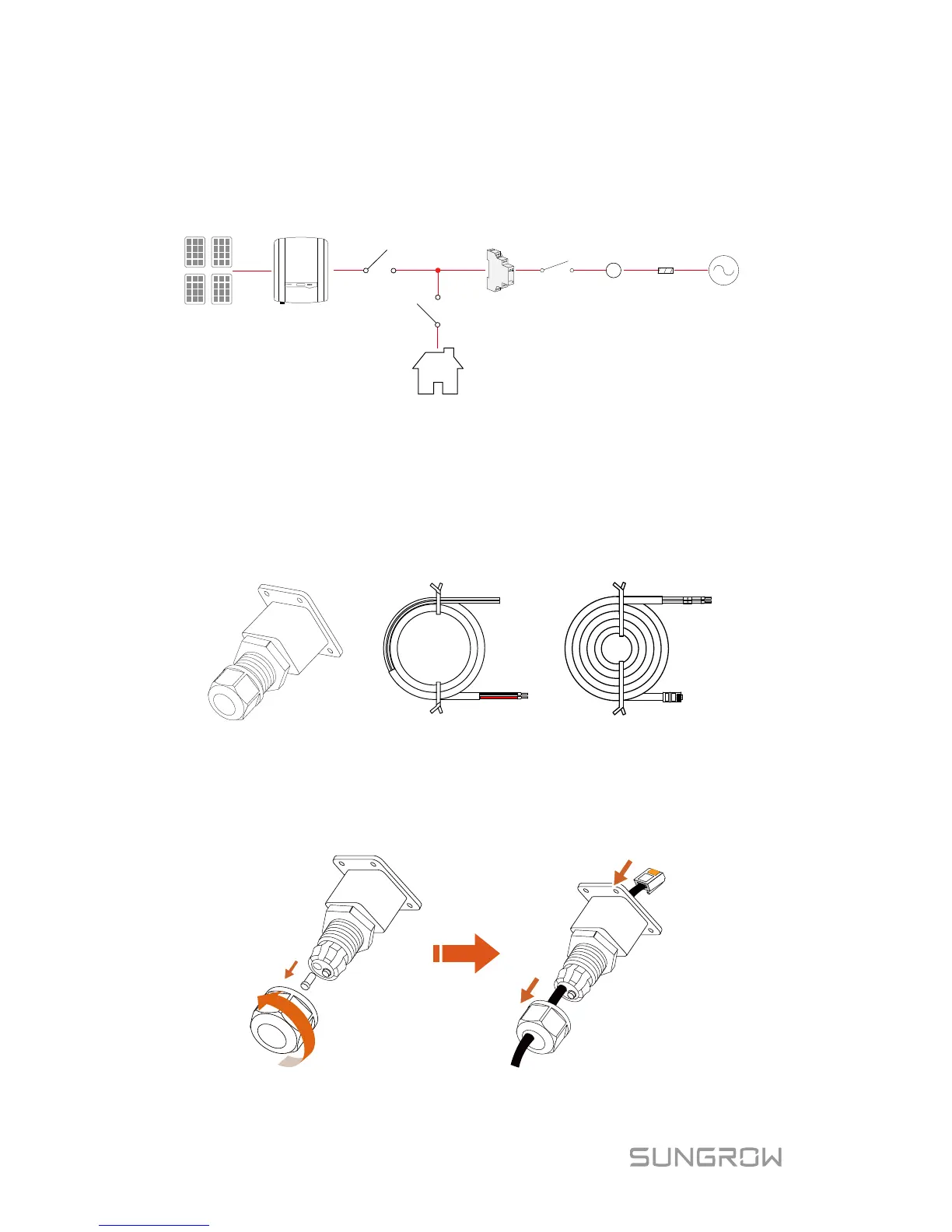
The SUNGROW single-phase energy meter should be installed next to the
main switch.
Sungrow meter
Home Appliance
PV strings
A
Meter
link
Network
meter
Main
switch
Utility
grid
Solar switch
Inverter
5.6.1 On the Meter Side
For Single-phase Energy Meter
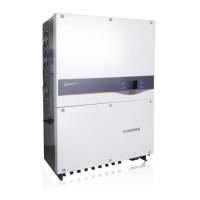
1. Take out the communication connector from inverter’s packaging and the
meter (with 1-phase sensor) and the cables from the meter’s packaging.
L
N
B
A
Power supply cable Meter RS485 cable
Communication connector
2. Unscrew the swivel nut from the cable gland and remove the waterproof
plug from the left inlet. Lead the A and B plugs from inside out through
the connector. This will result in the cable with the RJ45 plug on the
inside end, and the A and B plugs on the outside.



 To Next Page