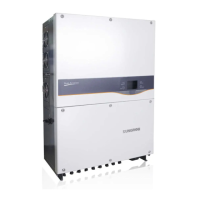
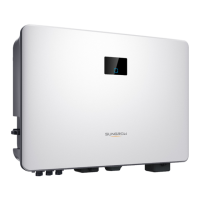
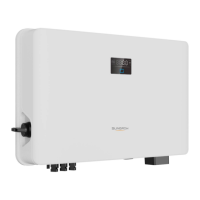
LED indicator
cannot be lit.
1. Disconnect the AC circuit breaker.
2. Rotate the DC switch to “OFF”.
3. Check the polarity of DC input.
goes out.
1. Disconnect the AC circuit breaker.
2. Rotate the DC switch to “OFF”.
3. Check the inverter electrical connection. Refer to “5
Electrical Connection”.
4. Check whether the voltage of DC input exceeds the
inverter start-up voltage.
SUNGROW.
8.1.2 Errors on the App or LCD Screen
If an error occurs, the “Error” state will be shown on the main screen. We need
the following information to provide you with the best assistance:
inverter type (e.g. string, central, grid-connected, hybrid, transformerless,
single phase, triple phase, single MPPT, multiple MPPTs);
product name;
serial number of the inverter;
error code / name; and
a brief description of the problem.



 To Next Page