25
4. Shows the current state of all alarms and
warnings.
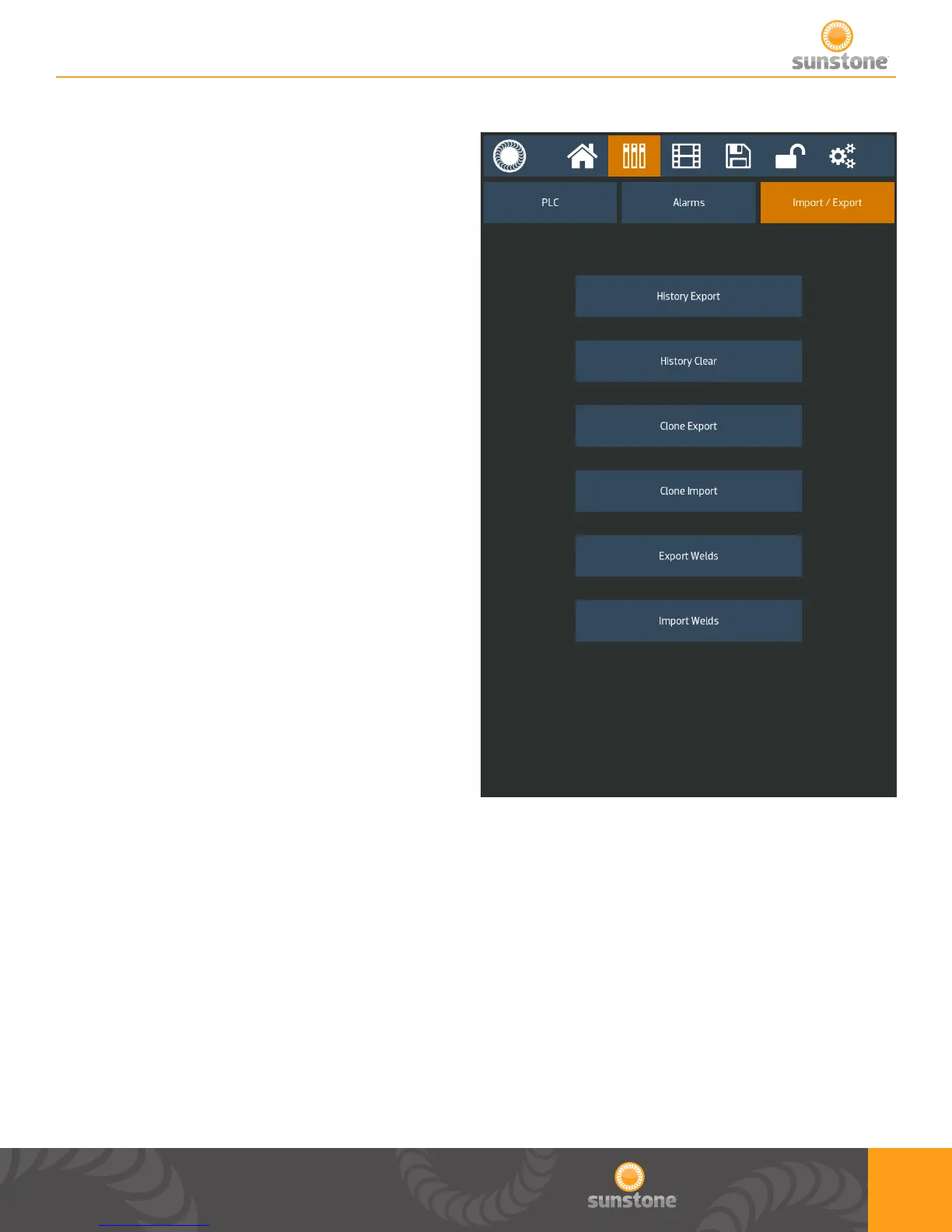
Import/Export
1. Communication Screen
2. Import/Export tab
3. This will export your weld results history to
a USB stick.
4. This will clear your weld results history.
5. This will save all your welder settings,
including saved settings to a USB stick.
6. This will take your saved welder settings
from a USB stick load all current settings
and all saved welds.
7. This will save all your saved weld settings
to a USB stick.
8. This will take all your saved weld from a
USB stick and load them into your welder.
1.
2.
3.
6.
4.
7.
5.
8.















 To Next Page