7
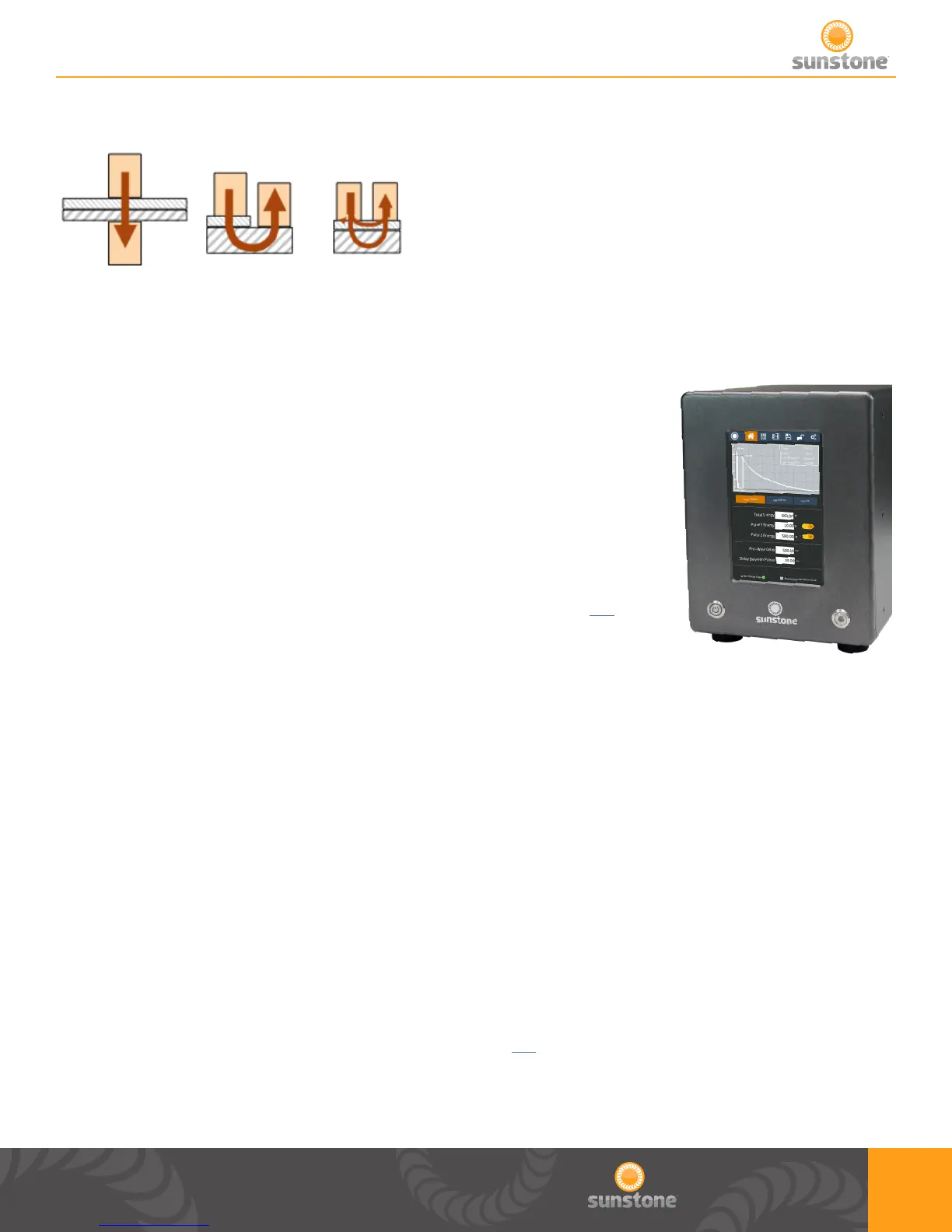
FIGURE 3: Resistance Welding Electrode Congurations:
WELD ENERGY
Sunstone capacitive dual pulse welders allow adjustment of the stored
energy via the touch screen user interface, shown in FIGURE 4. The
energy is then displayed in watt seconds (Joules) as a waveform
graph on the user interface LCD display. The Total Stored Energy
will change how much energy is stored in the internal capacitors and
directly corresponds to the peak current available. The energy of Pulse
1 and Pulse 2 can be changed independent of each other, but the Total
Stored Energy of Pulse 1 and Pulse 2 added together must be lower
than the Total Stored Energy. More information can be found on p.14 of
this manual.
FIGURE 4: Touch Screen Interface
Chapter 3: Setup
Pre Setup Information
VOLTAGE AND POWER REQUIREMENTS
Sunstone Advanced Capacitive Discharge Dual Pulse (CDDP-A) welders are equipped with universal
power supplies and can be used with either 110 or 220VAC. No voltage selection is required prior to
connecting and powering on the welder. The welder will detect the voltage, and make the appropriate
adjustments automatically.
WELD ACTUATION
The CDDP-A welders are actuated by means of an external trigger port located on the back of
the welder (see FIGURE 5). The trigger uses a 3 DIN (p.12) connector and requires shielded wire.
FIGURE 5 shows the proper pin placement for custom external trigger cables. The standard external
trigger cable connector is an SD-30LP made by CUI Inc.
a. Opposed b. Step c. Series / Parallel















 To Next Page