25
2.4.4 Radio Bluetooth Function
Operation steps:
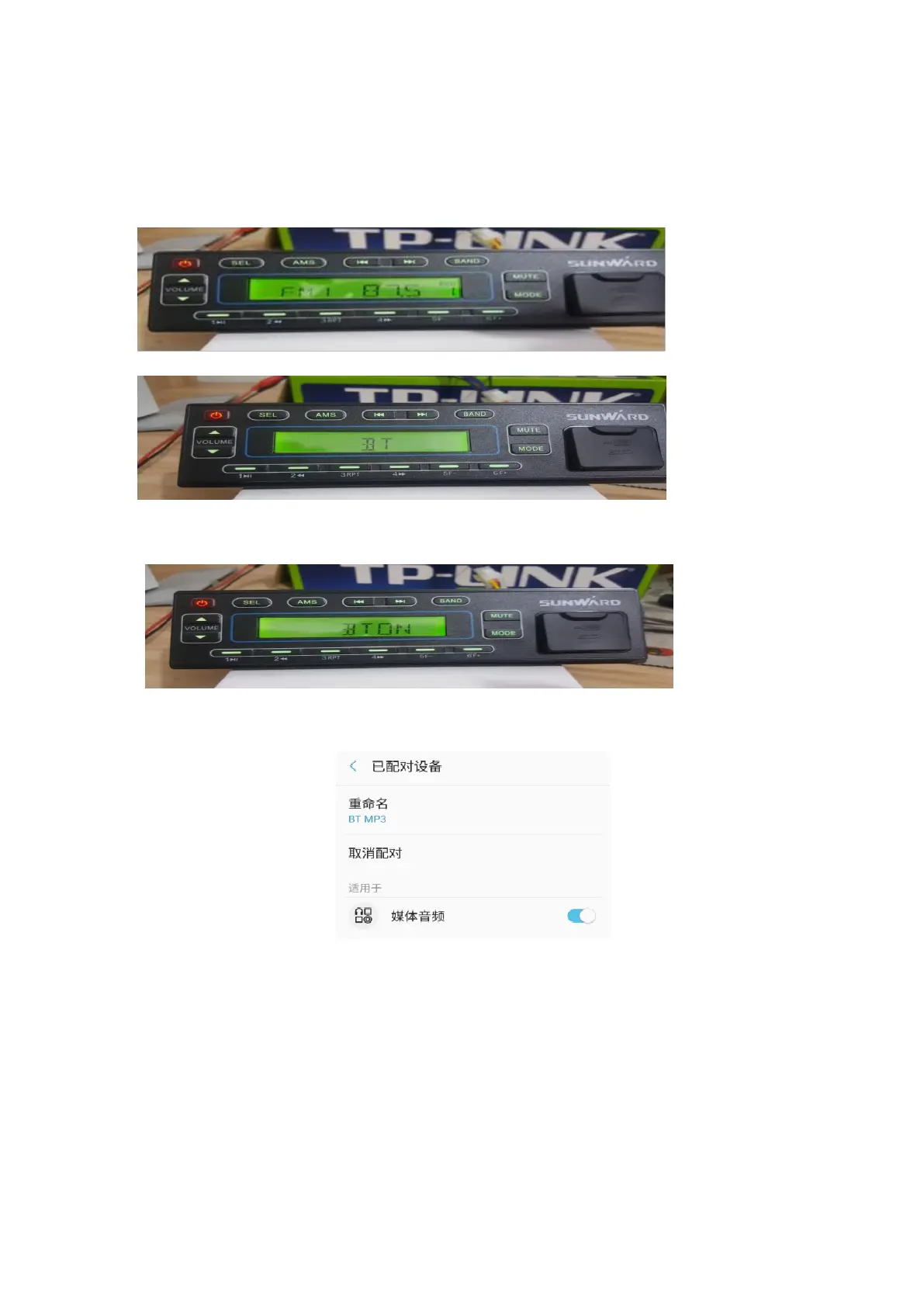
(1) Turn on the radio, as figure 2.4.2
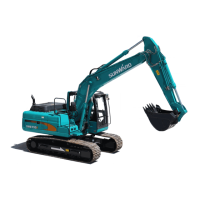
(2) Press the button “MODE” to switch the radio to “BT” mode, as figure 2.4.3.
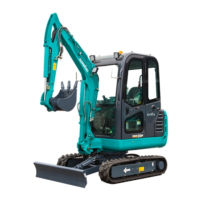
(3) Enable the Bluetooth function of cellphone to search device (device name: BT MP3), press “connect” on
the cellphone, the radio will display as figure 2.4.4 after successful connection.
(4) If there’s no successful connection with some cellphones, it’s necessary to change the setting of bluetooth
on the cellphone. As figure 2.4.5



 To Next Page