53
Refrigeration Operation
(1) Choose proper wind speed and direction according to the “aeration operation”.
(2) As figure 3.10.1 shows, clockwise turn the main switch to a proper position. (Clockwise turn make lower
temperature. Turning to the most right makes the lowest temperature. While it is too cool, you can
counter-clockwise turn the main switch. Furthermore, you can control the coldness by the wind speed.)
(3) You can get a comfortable environment by controlling the wind speed, wind direction and the coldness.
(4) As figure 3.10.1 shows, turn the main switch and the speed switch to OFF, the whole system will shut
down.
Heating Operation
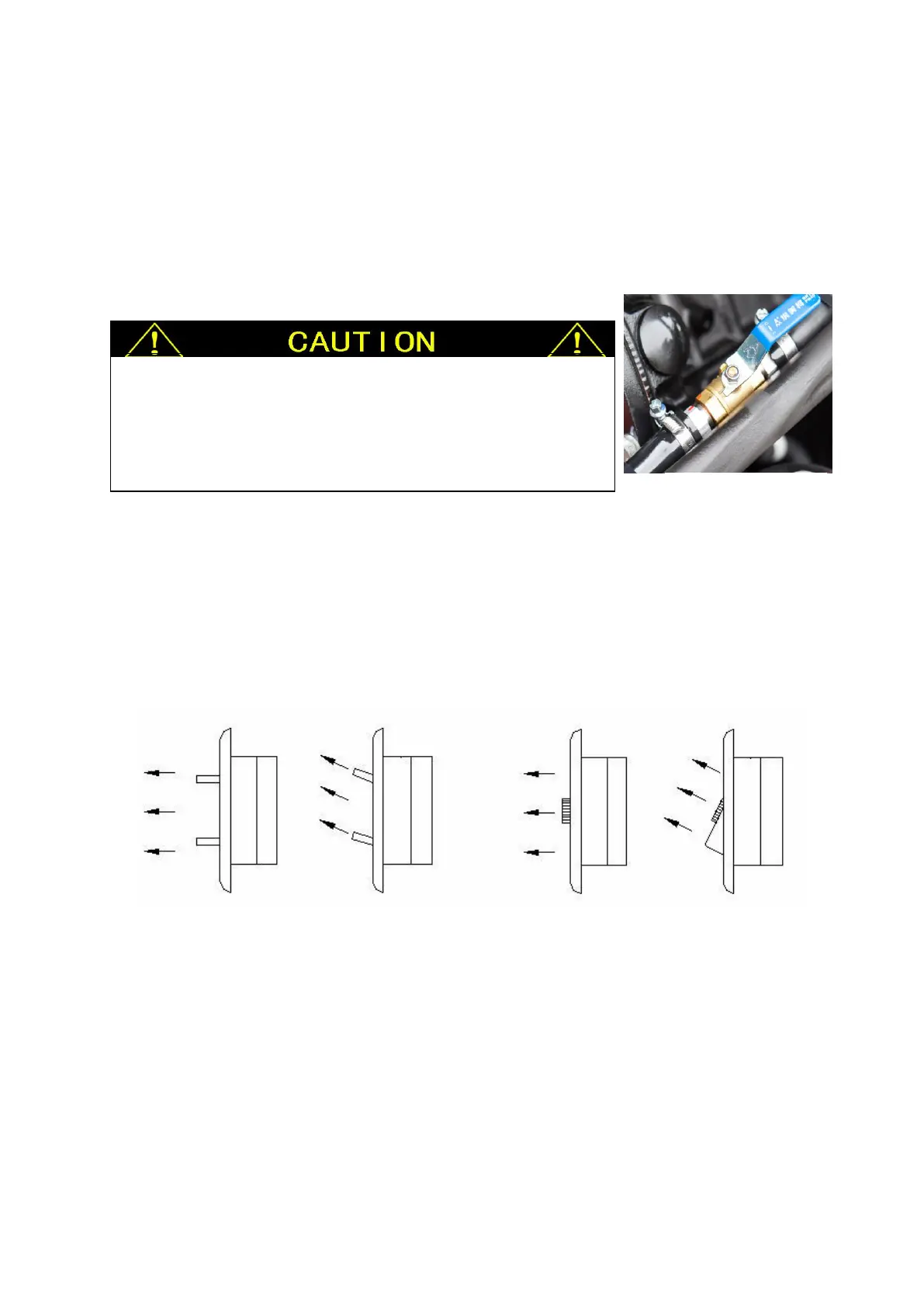
At first, the hot water valve must be opened, then do according “aeration operation”.
Special Operation
①. Strong refrigeration operation
When it is very hot, especially a period of time after just turning on the air conditioner, you should choose this
operation. That is: choose refrigeration pattern, press “wind speed increasing button” to choose the highest
wind speed, press “set increasing button” to choose the lowest temperature.
②. Weak refrigeration operation
When it is slightly hot, especially the period of time after turning on air conditioner, the indoor temperature is
suitable or even a little cool, you should choose this operation. That is: choose refrigeration pattern, press
“wind speed decreasing button” to choose the lowest wind speed, press “set decreasing button” to choose the
highest temperature.
When it is not too hot, after refrigerating for some time, if you feel
too cold, you can counter-clockwise turn the main switch to some
proper degree for lower temperature. After some time, if you feel too
high wind speed, you can lower it by the wind speed switch.



 To Next Page