4 Commissioning
30
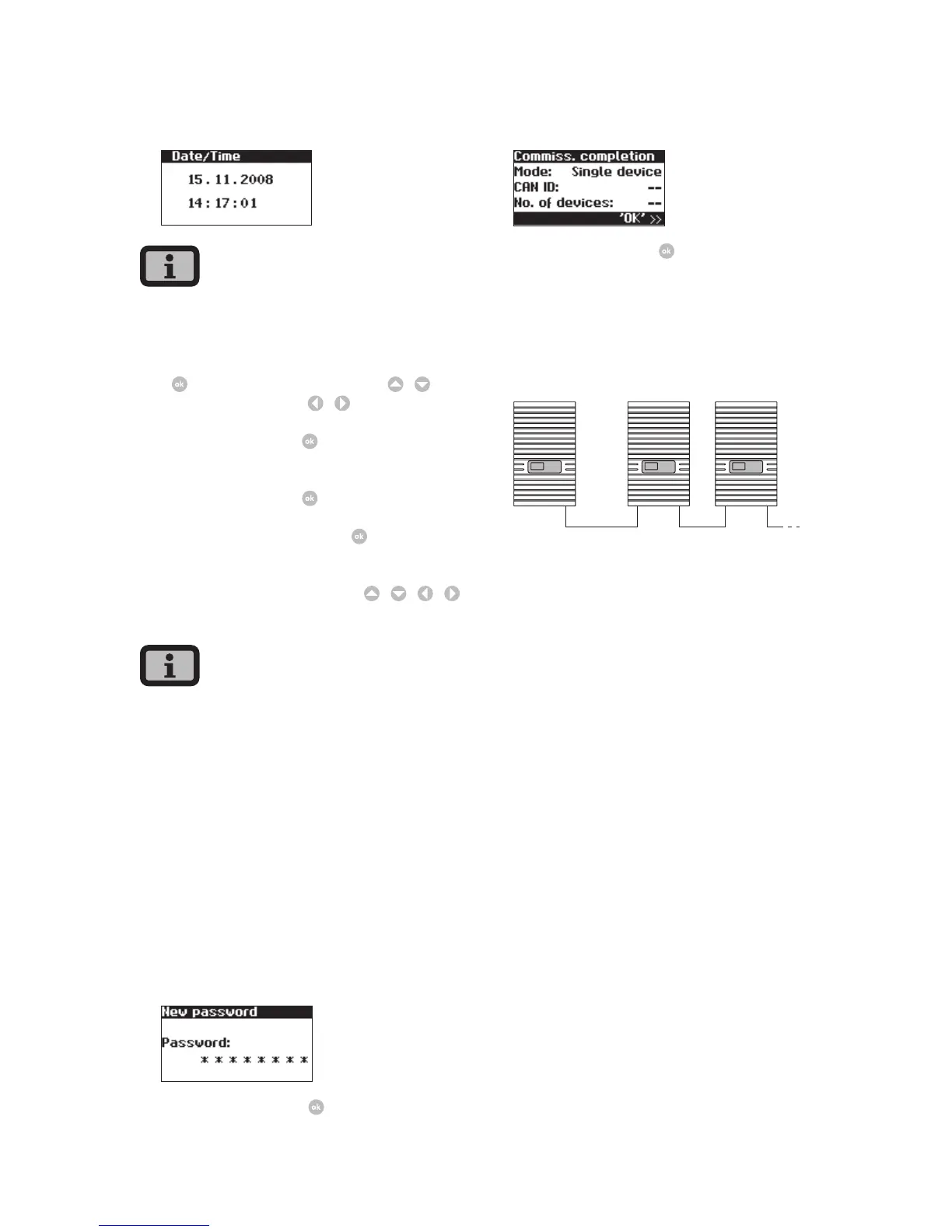
4. Set date and time.
Please proceed with caution for time settings, as
they directly affect data logging. For example, if you
set the time back by 1 hour, then the existing data
for the last hour will be overwritten. Select date
with
. Change selected number with
/
and
jump to next number with
/
.
Save the set date with
then set the time
accordingly.
Save the set time with
5. Set password. Select password
Default password is:
* * * * * * * *
A new password can be set with
/
/
/
as an option.
Please note:
Numerals from 0 – 9 and letters from a – z and from
A – Z are admissible.
The password always has 8 characters. If the pass-
word you choose is fewer than 8 characters in
length, the remainder, up to the full 8 characters, is
filled with “*” symbols.
For example:
You choose “Solar” as your password. This password
has 5 characters. The system therefore then auto-
matically adds three “*” symbols, meaning that your
password becomes “Solar***”.
Confirm password with .
6. Completion of commissioning
Confirm overview with .
Commissioning several networked devices
System with several Solar Inverters
master slaves (secondary units)
Before commissioning, all devices must be inter-
connected via the CAN bus interface. See section
Networking Solar Inverters via CAN bus.
Switch on all devices following installation. Commis-
sioning begins with the master you have selected.



 To Next Page