5 Operation
37
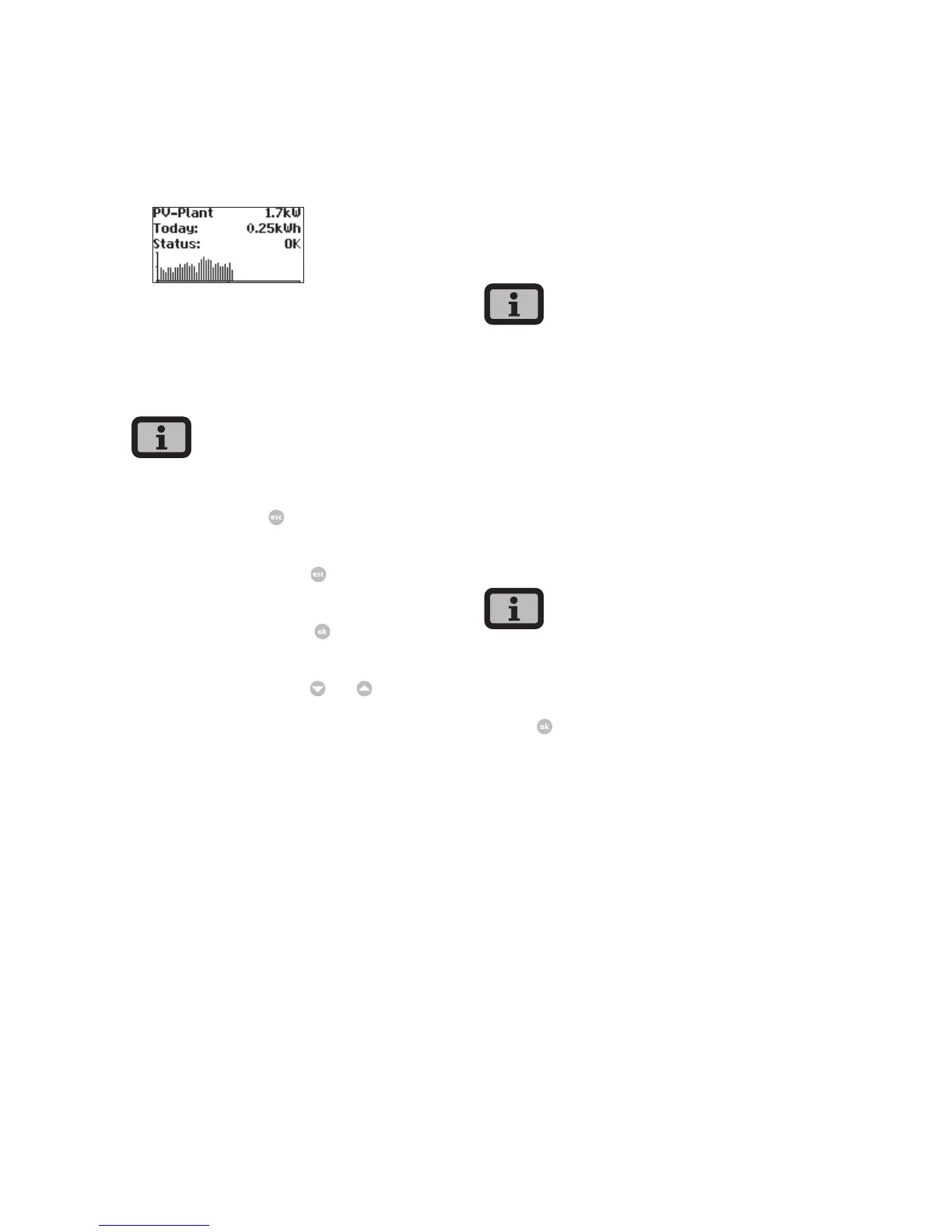
Standard screen (system)
This screen shows the system data for a CAN-net-
worked system.
Next to the total current system output, you also
see the energy yield of your solar system and any
status messages of all connected devices. These are
provided with the inverter number. «M» means that
the error has occurred in the master.
· The various functions are accessed via the menu.
The main menu is opened from the standard
screen by pressing
twice.
· You can always return to the standard screen by
pressing and holding the
key.
· If a status message is shown, then you can open
the error list directly with
.
· You can access other instantaneous values from
the standard screen with
and
.
5.2 Access rights
Operation of the Solar Inverter is divided into vari-
ous areas protected with passwords.
The password has 8 digits or characters.
The password can be entered in the menu item «Set-
tings – Login».
After a correct password entry the login remains
active for 5 minutes. The device then switches back
to guest mode. Pressing any key during the login
period extends resets the period to > 5 minutes.
Customer area
The customer password must be entered to access
this area. All settings can be made which are
required for installation and commissioning of the
Solar Inverter.
· The password for the customer area is:
* * * * * * * *
· The password is preset and is directly confirmed
with
.
· As an option you can assign a personal password
in the Commissioning menu. Digits between
0 – 9 and letters between a – z and A – Z are
permitted.
· The password always has 8 characters. If the pass-
word you choose is fewer than 8 characters in
length, the remainder, up to the full 8 characters,
is filled with “*” symbols.
· For example:
You choose “Solar” as your password. This pass-
word has 5 characters. The system therefore then
automatically adds three “*” symbols, meaning
that your password becomes “Solar***”.



 To Next Page