7 Sunways Browser
70
During the update process, update information is
displayed in the status indicator in the standard win-
dow of the Solar Inverter’s LCD display. The display
messages have the following meaning:
Display text Update type
Cnt. Upd. control software
Mon. Upd. monitoring software
Com Upd. communication software
Wif Upd. web interface
DWifUpd. dynamic web interface
MenSUpd. menu structure
MenEUpd. menu error texts
WifSUpd. web interface status texts
RWP.Upd. read/write parameters
ROP.Upd. read only parameters
ParaUpd. parameter update
Min Upd. update of the minute values in the
data logger files
Day Upd. update of the daily values in the
data logger files
Mon Upd. update of the monthly values in the
data logger files
YearUpd. update of the annual values in the
data logger files
SMinUpd. update of the minute values in the
system data logger files
SDayUpd. update of the daily values in the
system data logger files
SMONUpd. update of the monthly values in the
system data logger files
SYrUpd. update of the annual values in the
system data logger files
7.7 Internet dial-up via modem
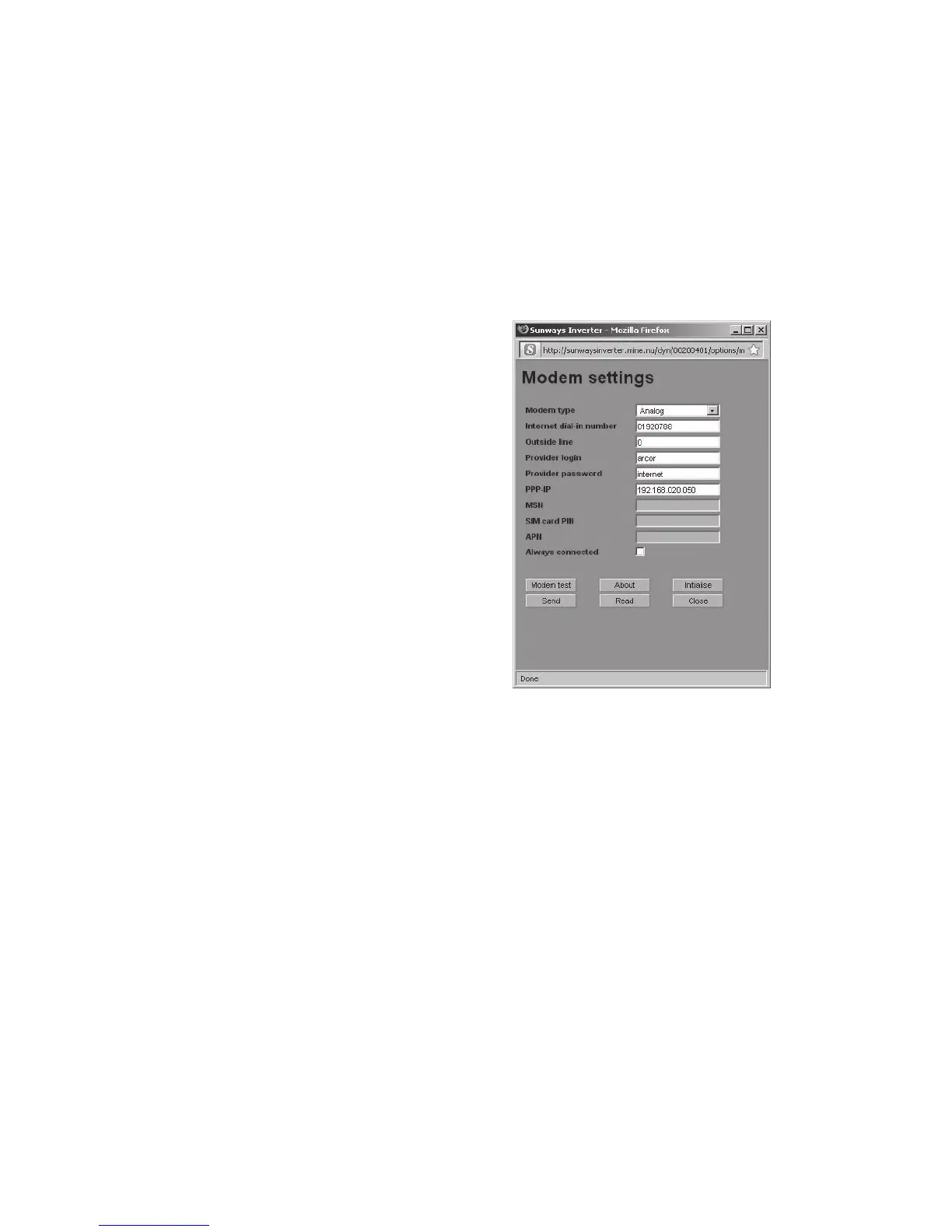
Modem settings
If you use a modem to connect to the Internet, the
modem must be set up via the Sunways Browser.
First establish a connection between your PC and
the Solar Inverter (see section Direct Ethernet con-
nection). Enter the following settings via «Settings
– Modem» in your web browser:
Modem type
Select the modem type:
analog, ISDN or GSM
Internet dial-in number
Dial-in number for your Internet provider (ISP)
Outside line
If you have a telephone system, you may have to
enter 0, for example. A comma results in a dialling
pause of 1 second
Provider login
User name defined by your Internet provider
Provider password
Password defined by your Internet provider
PPP-IP
You can reach the Solar Inverter by entering this IP
address in your web browser. The address is set to
192.168.20.50 by default.



 To Next Page