5 Operation
39
5.3 Menu structure
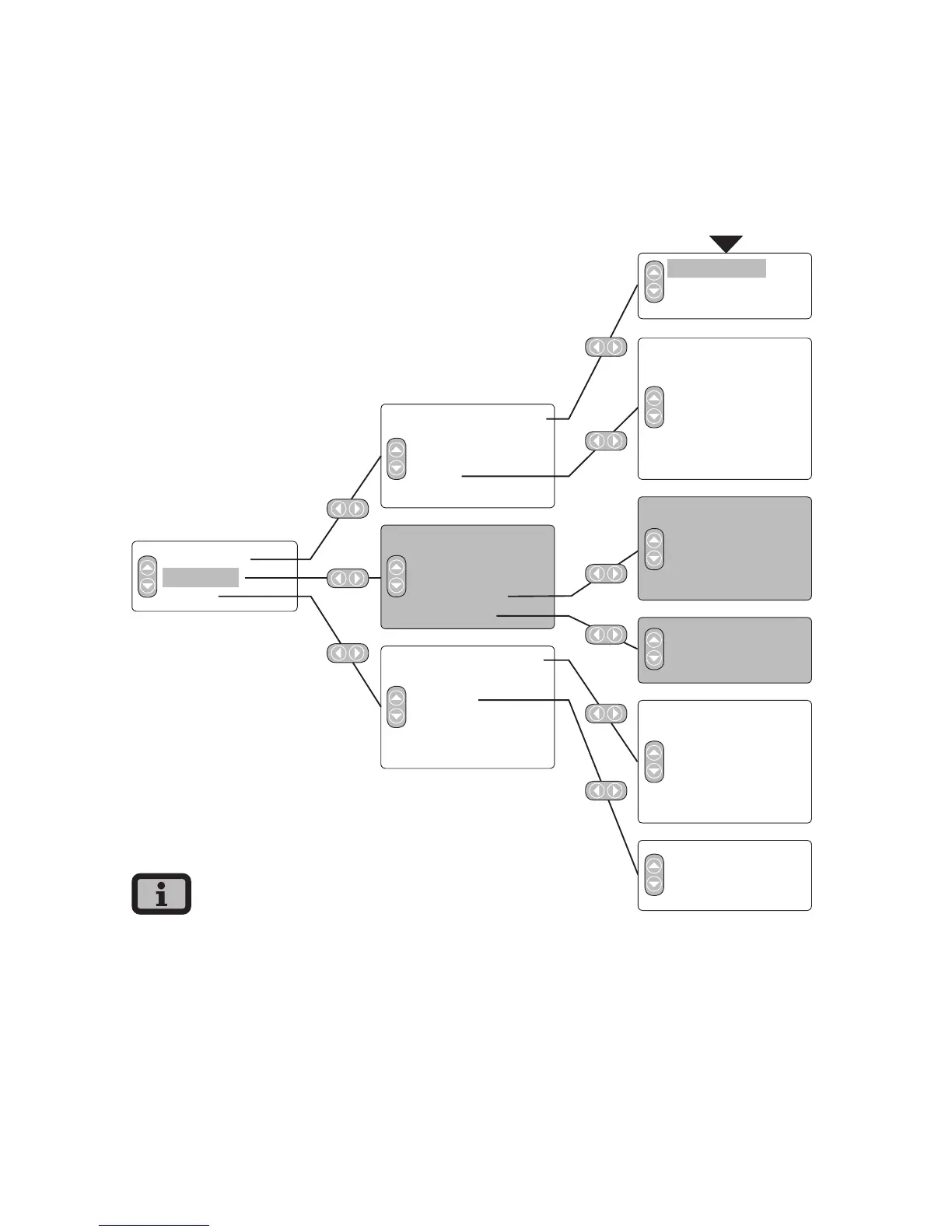
The menu provides access to all Solar Inverter
screens. Open the main menu by pressing the left
arrow key twice from the standard screen.
Solar Inverter
Solar system
Settings
Instantaneous values
Energy yield
Events
History
Information
Instantaneous values
Energy yield
Events
System history
System info
General information
Login
Network*
Commissioning*
Change country*
Self-testing**
Yield for week
Yield for 15 days
Yield for month
AC output
DC values
AC values
Max. output
Standard screen
Instantaneous values 1
Instantaneous values 2
Language
LCD contrast
Date/Time*
Receiving time*
Firmware*
New password*
Yield for week
Yield for 15 days
Yield for month
Total output
Max. output
Ethernet
CAN bus
Interfaces
Firmware
Memory
Mode
START
· The areas highlighted in grey are only available
in the master
· *) after entry of customer password
Standard password: ******** (= 8 times star key)
· **) This is only shown if the configured country
of installation is Italy.



 To Next Page