7 Sunways Browser
73
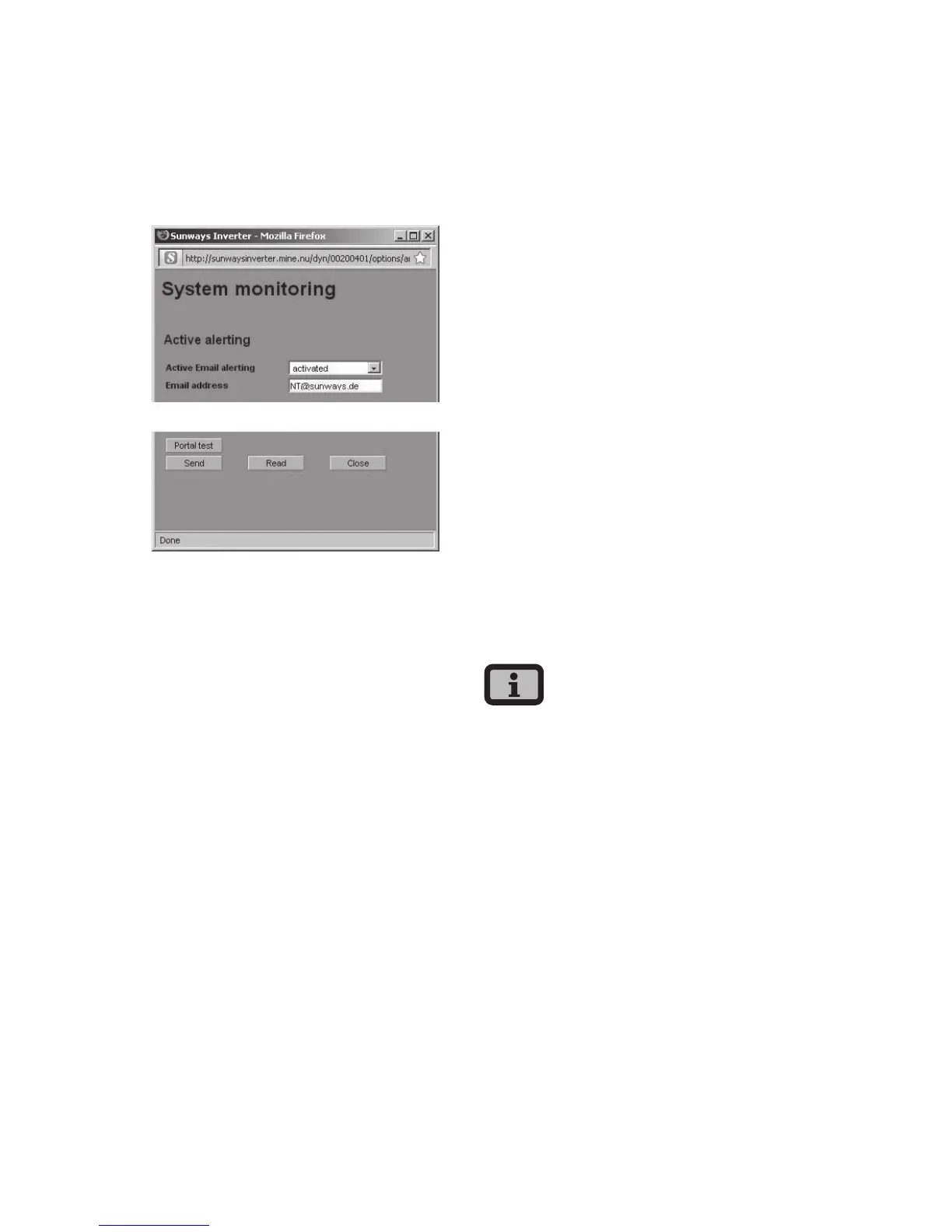
Alerting settings
The alerting settings can be accessed with the but-
ton «Settings – System Monitoring» in the «Active
Alerting» section».
Active Email alerting
Activation or deactivation of the active alerting
function.
Email address
In the «Email address» field enter the e-mail address
to which messages should be sent.
Function buttons
Click «Send» to save the settings in the Solar
Inverter.
Click «Read» to display the current Solar Inverter
settings.
7.9 Sunways Portal connection
General information
The operating data of your solar system can be
transferred to the Sunways Portal for remote moni-
toring via the Internet. This is possible without using
a Sunways Communicator.
The portal connection is configured via the Sunways
Browser. Following activation the master auto-
matically sends a registration e-mail containing the
system data (e.g. number of devices, serial number,
etc.) to the Sunways Portal.
After activation the operating data are e-mailed
to the Sunways Portal on a daily basis before the
master is switched off for the night. Alternatively a
shorter interval can be selected. If a change is made
to your solar system (e.g. additional device), then
the change is automatically reported to the Sunways
Portal.
A basis access for the Sunways Portal for displaying
the yield data is available to every Sunways cus-
tomer free of charge. Expanded functions, e.g. the
setpoint-actual comparison in the Sunways Portal,
can also be purchased for a fee.
The master sends the status messages of all Solar
Inverters if they are CAN-networked.
Requirements:
· The master must be connected to the Internet via
a network or modem.
· Correct Email settings must be stored in the Sun-
ways Browser (see «Email settings»)
· Correct portal settings must be stored in the
Sunways Browser.



 To Next Page