6 System monitoring
64
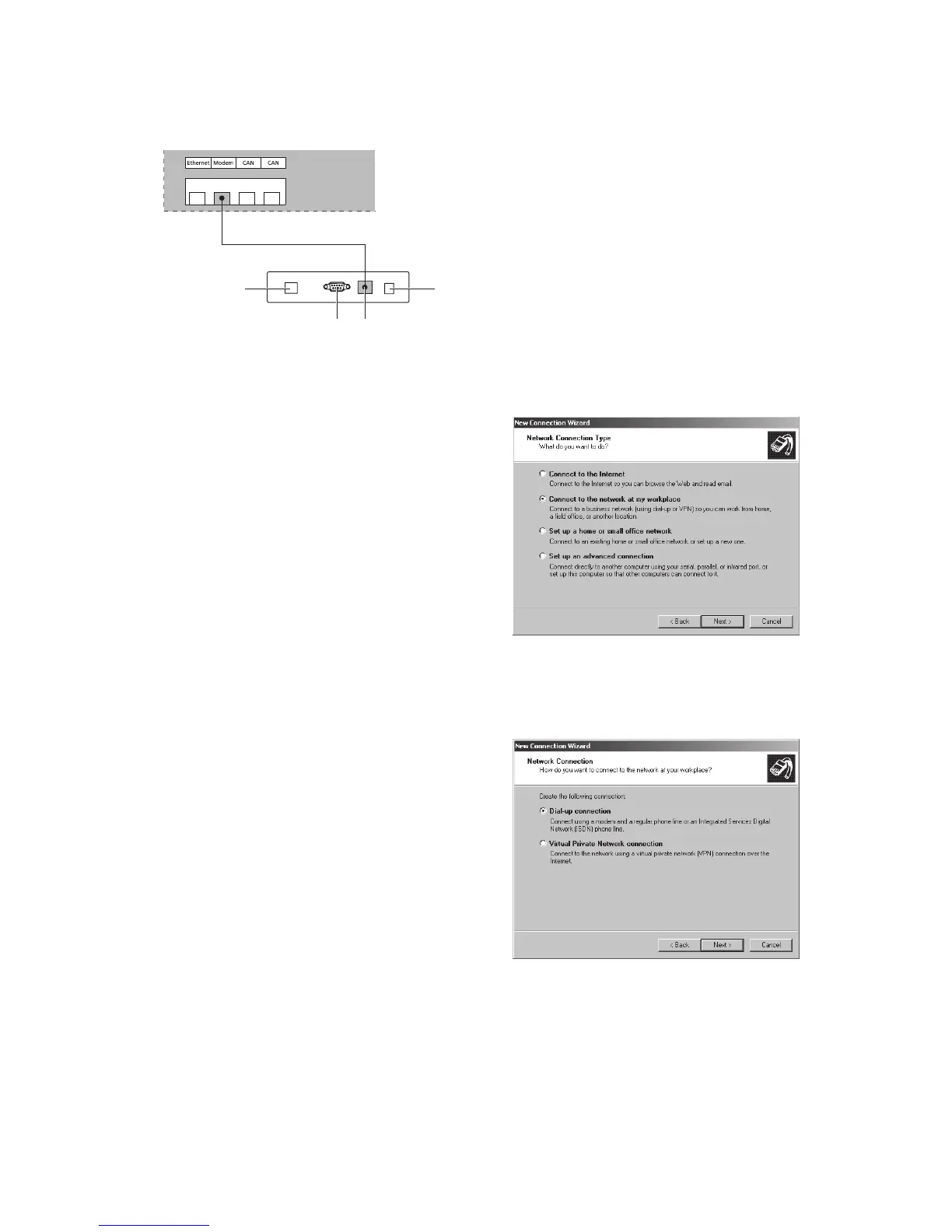
Connecting a Sunways Modem
41
2 3
INVERTER
MODEM
1 Telephone connection
2 RS232 interface
3 LVDS for NT and PT Solar Inverters
4 Power supply device
6.9 Dial-up connection from a PC to the Solar
Inverter
To establish a connection between your Solar
Inverter and a PC via the modem you have to estab-
lish a dial-up connection in Windows. The procedure
under Windows
®
XP is described below.
1. Run the wizard for a new connection via Start –
Settings – Network Connections.
Click «Next» to open the first selection screen.
2. Select «Connect to the network at my
workplace».
3. Confirm your selection with «Next» and select
«Dial-up connection» on the next screen and
confirm with «Next».



 To Next Page