6 System monitoring
58
6.3 Direct Ethernet connection
The Solar Inverters are equipped with an Ethernet
interface as standard for system monitoring and
configuration with a PC.
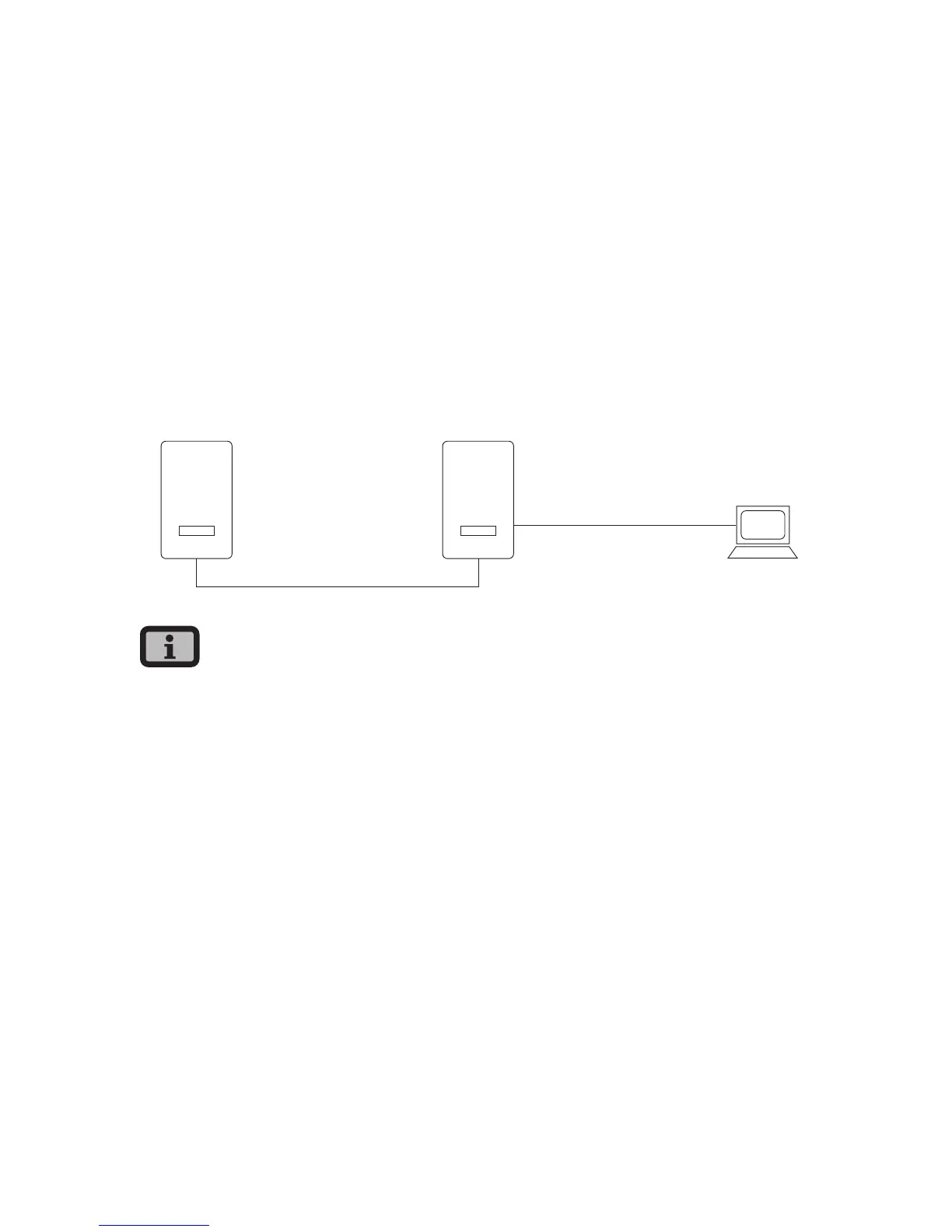
Connect your PC and the Solar Inverter with the
included Ethernet cable. X-patch cables can also be
used.
The PC is connected to the master as standard. Basi-
cally all Solar Inverters – including Solar Inverters
configured as secondary units or single units – dis-
pose of an own web server so that a connection can
be established with each device.
PC
MasterSlave
Max. Ethernet
connection: 100 m
Max. total CAN bus length:
500 m
INVERTER
INVERTER
· To always find the suitable configuration for
installation and commissioning on the PC, we
recommend the use of a second network card
(e.g. PCBus, PCMCIA), which you can configure to
match the default setting of the Solar Inverter.
· The PC and the Solar Inverter must have suitable
IP addresses and net masks. The network set-
tings can be adjusted either directly on the Solar
Inverter via the LCD display or on your PC.
· If two network cards are used the IP addresses
must be in separate subnets, e.g. 192.168.30.XXX
and 192.168.40.XXX.



 To Next Page