6 System monitoring
61
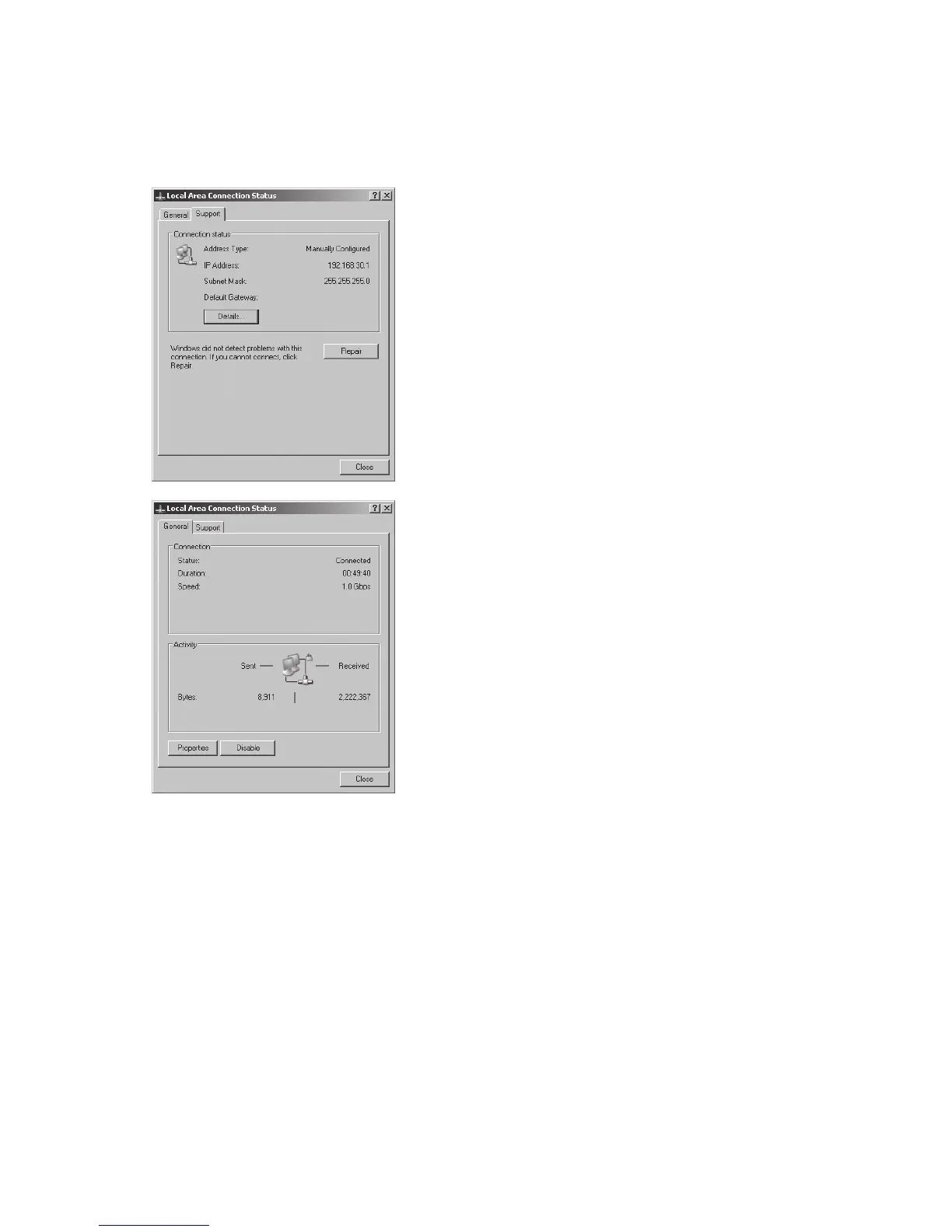
8. In the «Status» menu item you can check the
correctness of your entries and the status of your
connection
After the network configuration is completed you
can start the Sunways Browser by entering the IP
address of the Solar Inverter in the address line of
your web browser.
For more complex network configurations please
contact your network administrator.



 To Next Page