Programming Timers
1) Press [ Master Code ] + [ 7 ]
☼ The Line light blinks to indicate Programming mode.
2) Enter 4-digit address location [ ] [ ] [ ] [ ]
☼ The existing time will be displayed by the keypad lights
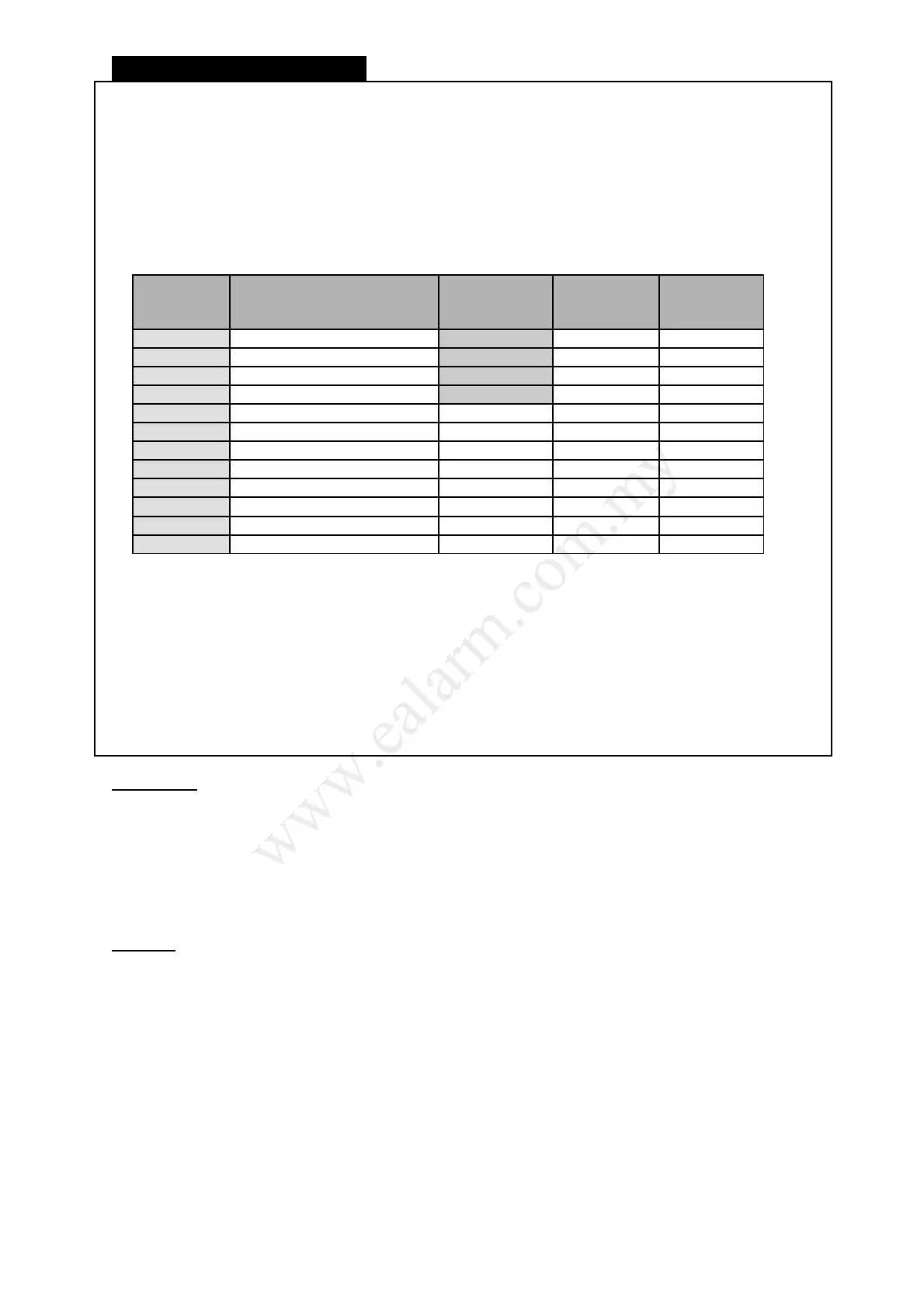
4-Digit
Address
Location
Setting Timer
Default
Value
Units
0501 System date DD-MM-YY 01/01/2018 DDMMYY
0502 System time (hour+min) 0000 HHMM
0503 Auto daily test (hour+min) 99:99 HHMM
0504 Interval time (hour+min) 99:99 HHMM
1531 Auto Away Arm Partition1 99:99 HHMM
2531 Auto Away Arm Partition2 99:99 HHMM
3531 Auto Away Arm Partition3 99:99 HHMM
4531 Auto Away Arm Partition4 99:99 HHMM
1532 Auto Disarm Partition1 99:99 HHMM
2532 Auto Disarm Partition2 99:99 HHMM
3532 Auto Disarm Partition3 99:99 HHMM
4532 Auto Disarm Partition4 99:99 HHMM
3) Enter a new time value [ ] [ ] [ ] [ ]
♪ 3 beeps to indicate a new time value is entered.
☼ You may continue to enter a new address location to program another Timer.
4) Press [ ] to exit Programming mode
☼ The Line light will turn off to indicate exit from Programming mode
Information
● All timer values must be programmed according to format.
Eg. interval time = 1 hour, Program value = ‘0100’
● Program all Timers within the allowed time range only. The functions will not operate if an invalid
time is programmed. Refer to the above table.
● Program Hour and Minute value in 24-Hour format.
● System time (address locations ‘0502’) is programmed upon the first powering up of your system.
Program the current time in hour and minutes to address locations ‘56’ and ‘57’ respectively.
Example
● Program System time as 2.30 p.m. (24-Hour format) will be '1430' at address 0502.
● Program Auto daily test time as 9.58 a.m. (24-Hour format) will be '0958' at address 0503.
L8_UM1016-v1.0
15



 To Next Page