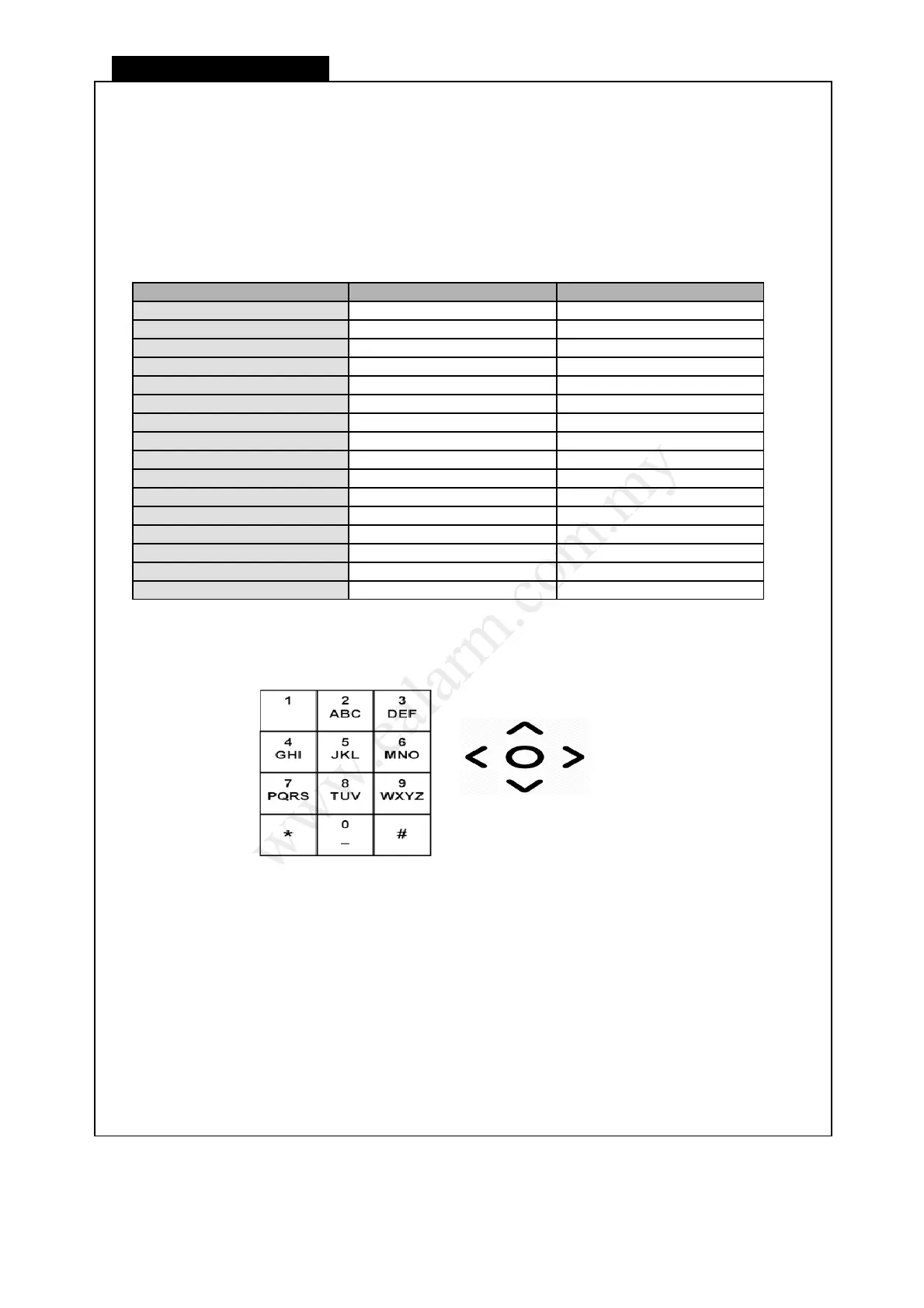
Rename the Zone
1) Press [ Master Code ] + [ 7 ]
☼ The Line light blinks to indicate Programming mode.
2) Enter 4-digit address location [ ] [ ] [ ] [ ]
☼ The existing name will be displayed by the keypad lights
3) Enter a new zone name by selecting character from keypad 0-9
4) Press right arrow or wait 3 sec to confirm character inserted.
5) Enter next character maximum up to 9 characters or press [ ] to store zone name
♪ 3 beeps to indicate a new zone name is entered.
☼ You may continue to enter a new address location to program another Timer.
6) Press [ ] to exit Programming mode
☼ The Line light will turn off to indicate exit from Programming mode
L8_UM1016-v1.0



 To Next Page