[7] RECORD (REC) button / light
Press this button to enter Record Pause mode. Press
it to start recording when the unit is in Record
Pause mode. Also used when finalizing.
[8] ERASE button / light
Use to enter Erase mode (CD-RW only) (pg. 21).
[9] SELECT jog wheel
This is the master control for the PSD340. Press
the SELECT jog wheel to switch between drives.
For most operations, you scroll through choices
with the SELECT jog wheel and press it to accept
your choice.
• In Program mode, turn to select a track, then
press to program the track.
• In Play mode, turn to select a track.
• When recording, turn to adjust recording level.
• After the MENU/STORE button is pressed, turn
the SELECT jog wheel to scroll through menu
selections and make adjustments.
[10] Tempo Change buttons
Press the “+” button to increase or the “-”
button to decrease the tempo of the disc in the
CD drive (pg.15). The key will be unaffected.
[11] Key Change buttons
Press to lower or to raise the key (musical
pitch) (pg. 15). The tempo will be unaffected.
[12] STANDBY light
STANDBY light is lit when power is switched OFF by
the Standby POWER switch on the unit or remote.
[13] Standby POWER switch
Slide the Standby POWER switch to the right to
turn power ON or OFF. The MASTER POWER
button on rear of unit must be ON (the red
STANDBY light must be lit).
[14] Display
1. TOC - Lit when TOC (disc table of contents)
information is held in memory. The table of
contents includes the total number of tracks,
playback time and other CD text if provided.
2. Record indicator - Lit when recording.
3. Pause indicator - Lit when recording or when
playback has been paused.
4. Play indicator - Lit during recording or playback.
5. PROG indicator - Lit during Programming
mode (selecting track playback sequence).
6. REPEAT indicator - Lit during a repeat opera-
tion. NOTE: When the “1” indicator is also lit,
only the currently playing track is repeated.
- 7 -
M. TUNER button
Press this button to activate the built-in tuner and
to adjust tuner settings (pg. 13).
N. VOICE REDUCTION button (VR)
Press this button to activate voice reduction. A
special processor reduces the volume of centered
lead vocals during playback of stereo CD or MP3
recordings (See pg. 16).
[2] Internal Speaker
The internal speaker allows listening to the
PSD340 recording system without having to
connect to other equipment for amplification.
[3] CD Player Drive
The top loading CD drive is for playback only. The
PSD340 can playback CD, CD-MP3, CD-R and
CD-RW discs.
The CD drive is opened by the OPEN slide switch
(3a), and closed by pushing on the corner marked
PUSH (3b).
[4] Built-In Microphone (MIC)
Internal condenser microphone.
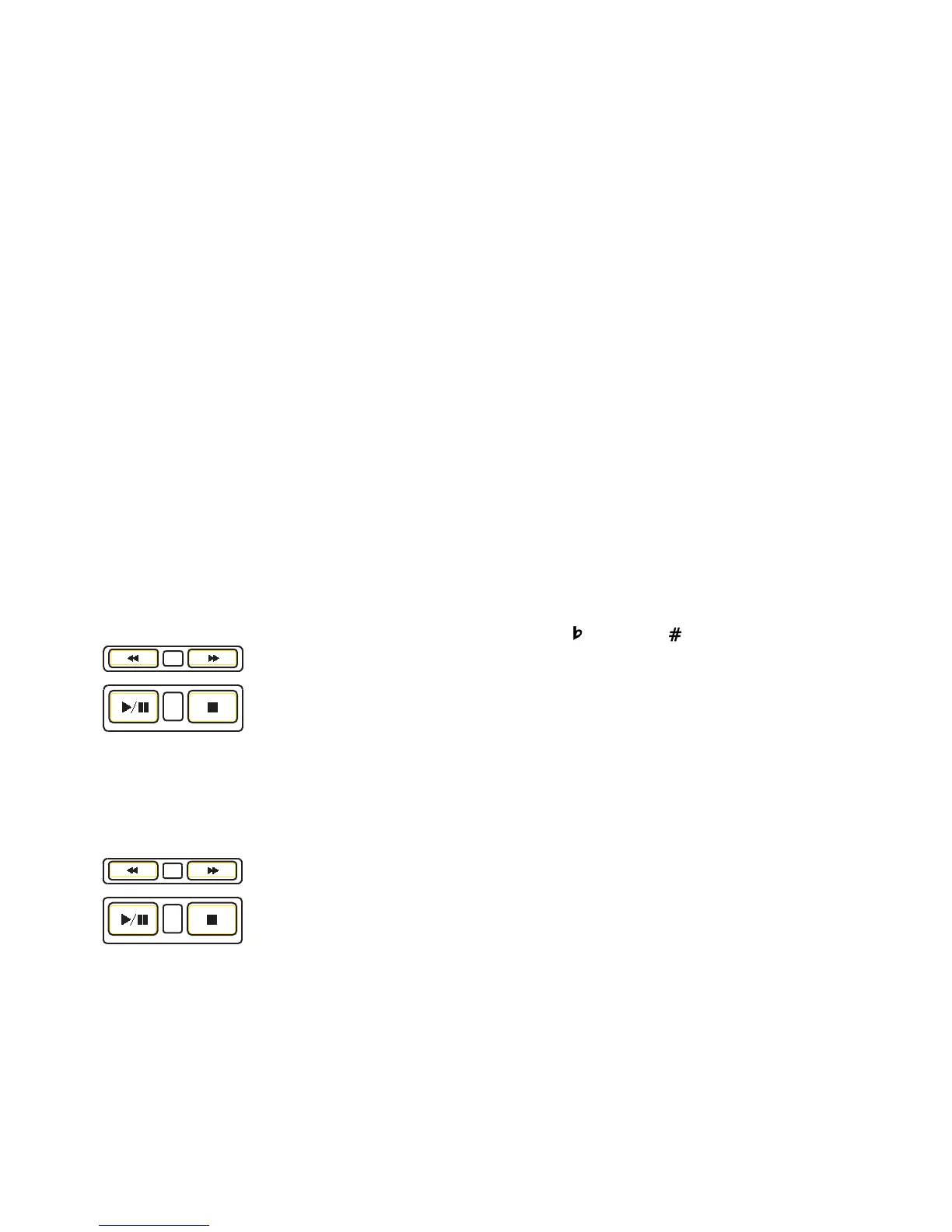
[5] Play controls
Play controls (5
-1
) control
playback of a disc in the CD
player drive [3]. Another
set of play controls (5
-2
)
control playback of a disc in
the CD-R drive (pg 9, #13 ).
A. FAST BACKWARD
SEARCH button. Hold down to go backwards
within an audio track. NOTE: Use the SELECT
jog wheel to change tracks.
RECORD-REVIEW button.
For the CD-R drive, the
FAST BACKWARD SEARCH
button (A) also controls the
RECORD REVIEW feature.
Press this button while
recording, or after the
recording has been stopped, and the unit will
stop and play back the last track recorded.
B. FAST FORWARD search button. Hold down to
advance within an audio track.
C. PLAY/PAUSE button
D. STOP button
[6] FINALIZE button / light
Press this button to enter CD-R Finalize mode (pg. 21 ).
(Fig. 5-1)
A
B
C
D
REC REVIEW
(Fig. 5-2)
AB
C
D



 To Next Page