10
CONFIGURATION
This section discusses how to configure the Xpert to operate with the GPRS modem.
There are three different places you’ll go to use and configure the Xpert for GPRS
communications:
GPRS Properties - Setup Tab
GPRS Blocks - Graphical Setup and EzSetup
Basic Entry - Setup Tab
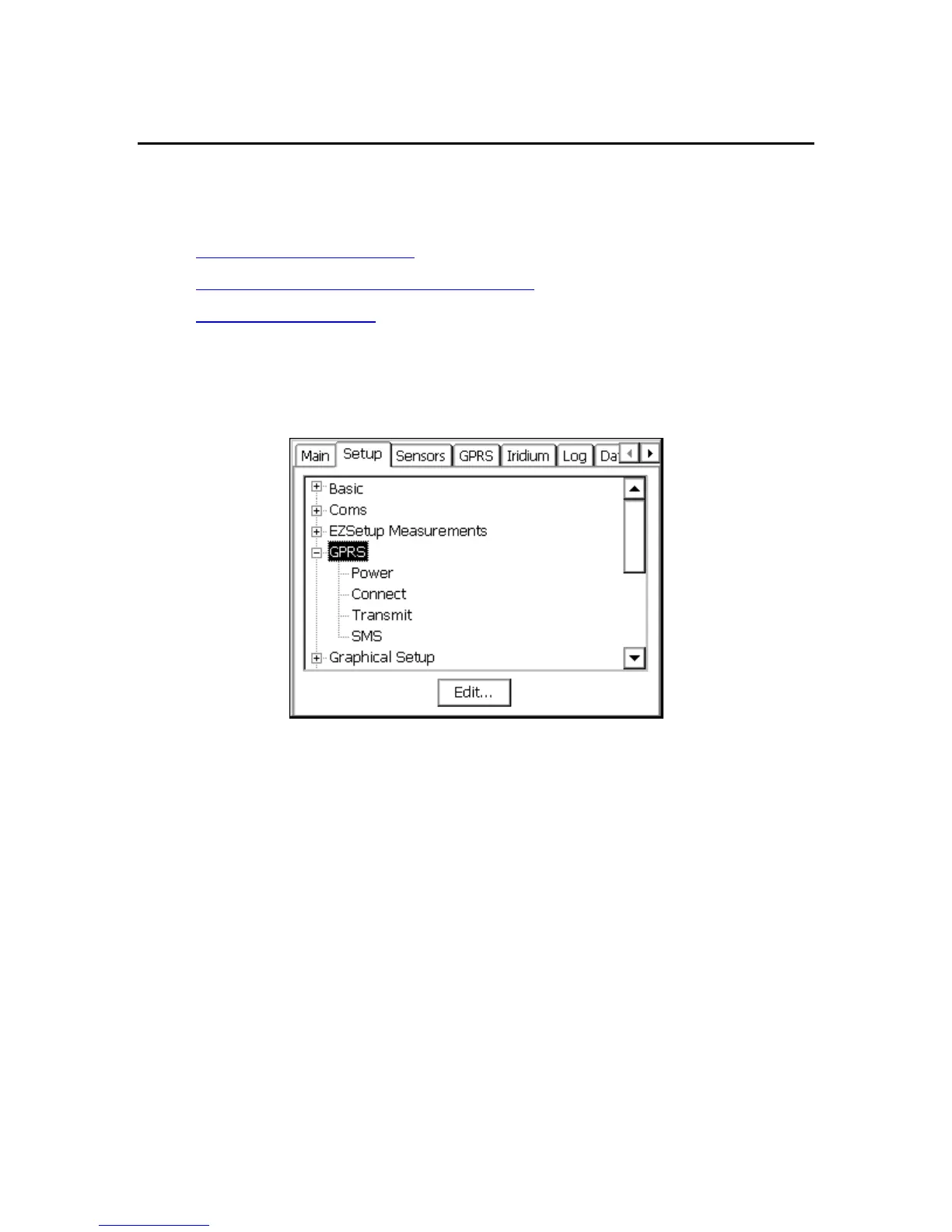
The first, and the one this section discusses in detail, is an entry under the Setup Tab
named “GPRS”. This entry is used to configure how Xpert talks GPRS over a selected
communication port.
Figure 2: The GPRS entry on Setup Tab
GPRS Properties
To access the dialog containing GPRS configuration properties, select the “GPRS” entry
and press “Edit”. The following dialog appears:



 To Next Page