27
To create an alarm formatting routine, create a function with an “ALARM_” prefix and a
single parameter in which the group number will be passed. The return value of the
function becomes the buffer. For example:
Public Function ALARM_Formatter(Group)
ALARM_Formatter = "Test Alarm Reporting Message: " +
Str(Group)
End Function
It's possible to append to the buffer, as opposed to simply overwriting it, by taking
advantage of string concatenation. The following example appends its message to the
current buffer:
Public Function SELFTIMED_STFormatter
SELFTIMED_STFormatter = SELFTIMED_STFormatter + "Test
Selftimed Message"
End Function
More than one formatting function can exist in your program, but only one self-timed and
one alarm function may be active at one time. The active routine is selected in the Iridium
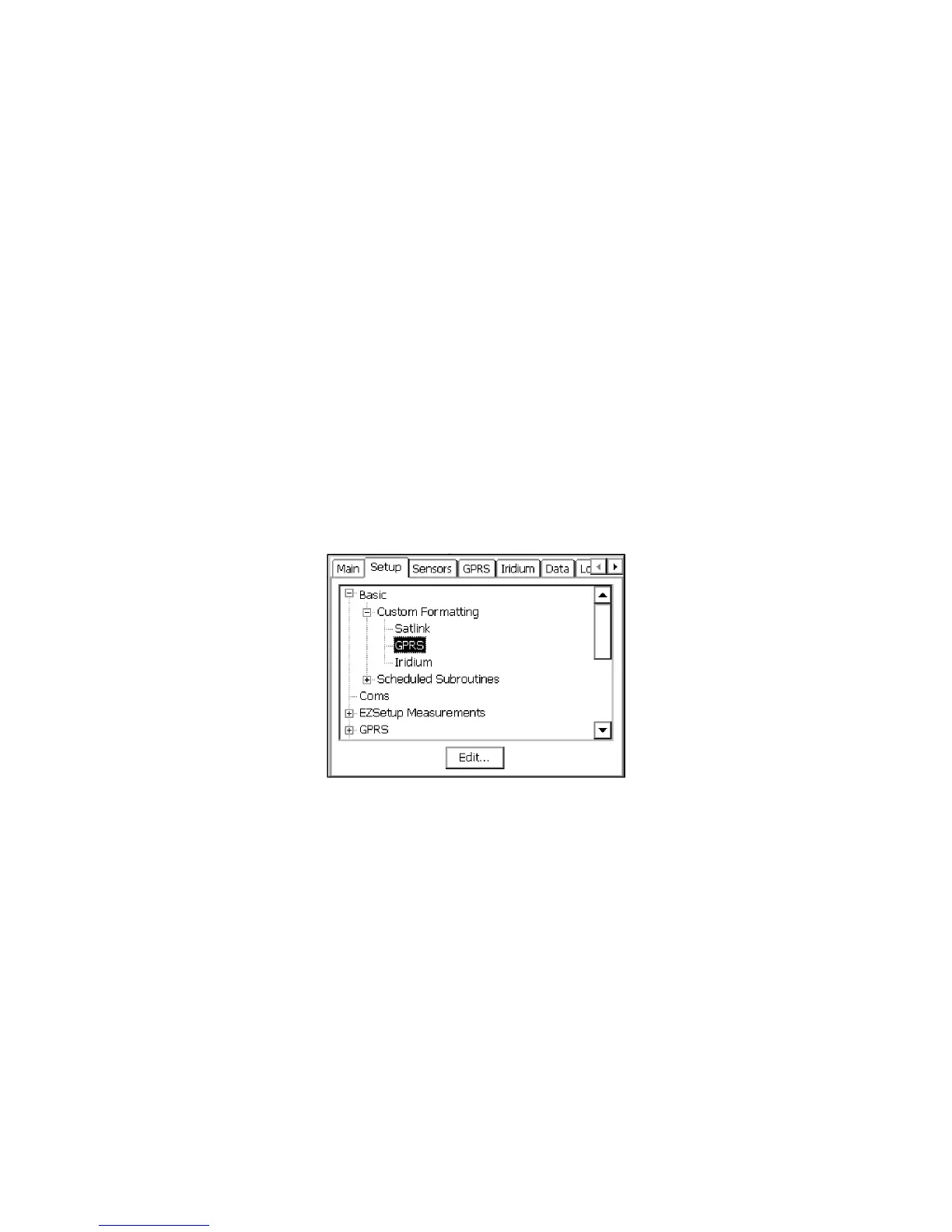
Custom Formatting entry under Basic, on the Setup tab:
Figure 15: GPRS Custom Formatting Entry



 To Next Page