34
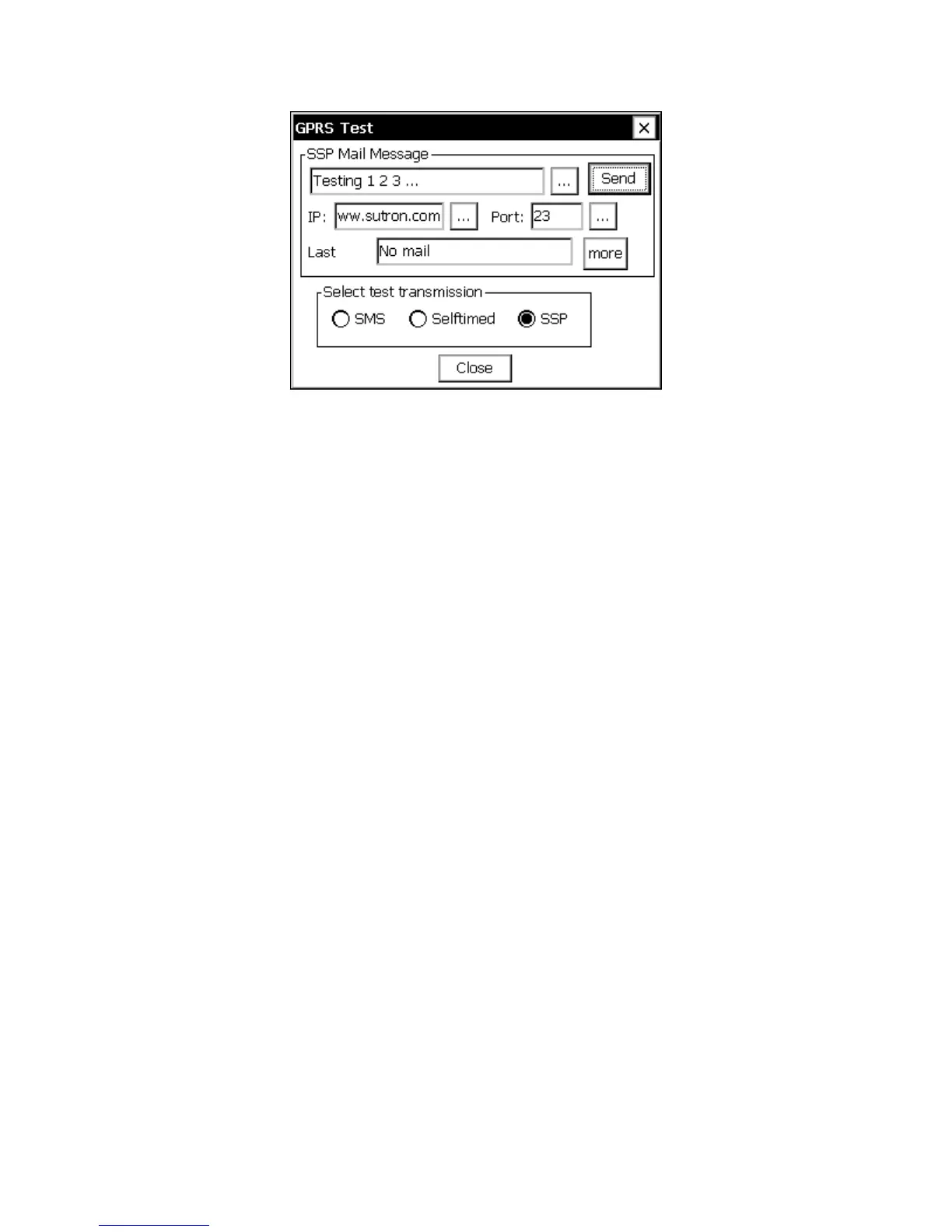
Figure 19: SSP Test Transmission
The fields in the SSP Test Transmission Dialog are defined as follows:
SSP Test Message
Enter a message to send.
IP
Enter the IP address or URL of the server (or RTU) that is to receive the message.
Port
TCP/IP port number of the service handling SSP messages on the server. The default SSP
service on an RTU is the Telnet service which used port 23.
Send
Send the message
Last
The last SSP message received
More
The last 5 SSP messages received
Select test transmission
Select SSP



 To Next Page