15
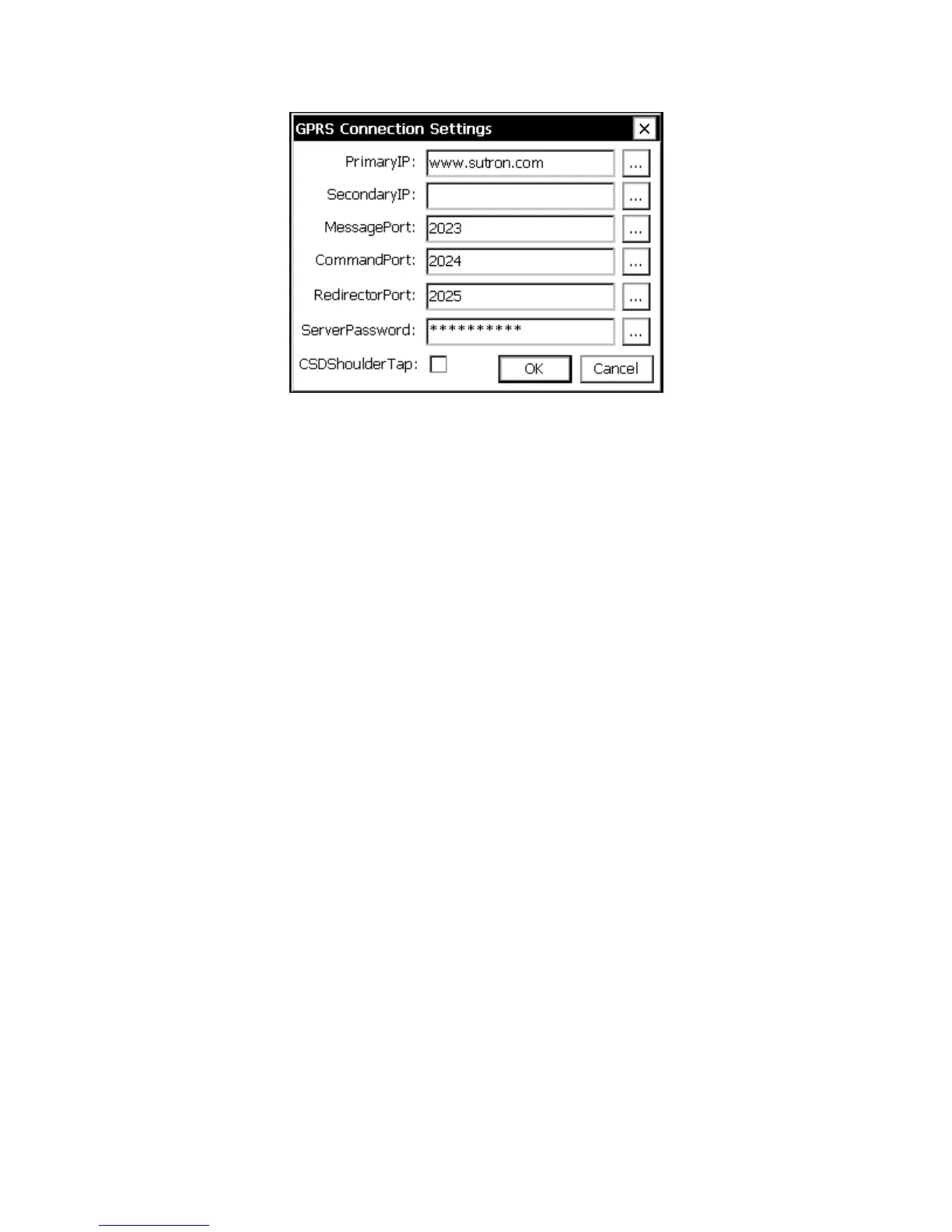
Figure 6: GPRS Connection Settings Dialog
PrimaryIP and SecondaryIP
Static IP’s and VPN access are not always available, which means it will not always be
possible for a server to establish a connection with the Xpert. To deal with this, the Xpert
can be configured to initiate contact with a server and send messages or wait for
commands.
When the GPRS modem initiates a connection to the master station, the Xpert tries using
“PrimaryIP” up to a certain number of times, and then try “SecondaryIP” up to a certain
number of times, with a few seconds pause between each attempt. The Xpert shall repeat
this cycle until a connection succeeds.
MessagePort, CommandPort, and RedirectorPort
The Xpert can connect to a master station for different purposes, and in order for the
master station (and firewalls) to sort out that purpose specific TCP/IP ports are used. If
you do not wish to use a service, you may specify 0 for the port value. The values entered
here should agree with the values used by the master station and any firewalls in
between:
Message Port – used to receive self-timed and alarm transmissions from the Xpert
in various ASCII data formats or SSP.
Command Port – used for SSP/CL command processing, so that the user can
change the setup, and view data in the Xpert directly through something like
Tempest.
Redirector Port – used for third-party SSP/CL communications redirected to
Xpert, so the user can change the setup, and view data. An example would be if
the user could not log onto Tempest directly, he or she can use something like a
HyperTerminal session to communicate to the Tempest to contact the Xpert unit.



 To Next Page