24
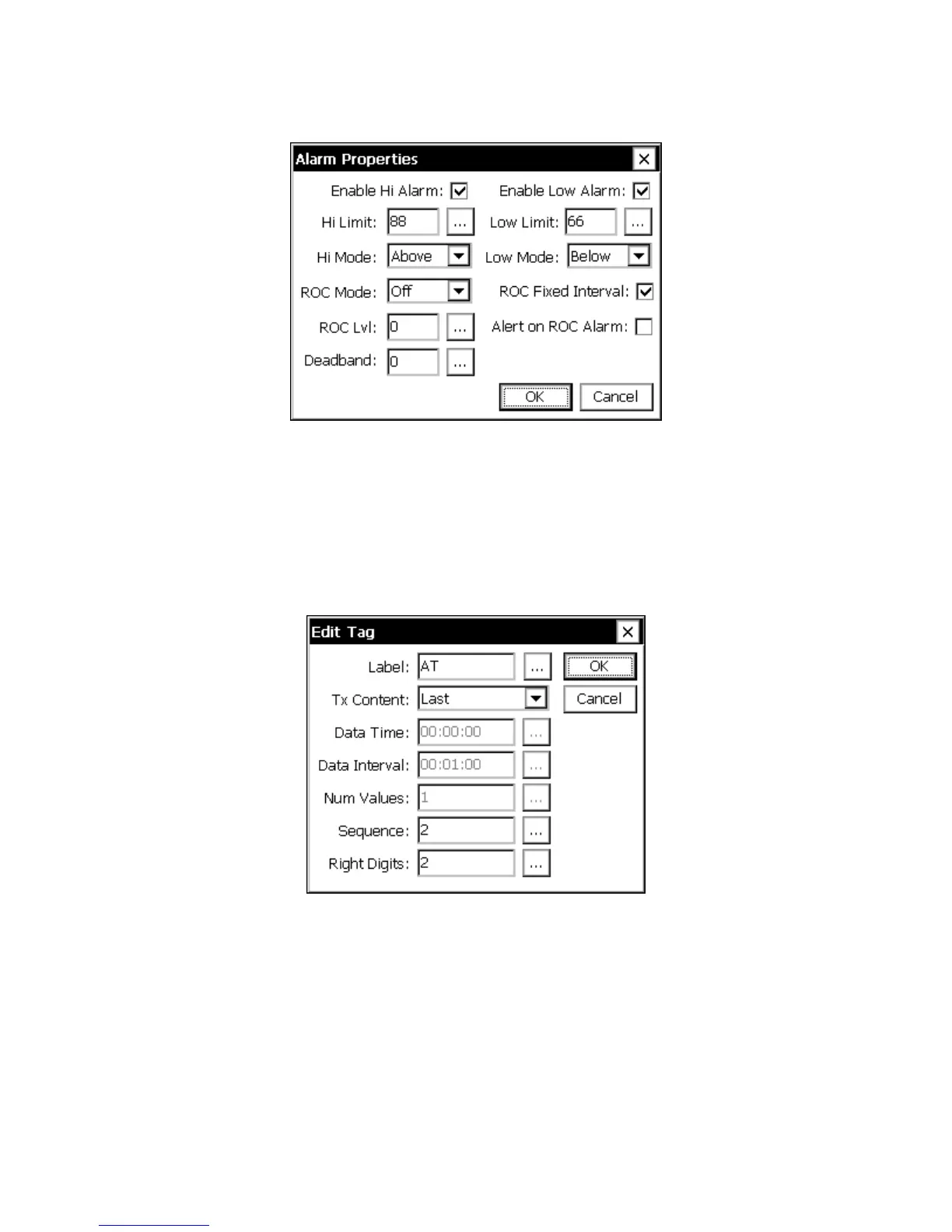
Figure 11: Alarm Block Dialog
GPRS Block Properties
To view and edit the properties of the GPRS block, tap the block and select “Edit
Properties” in the pop-up menu that results (in EzSetup, simply press the GPRS button).
The following dialog is shown:
Figure 12: GPRS Edit Tag Dialog
The GPRS Edit Tag dialog is used to edit the properties of the GPRS block that “tags”
the data point for transmission.
Label
Label defines the “name” of the data. Some formats (e.g., SHEF) include this Label in the
transmission.



 To Next Page