19
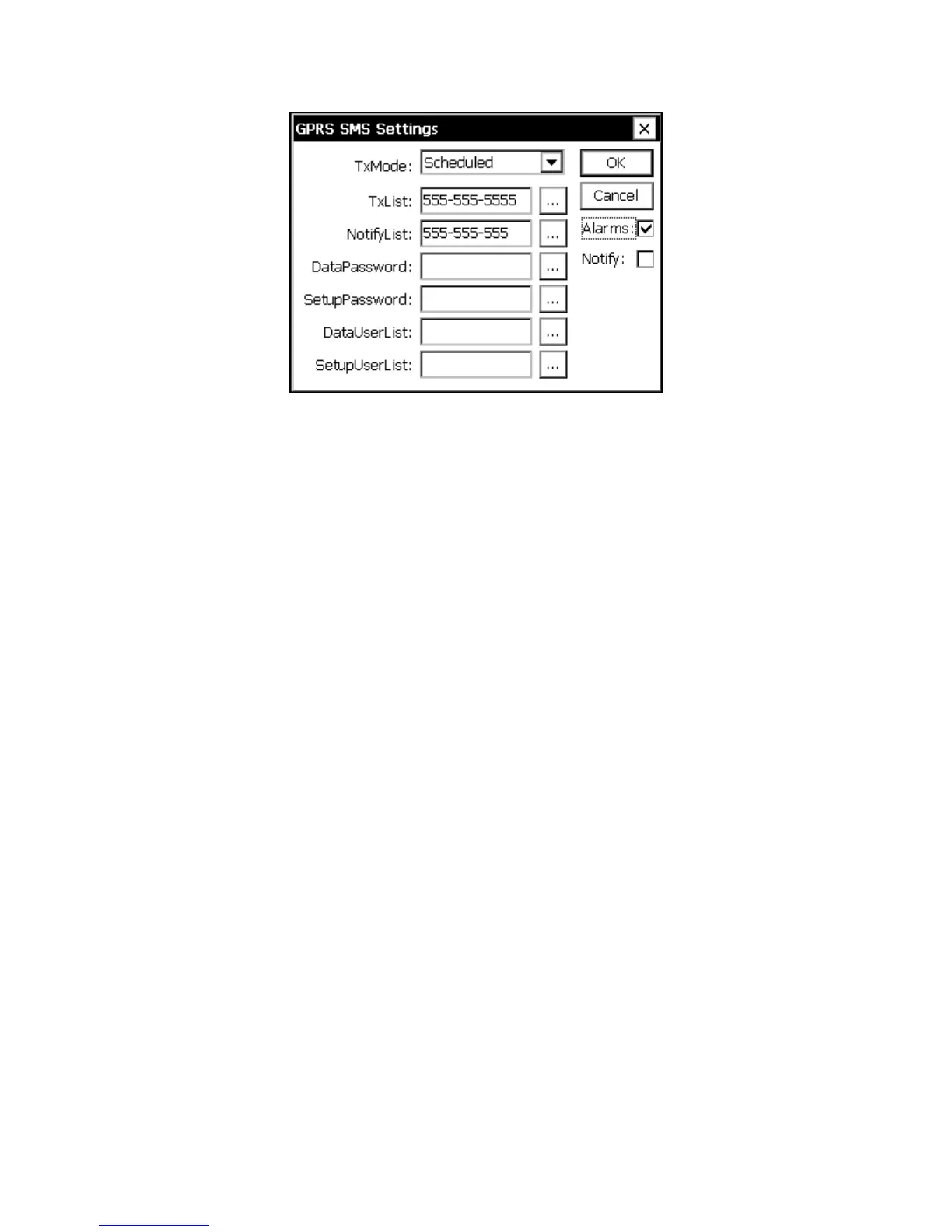
Figure 9: SMS Settings
TxMode
TxMode allows the user to receive self-timed transmissions using SMS communication.
An example of this is when wanting to receive self-timed transmissions through your
phone.
When TxMode is set to “Scheduled”, and TxList has a phone number in it the user will
receive text messages with self-timed transmissions every time a self-timed transmission
is supposed to occur based on TxInterval, and TxTime in GPRS Transmission settings. If
the self-timed transmission does not get through to the master station, the SMS self-timed
transmission will be delayed due to the retries, but will still be attempted.
When TxMode is set to “Fallback”, and TxList has a phone number in it the user will
receive text messages with self-timed transmissions every time a self-timed transmission
doesn’t get through to the master station using the GPRS link. While it’s not always
possible there are circumstances where a GSM SMS text message can get through when a
GPRS data transmission cannot.
The format of the SMS self-timed transmission will be based on the TxFormat set in
GPRS settings. Expect if the format is “SSP” due to it being in binary – in that case
“Text” will be used.
CAUTION: SMS transmissions whether scheduled or fallback are limited to 160 bytes
of data. Users will have to limit their data sent per transmission or else the SMS message
may not be able to contain it all.
TxList
Allows to user to choose what phone numbers get the self-timed, and alarm transmissions
based on what TxMode, and/or AlarmEnable is set too. Separate phone numbers with a
comma “,”.



 To Next Page