own App, go to the PLAN & CREATE section of your profile and
select App Designer.
2. Add Suunto App to a sport mode. Connect your Suunto Ambit2
to your Movescount account to synchronize Suunto App to the
watch. The added Suunto App will show the result of its
calculation while you exercise.
NOTE: You can add up to five Suunto Apps to each sport mode.
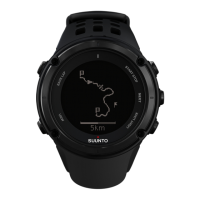
5.5 Inverting display
You can invert the display of your Suunto Ambit2 from light to dark
or vice versa.
To invert the display in the settings:
1. Keep [Next] pressed to enter the options menu.
2.
Press [Next] to enter the
GENERAL
settings.
3.
Press [Next] to enter
Tones/display
.
4.
Scroll to
Invert display
with [Start Stop] and accept with [Next].
19














 To Next Page