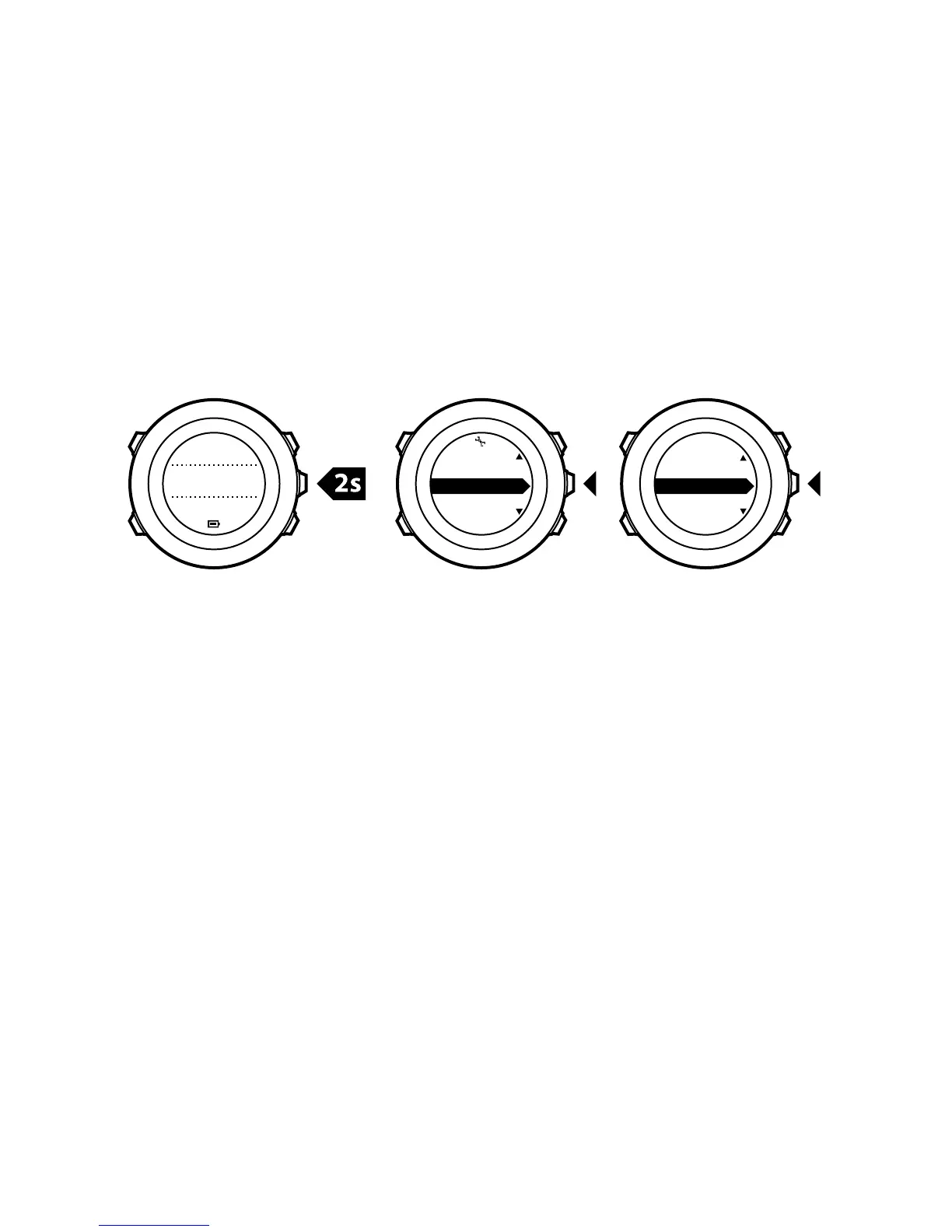
1. Keep [Next] pressed to enter the options menu.
2.
Scroll to ALTI-BARO with [Light Lock] and enter with [Next].
3.
Press [Next] to select Profile.
4.
Scroll the profile options (Automatic, Altimeter, Barometer) with
[Start Stop] or [Light Lock]. Select a profile with [Next].
9.4.2 Setting reference values
To set the sea level pressure and altitude reference values:
1. Keep [Next] pressed to enter the options menu.
2.
Scroll to ALTI-BARO with [Light Lock] and enter with [Next].
3.
Scroll to Reference with [Light Lock] and enter with [Next].
4. The following setting options are available:
•
FusedAlti: GPS is switched on and the device starts calculating
altitude based on FusedAlti. For more information, see
9.8 FusedAlti
.
•
Manual altitude: Set your altitude manually.
•
Sea level pressure: Set the sea level pressure reference value
manually.
5. Set the reference value using [Start Stop] and [Light Lock].
Accept the setting with [Next].
58














 To Next Page