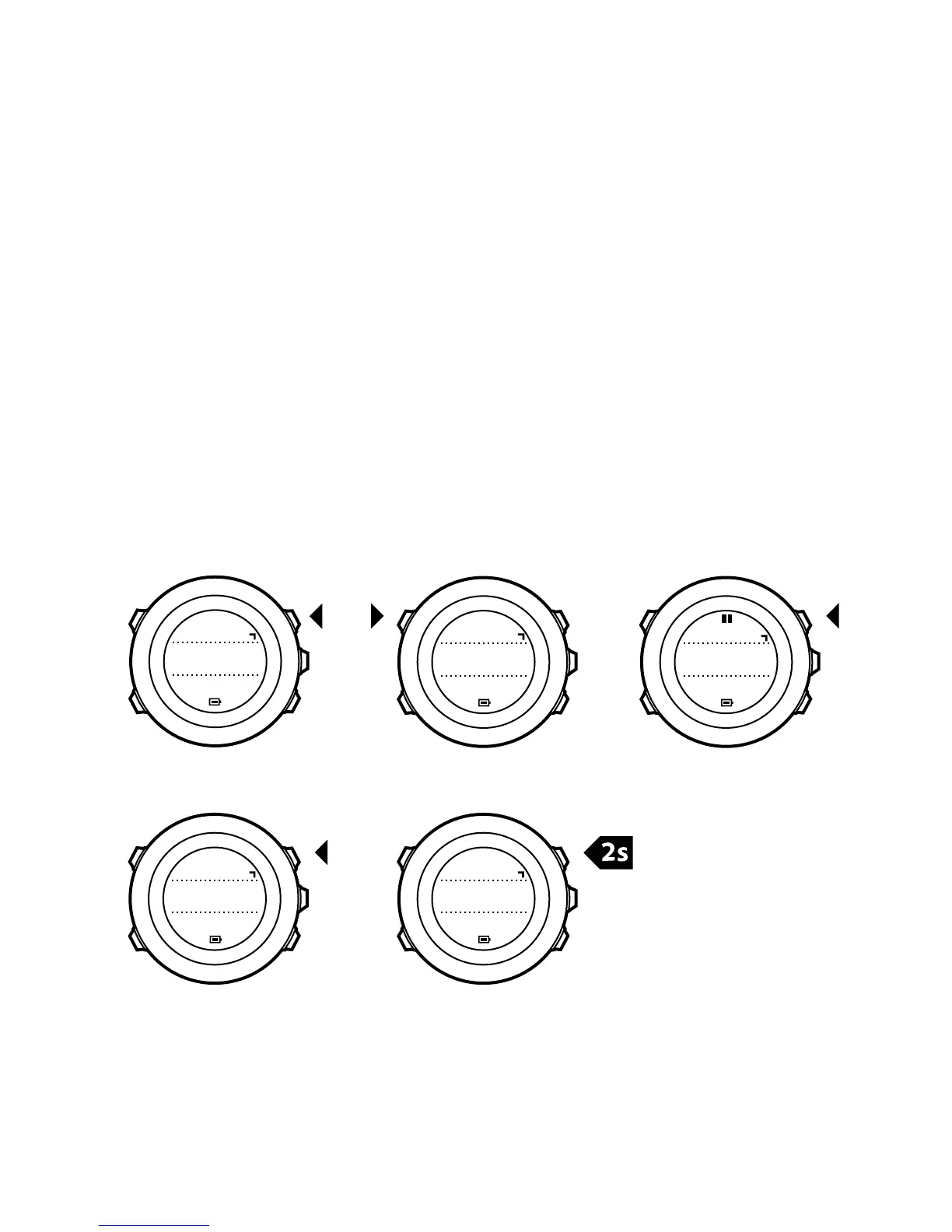
7.2 Using stopwatch
To use the stopwatch:
1. In the activated stopwatch display, press [Start Stop] to start
measuring time.
2. Press [Back Lap] to make a lap, or press [Start Stop] to pause the
stopwatch. To view the lap times, press [Back Lap] when the
stopwatch is paused.
3. Press [Start Stop] to continue.
4. To reset the time, keep [Start Stop] pressed when the stopwatch
is paused.














 To Next Page