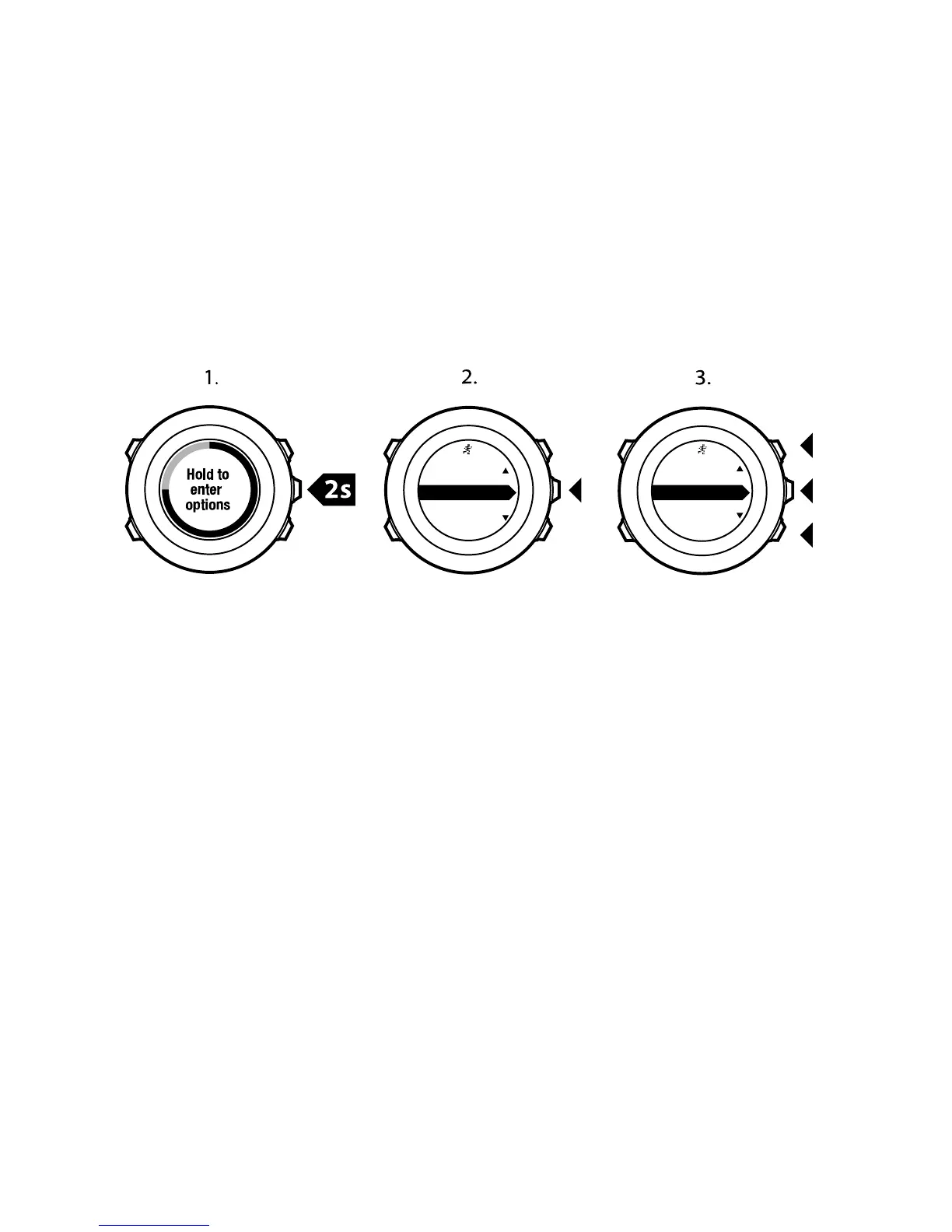
To track back during exercise:
1. While you are in a sport mode, keep [Next] pressed to access the
options menu.
2.
Press [Next] to select NAVIGATION.
3.
Scroll to Track back with [Start Stop] and select with [Next].
You can now start navigating your way back the same way as
during route navigation. For more information about route
navigation, see
8.4.3 During navigation
.
Track back
can also be used from the logbook with exercises that
include GPS data. Follow the same procedure as in
8.4.2 Navigating
a route
. Scroll to
LOGBOOK
instead of
Routes
, and select a log to
start navigating.
11.6.10 Autopause
Autopause pauses the recording of your exercise when your speed is
less than 2 km/h. When your speed increases to more than 3 km/h,
the recording continues automatically.
92














 To Next Page